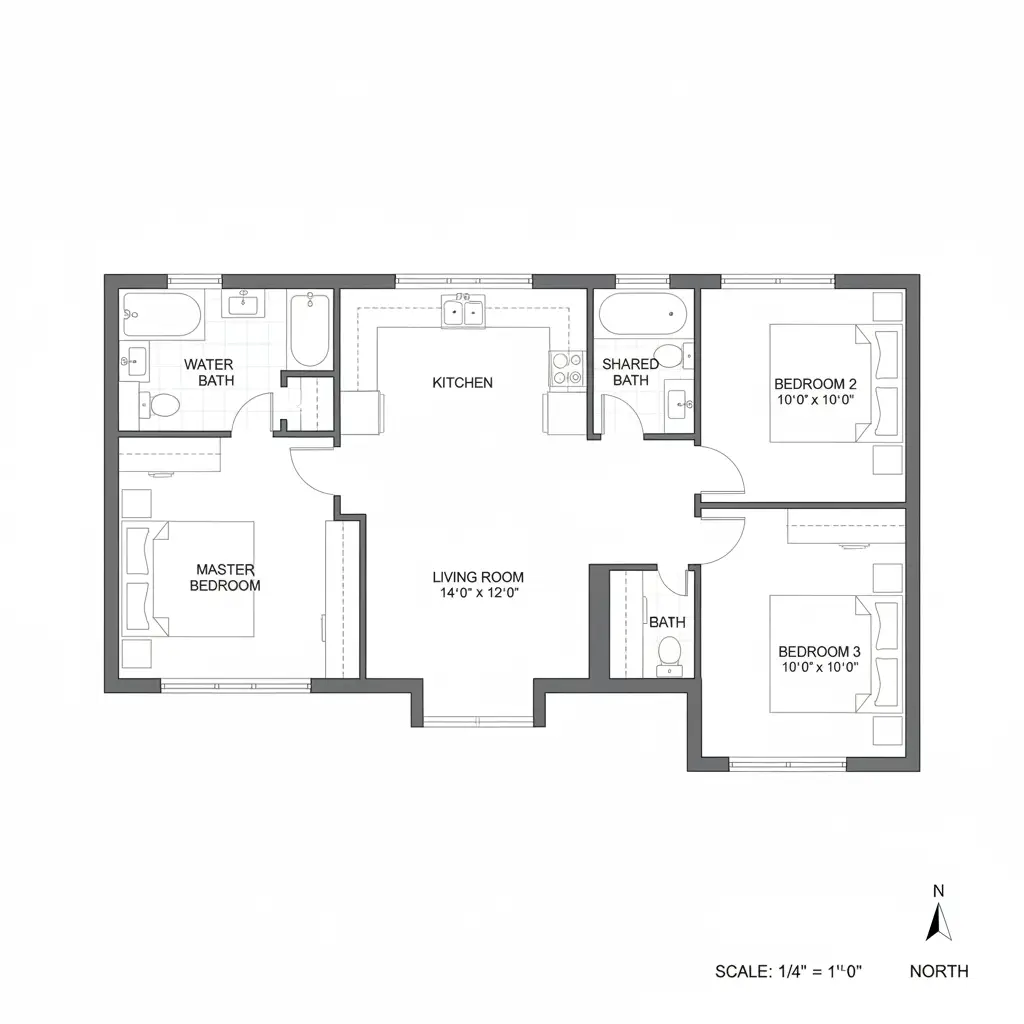
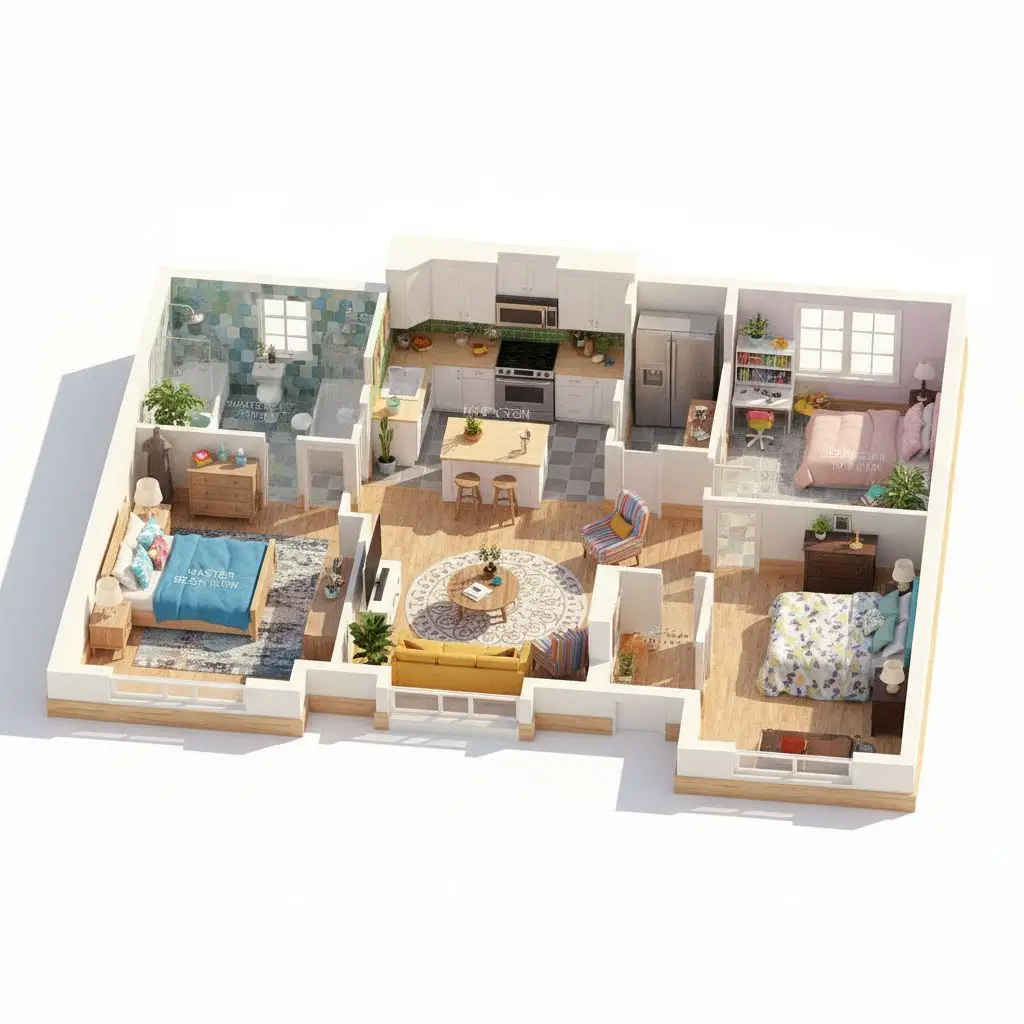
 BeforeAfter
Upload, camera, or try examples
PNG, JPG, JPEG, WEBP up to 50MB
Design Presets
Initial : Realistic, Top, White
Upload a floor plan and instantly visualize the layout as a realistic 3D space with clear spatial relationships.
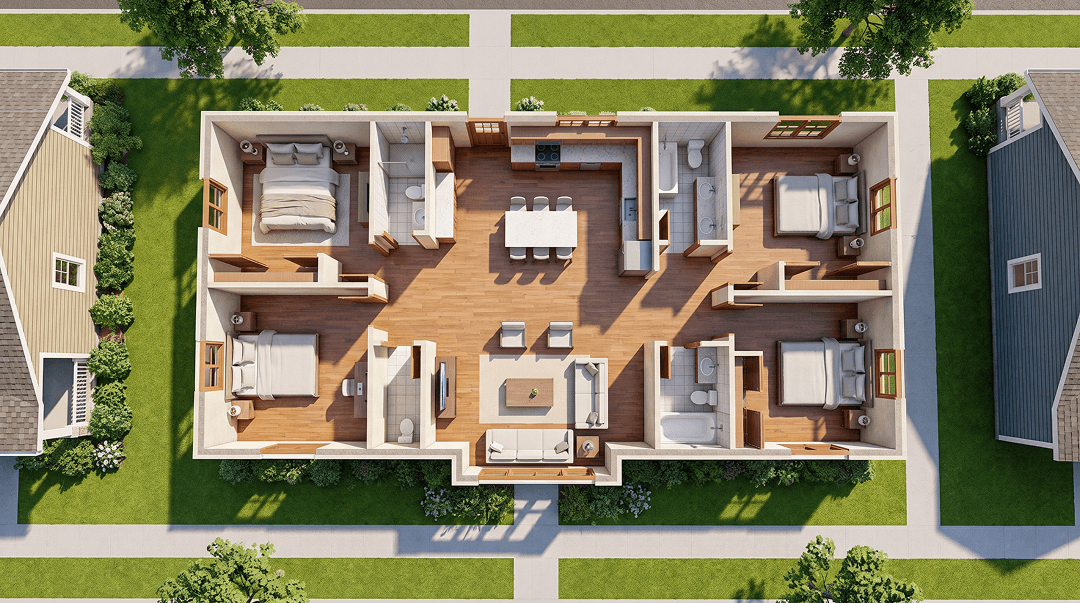
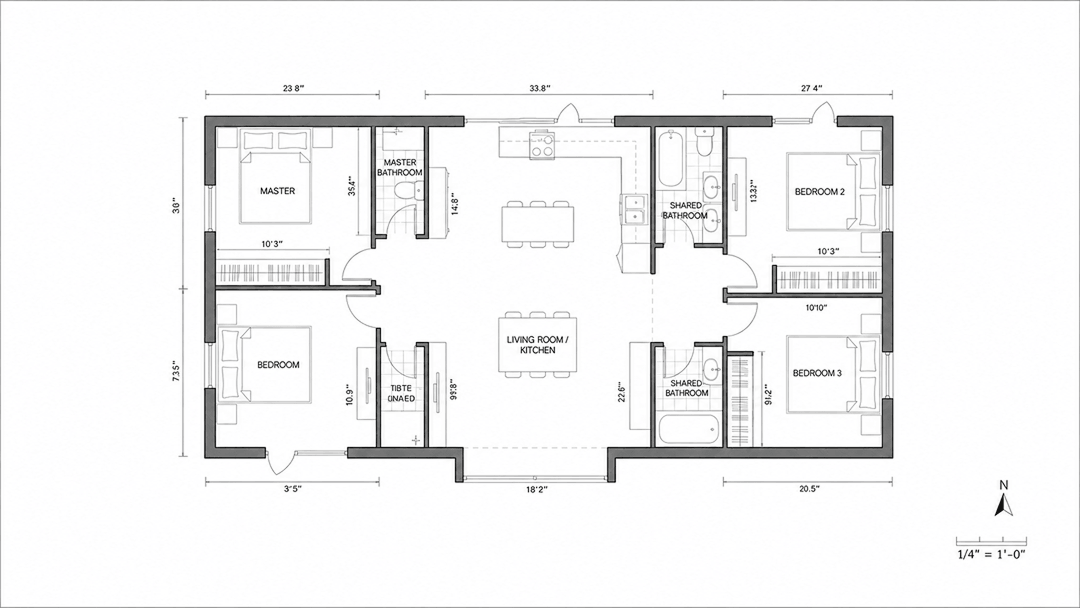 Original3D floor plan
Create your first design
Upload a photo of your home to quickly generate your first AI renovation design.
Create your first design
Convert a Floor Plan to 3D with AI
Convert a 2D floor plan into a 3D layout for faster visualization. Upload your plan and generate a 3D floor plan with Dehome.
2D to 3D Floor Plan Examples
Explore 3D floor plan examples for apartments, family homes and office spaces. Compare each 2D layout with a furnished 3D view to see room connections, furniture placement and how the space comes together.
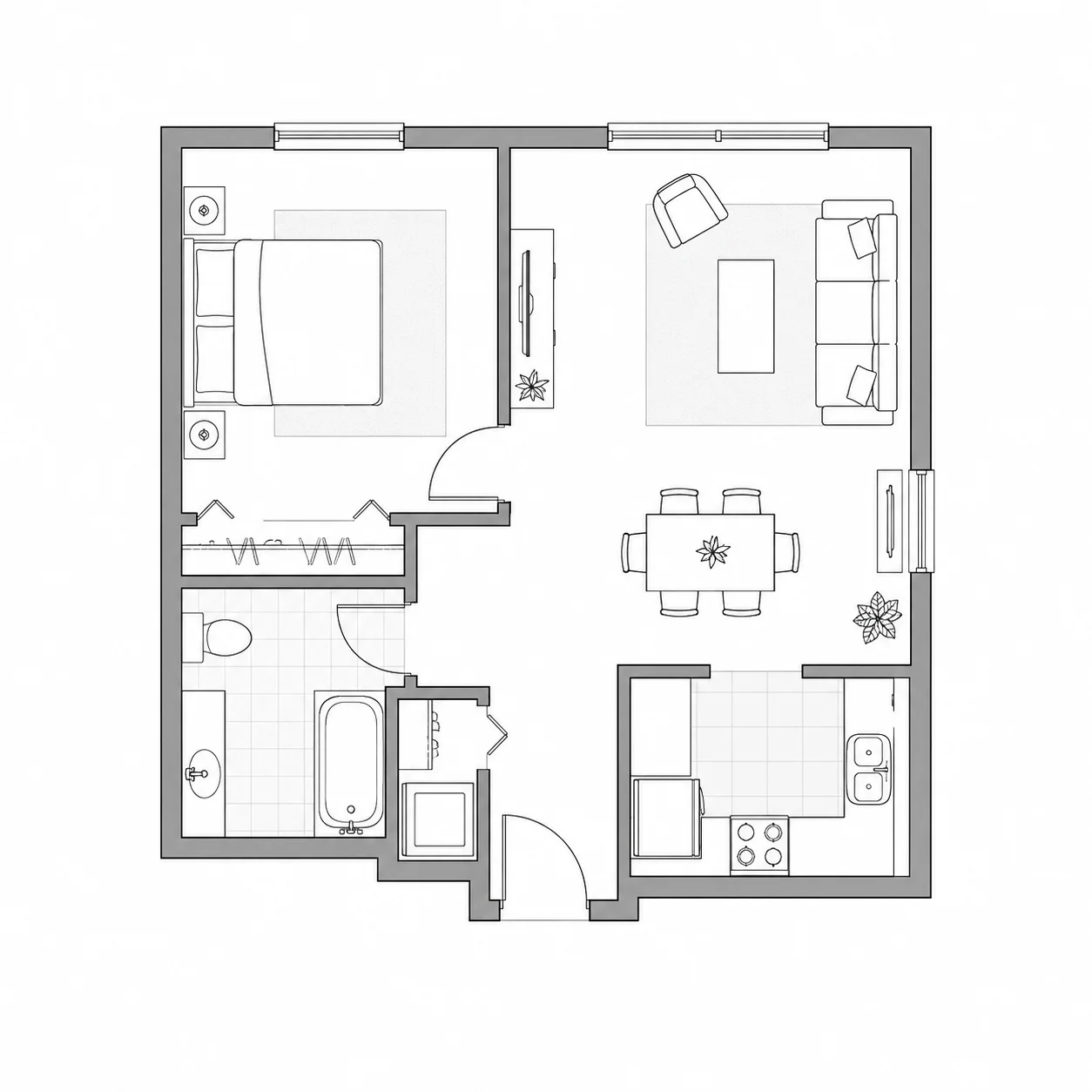
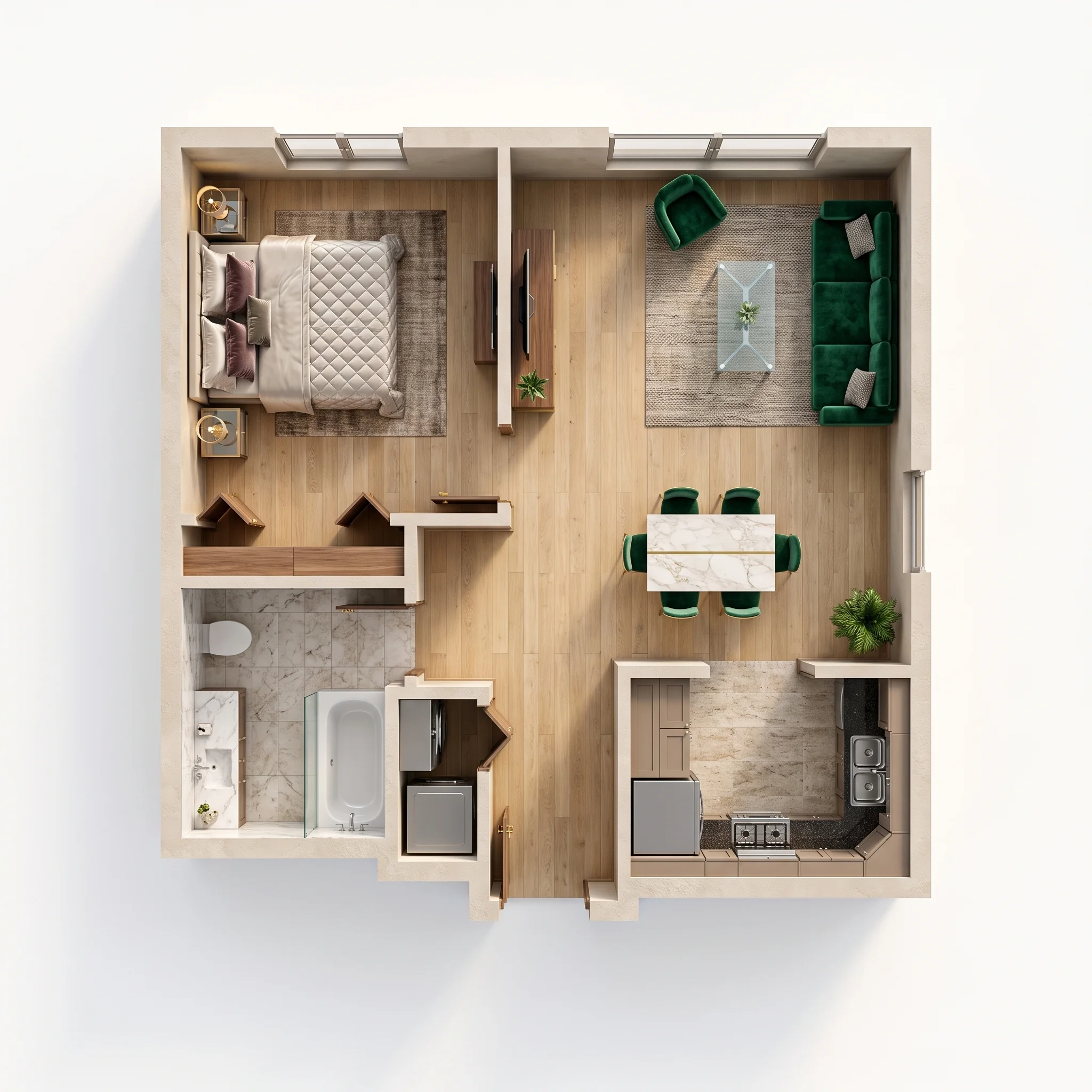
One-Bedroom Apartment
See a one-bedroom apartment floor plan in 3D, with a clearer view of the bedroom, bathroom and living area.
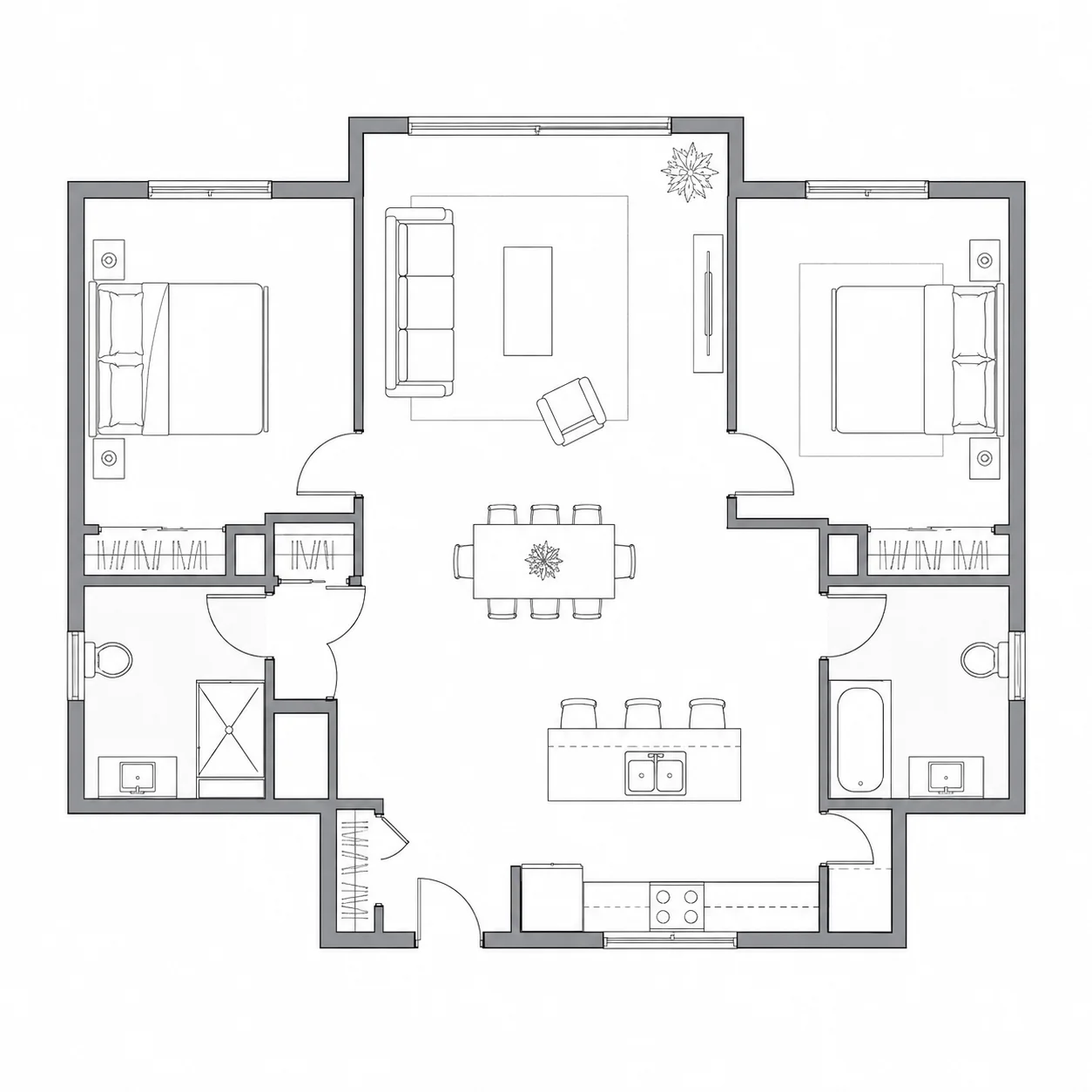
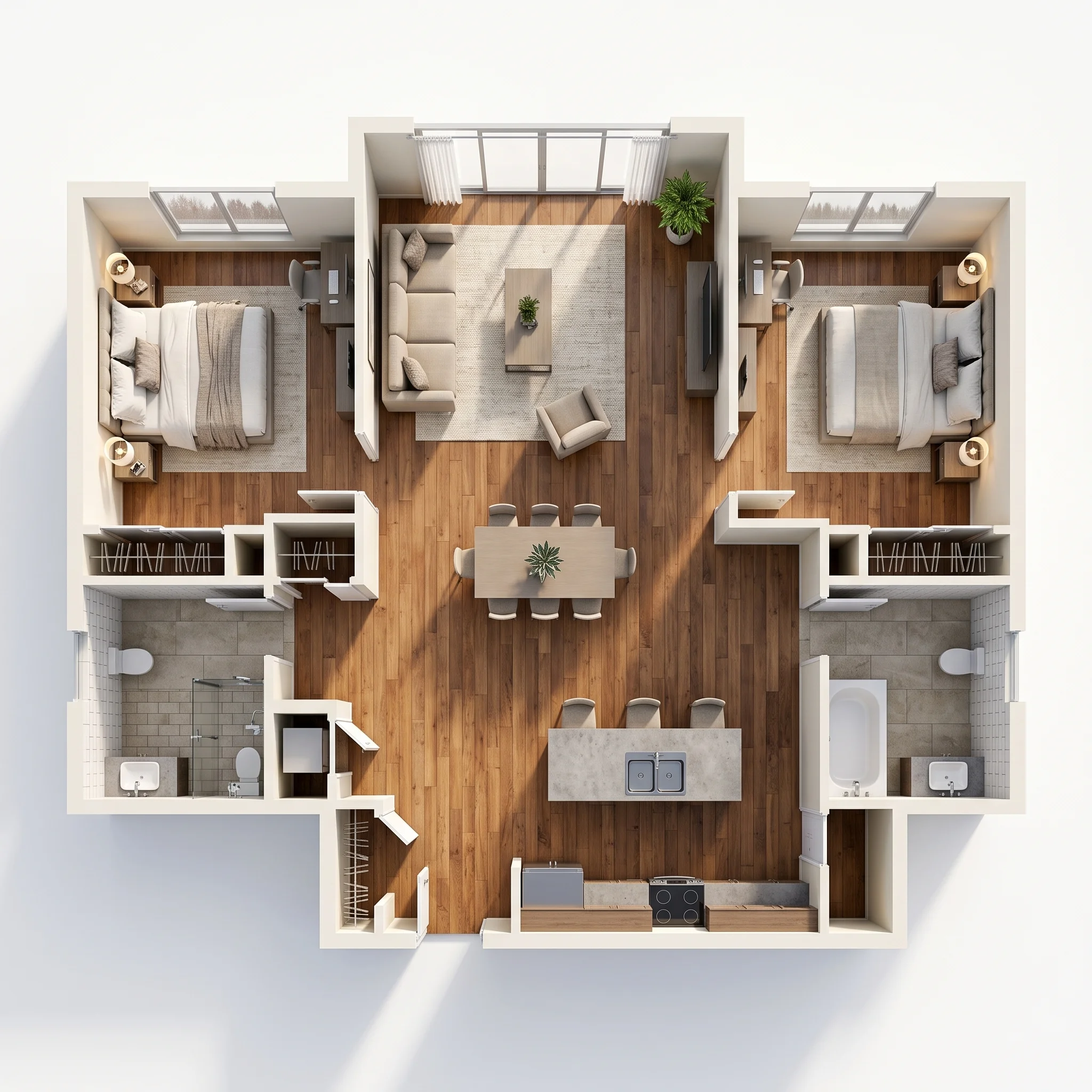
Two-Bedroom Home
Explore how two bedrooms connect with the shared living spaces in a furnished 3D floor plan.
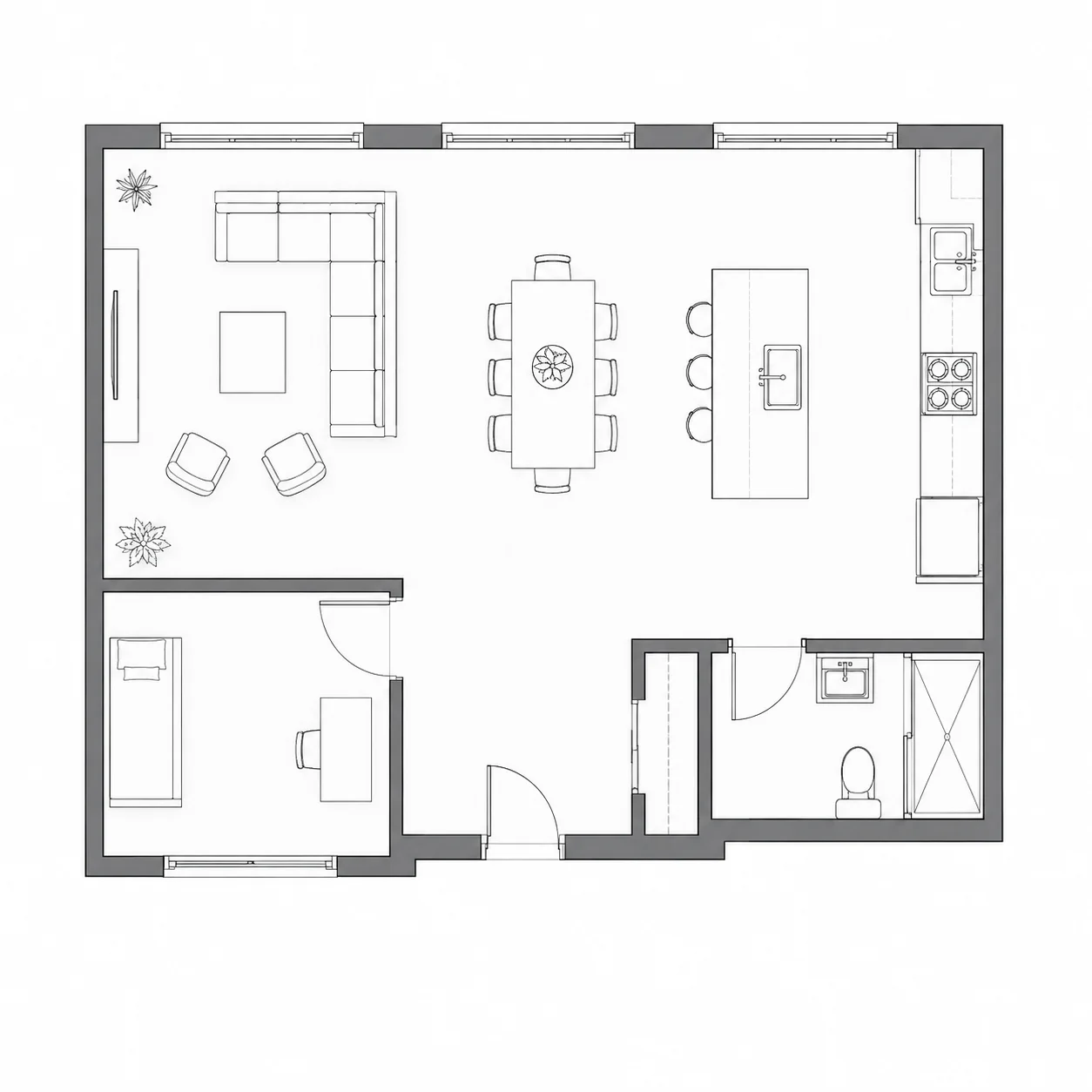
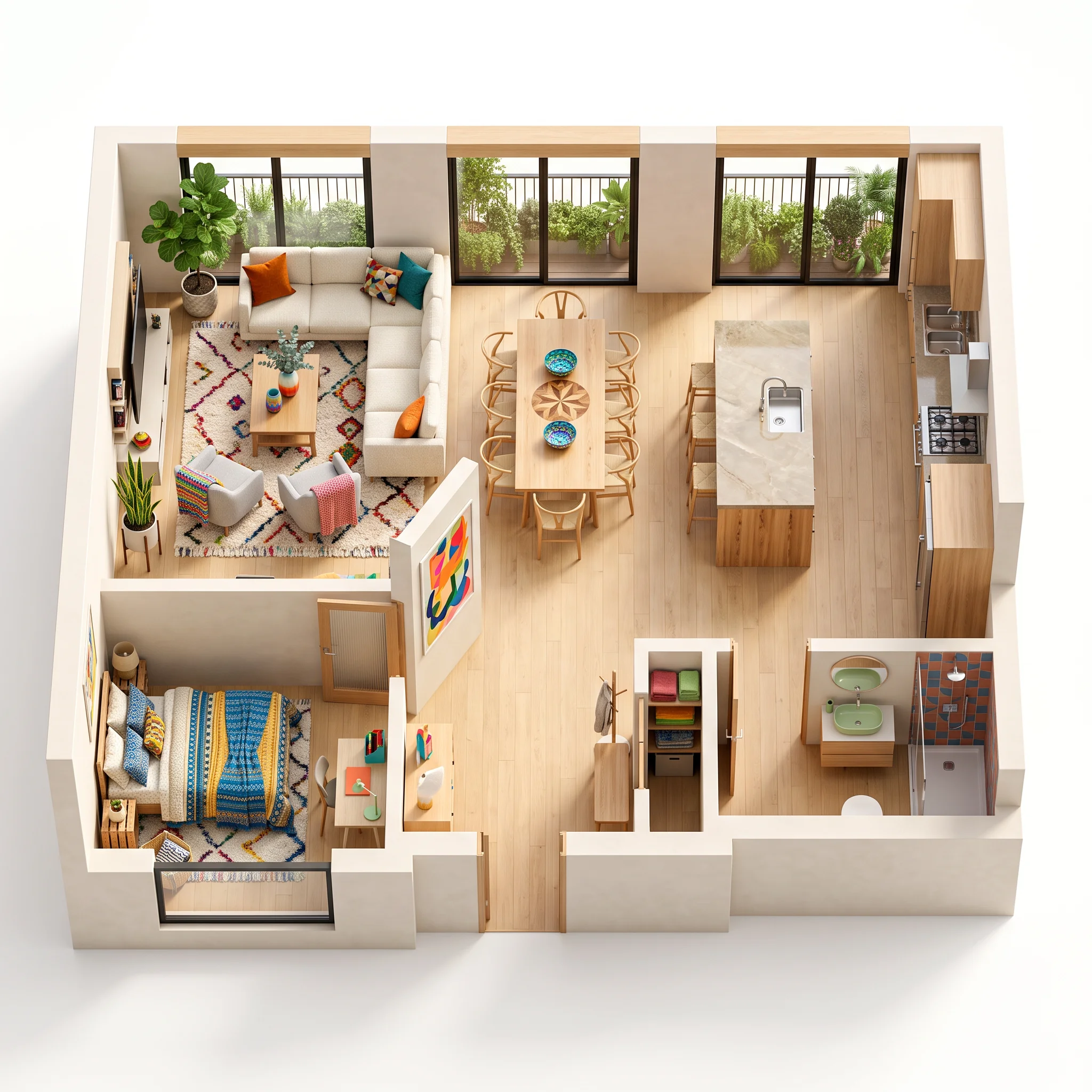
Open-Plan Living Space
Visualize the relationship between the kitchen, dining and living areas in an open-plan layout.
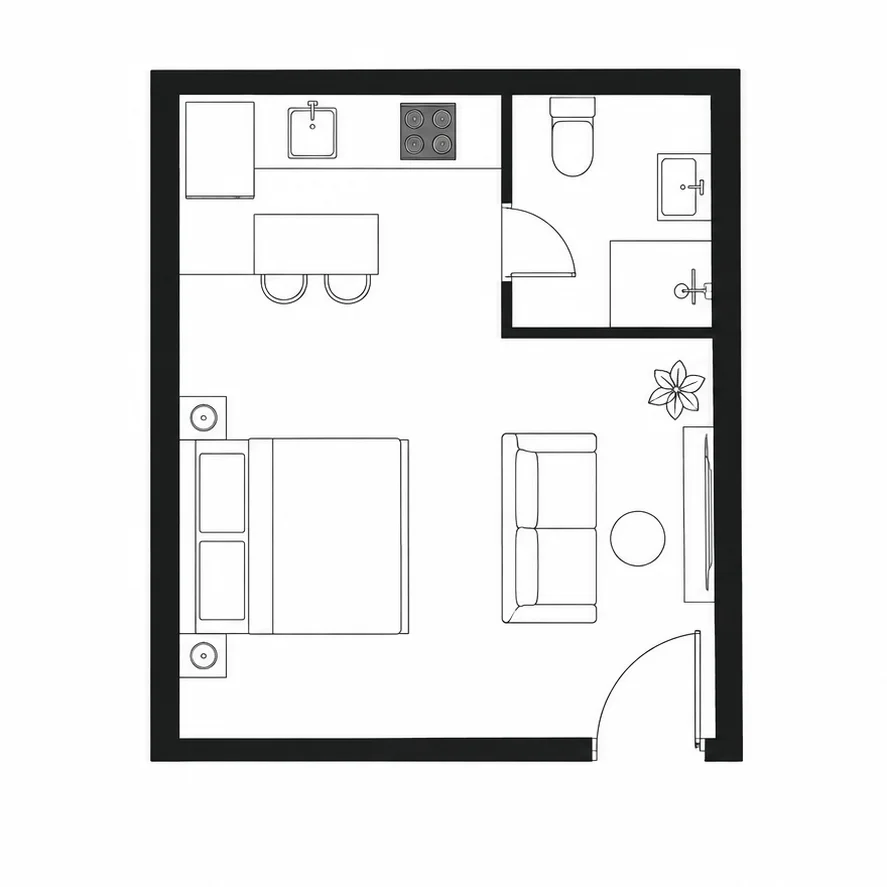
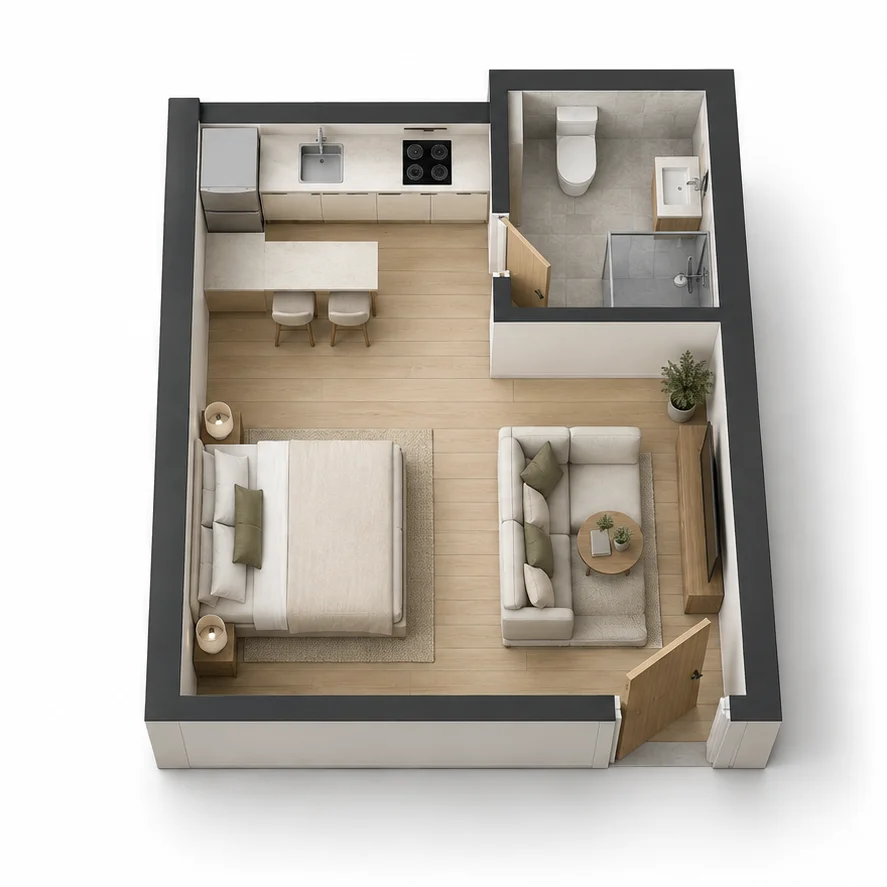
Studio Apartment
See how sleeping, cooking and living zones fit together in a compact studio apartment floor plan.
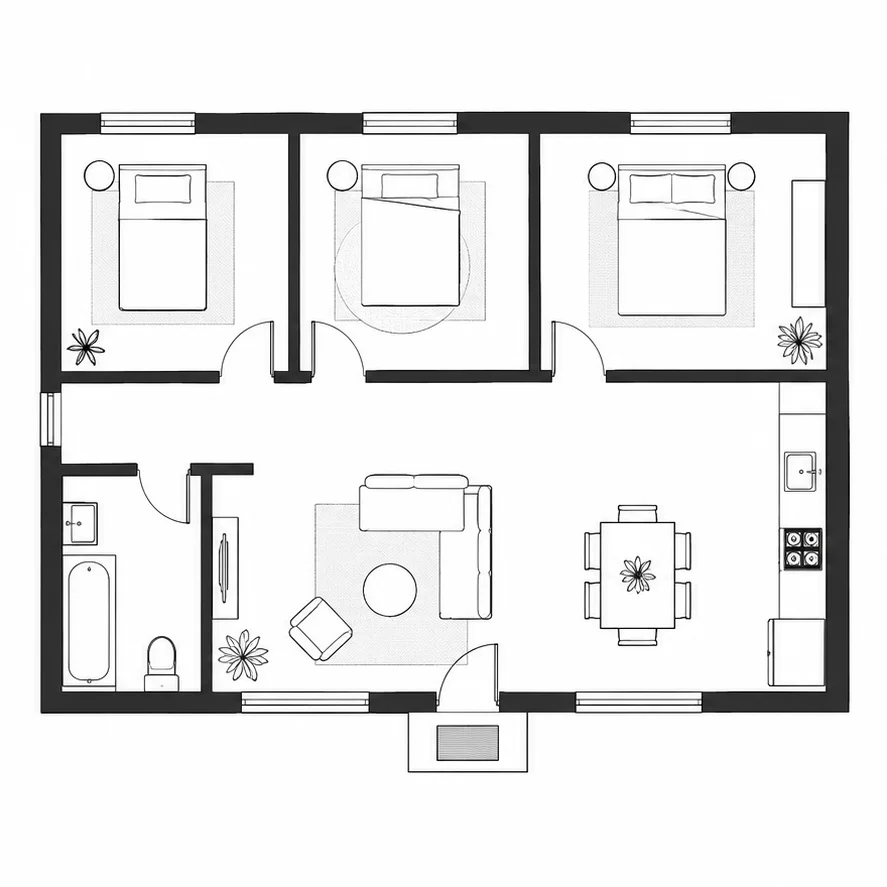
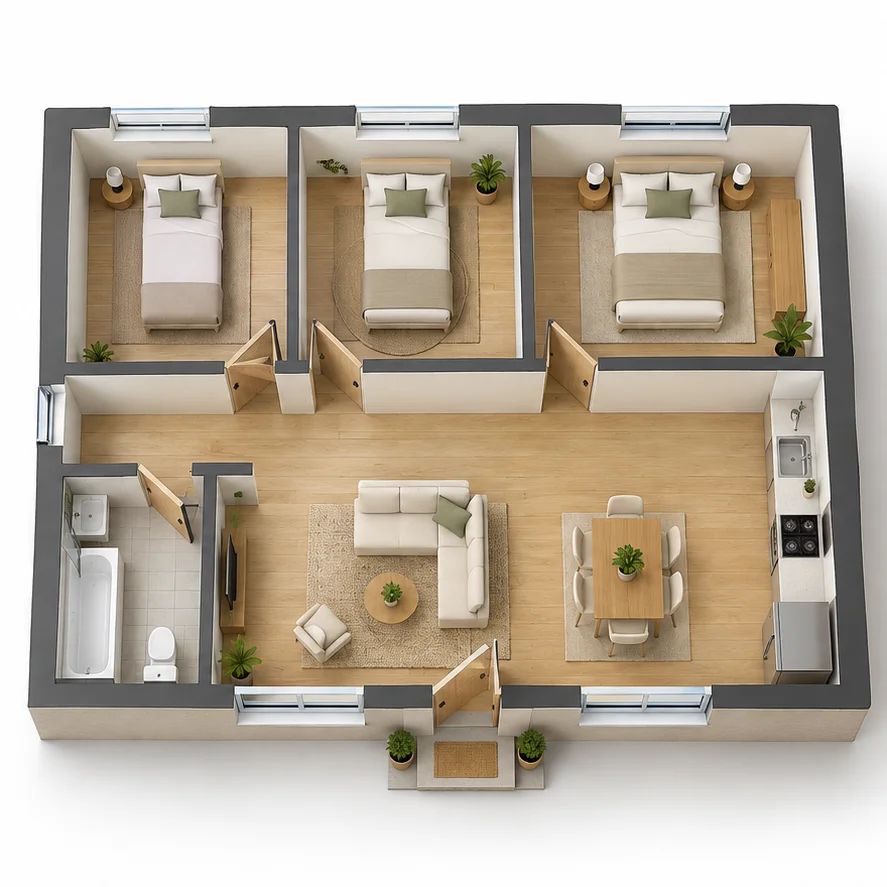
Three-Bedroom Family Home
Explore three bedrooms and shared living areas in a 3D view of a single-story family home.
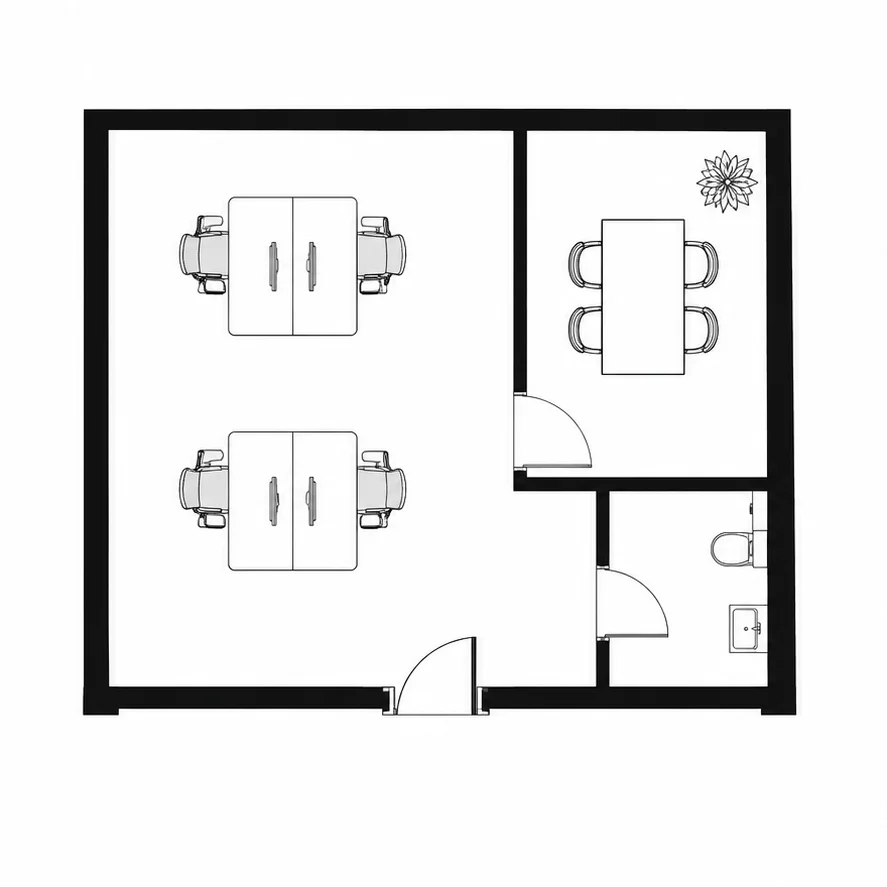
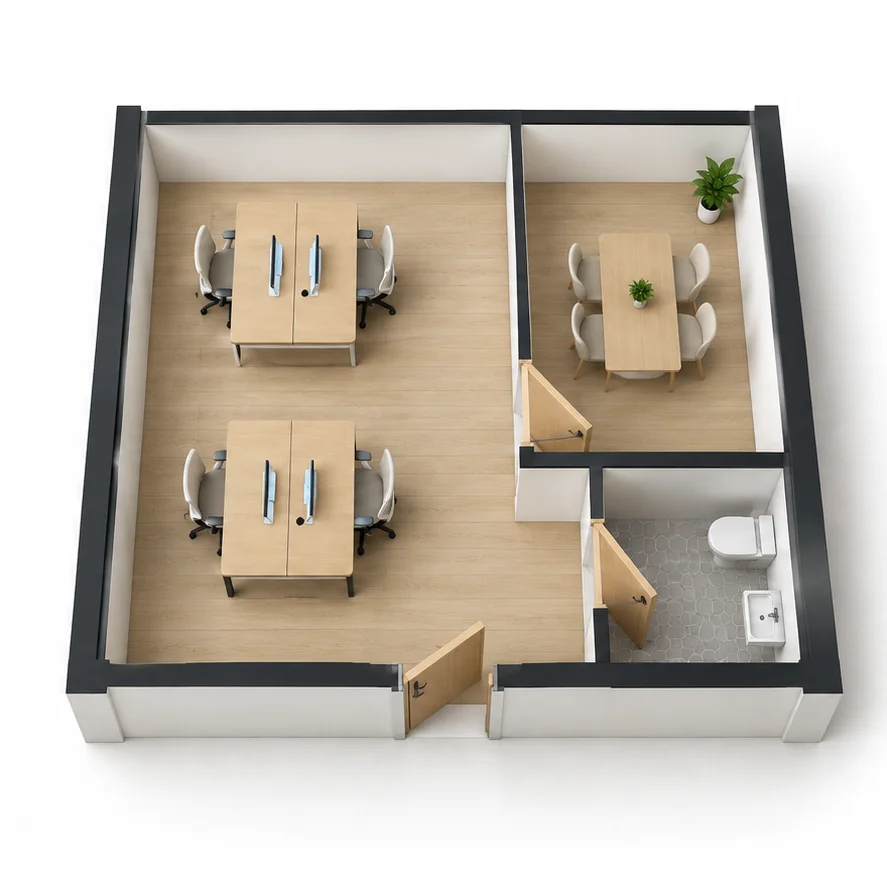
Small Office Layout
Compare a 2D office layout with a 3D view of workstations, a meeting room and circulation space.
Start with your 2D floor plan image and explore a 3D view of your space.
What is 3D Floor Plan Generator?
Dehome's AI 3D floor plan generator turns a 2D floor plan image into a realistic 3D visualization. Upload a clear floor plan drawing, and the AI will interpret the rooms, walls, doors, and spatial relationships to create a furnished 3D floor plan rendering with depth, materials, lighting, and perspective.
The generated visualization makes the layout easier to understand and present. It can be used for design concepts, real estate listings, renovation planning, design reviews, and client communication. For construction purposes, verify all dimensions and structural details with a qualified professional.
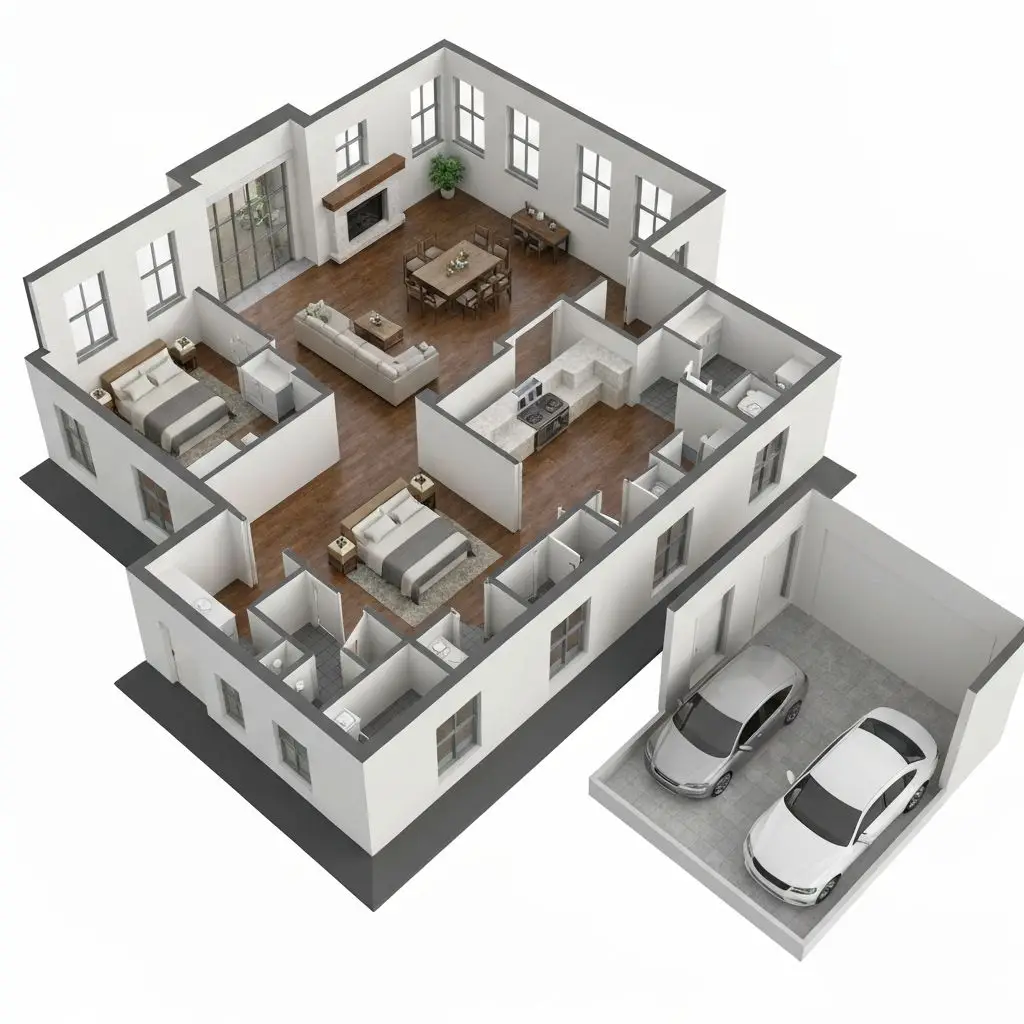
Why Use Dehome's 3D Floor Plan Generator?
Realistic 3D Visualization
Generate stunning 3d floor plan with realistic perspectives, depth, and spatial understanding. It creates professional renderings instantly.
Instant AI Processing
Advanced AI analyzes layouts and creates an accurate free floor plan to 3d model in seconds - no manual 3D modeling required. It makes professional renderings accessible to everyone.
Professional Quality
Professional 3D rendering with proper lighting, shadows, and perspective views suitable for real estate listings and architectural presentations. It ensures every detail meets professional standards.
How to Convert a 2D Floor Plan to 3D
Upload Image
Upload a clear image or drawing to create your 3d floor plan
AI Generates
Our AI analyzes your drawing and creates a professional floor plan to 3d model with realistic perspectives. It processes your image in seconds.
Download & Use
Download your high-resolution 3d floor plan for presentations, documentation, or design communication.
3D Floor Plan Generator Features
3D Perspective Views
Generates realistic 3d floor plan with multiple perspective angles that clearly show spatial relationships and room layouts. If you need to create or edit the 2D layout first, use our floor plan maker .
Spatial Understanding
Automatically understands room layouts, dimensions, and spatial relationships to create accurate 3d floor plan representations. It excels at spatial visualization.
Realistic Rendering
Professional 3D rendering with realistic materials, lighting, and shadows to create visually appealing 3d floor plan. It uses professional rendering techniques. For a more immersive room-by-room experience, continue with our 3D walkthrough tool.
Architectural Standards
Follows proper architectural drawing conventions including appropriate line weights, shadows, and vector-style rendering for professional output
AI-Powered Accuracy
Advanced free floor plan to 3d model AI analyzes floor plan images to understand structure and automatically generate accurate technical visualizations.
High-Quality Export
Download print-ready visualizations with high resolution, proper scaling, and professional presentation quality suitable for client meetings. It delivers high-quality exports.
Explore More AI Home Design Tools
Explore more Dehome tools to design, plan, and present your floor plans.
Floor Plan Maker
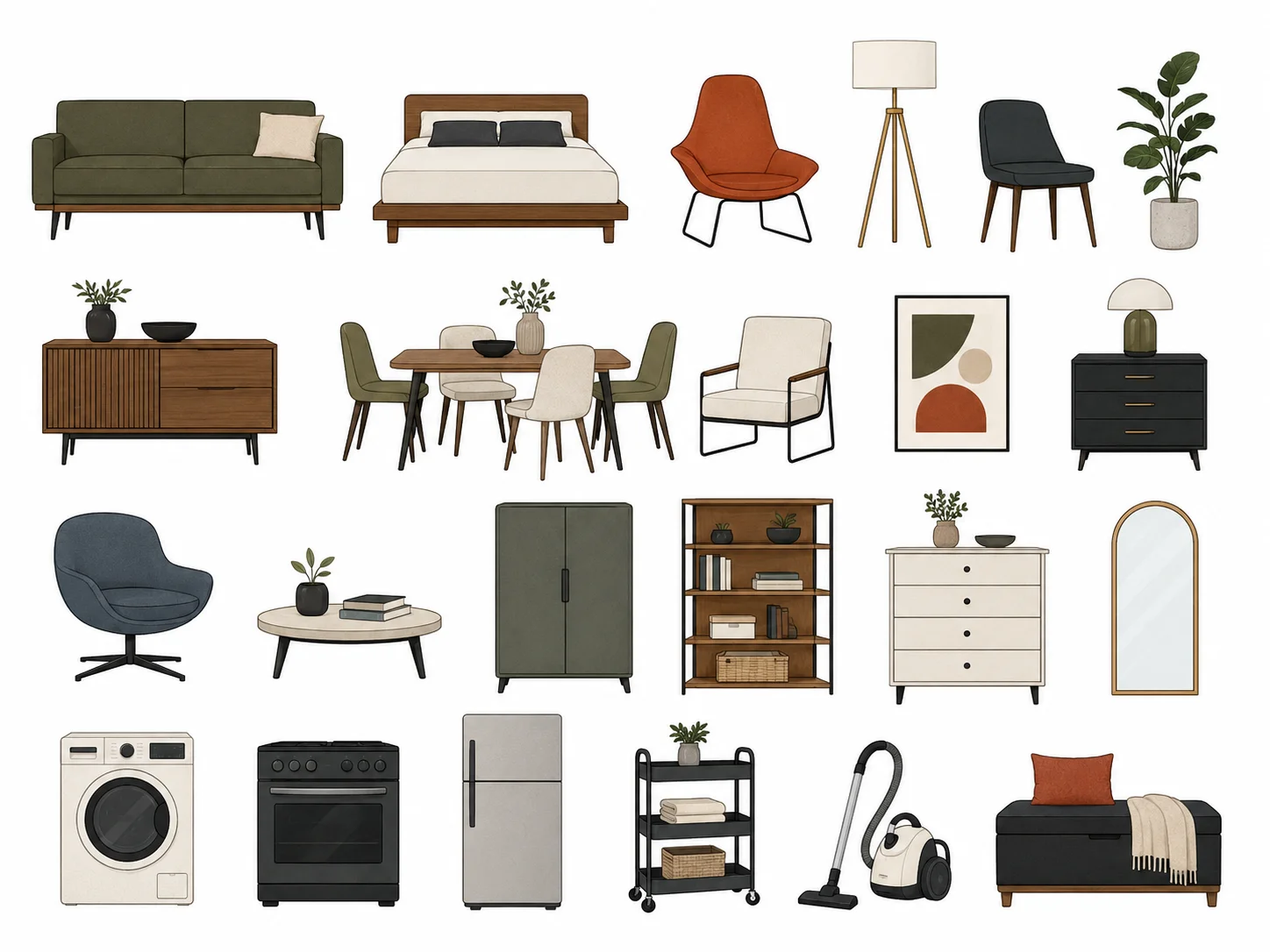
Draw and edit a precise floor plan manually in your browser.
Image to DXF Converter
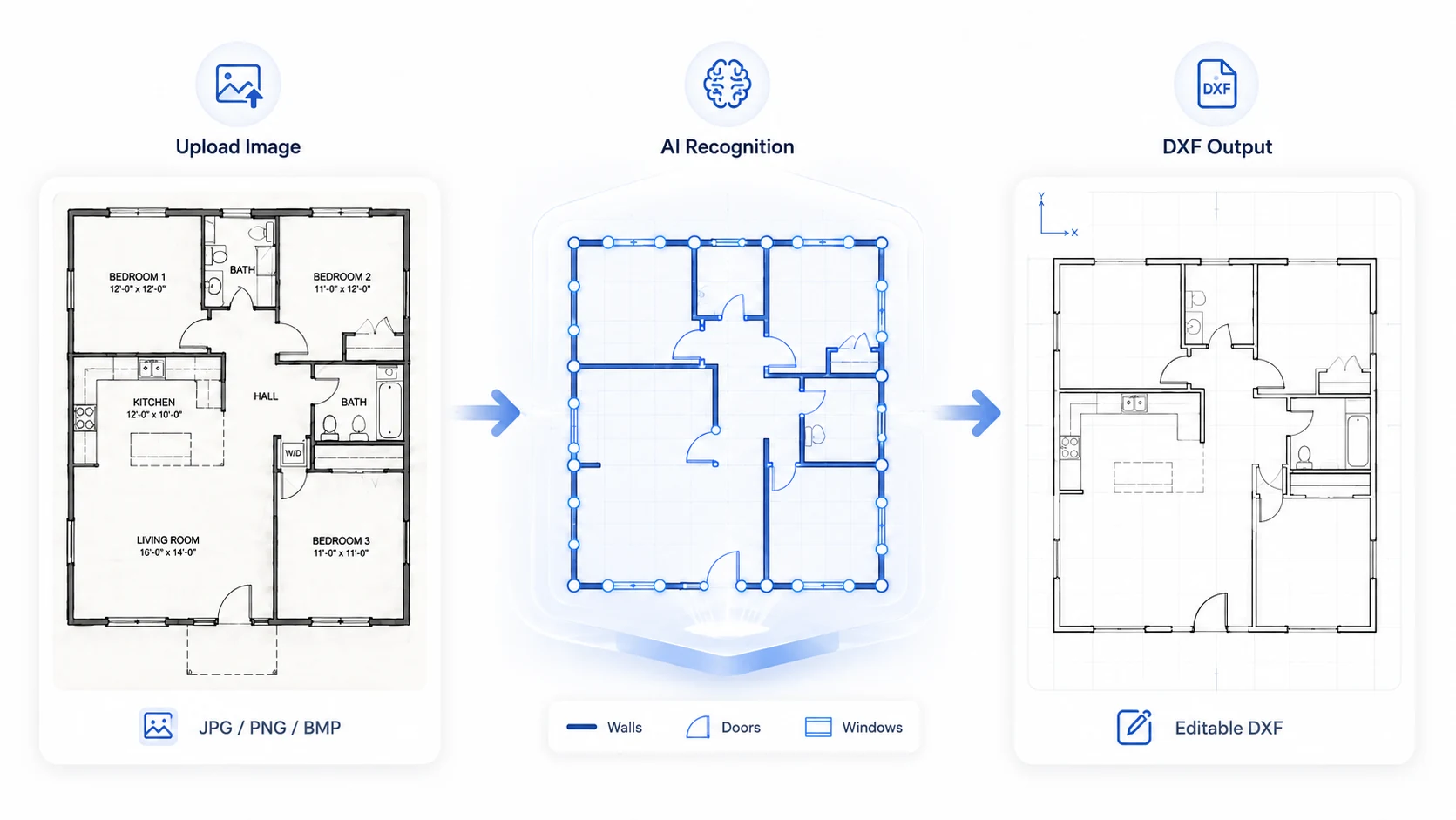
Convert floor plan images, sketches, elevations, sections, and architectural drawings into editable DXF files online with AI.
3D Walkthrough

Turn floor plans and design concepts into an immersive 3D walkthrough.
Image to DWG Converter
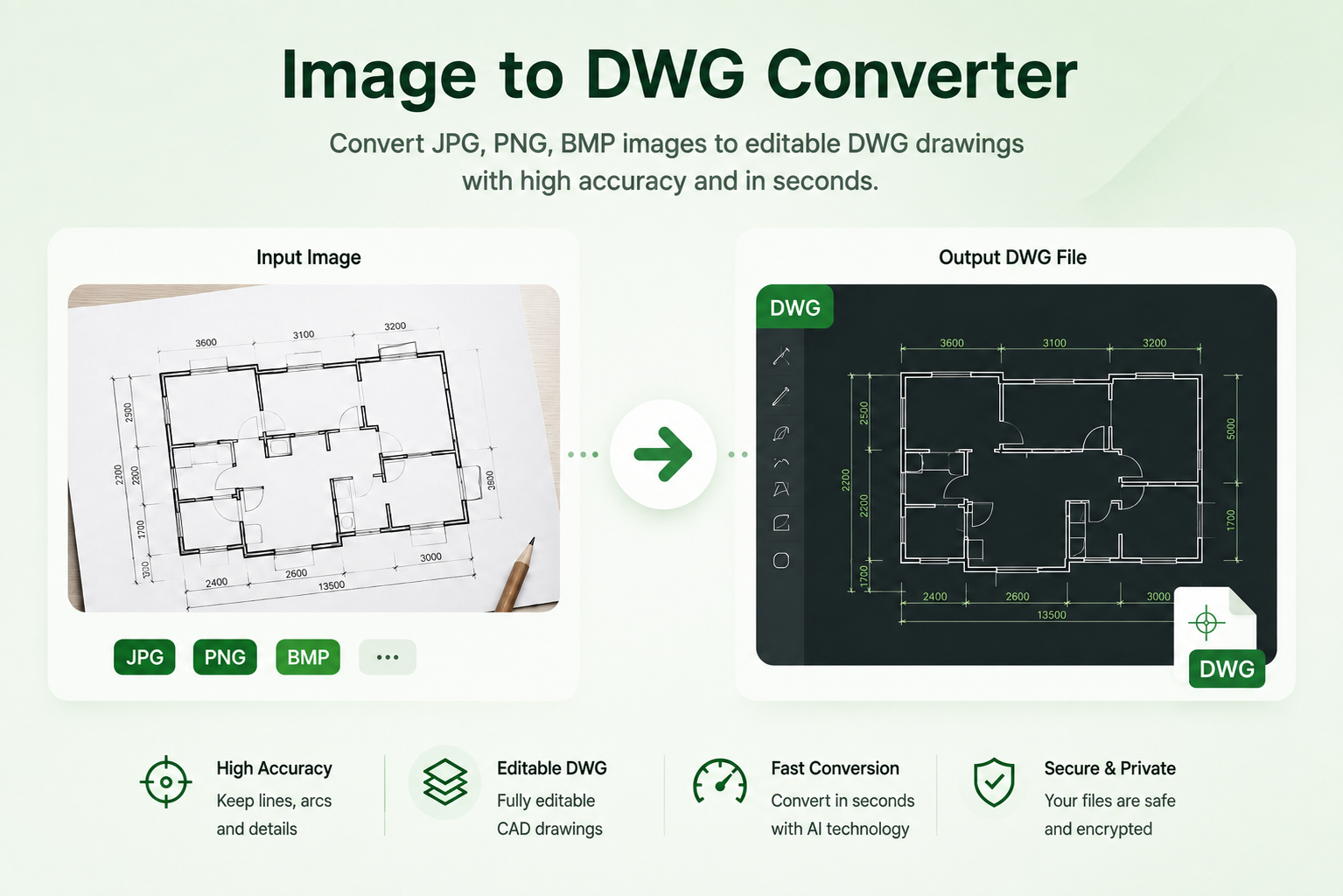
Convert common image formats, including JPG and PNG, into editable DWG drawings with AI-powered image conversion.
Frequently Asked Questions
What type of floor plan images work best?
Clear, well-drawn floor plan images with visible room layouts and dimensions work best. It can process residential floor plans, commercial layouts, office plans, and other architectural floor plan drawings.
What output formats are supported?
Generated visualizations are provided in high-resolution PNG format with professional 3d floor plan AI rendering quality suitable for printing and presentations.
Can I use these visualizations for construction?
These are visualization and presentation renderings. For actual construction, you'll need detailed construction documents prepared by licensed architects and engineers.
How accurate are the generated visualizations?
It creates accurate 3D renderings based on the visible layout in your floor plan image. However, it cannot see hidden details or provide precise measurements without reference data.
Can I customize the rendering style or perspective?
Currently, the tool generates visualizations with professional standard rendering styles and perspectives. Custom styling options may be added in future updates.
How many credits does each generation cost?
Each generation costs 4 credits. You get 4 free credits to start, so you can convert house plans to 3d online free before purchasing more through our credit packages.
Can AI convert a 2D floor plan into a 3D visualization?
Yes. Upload a clear 2D floor plan image, and Dehome AI will generate a 3D floor plan visualization based on the visible layout, room boundaries and spatial relationships.
Is there a free AI tool to create a 3D floor plan?
New users receive free credits to try the 3D floor plan generator. Each generation uses the number of credits shown in the tool.
Can I create a 3D floor plan from a floor plan image?
Yes. Upload a clear floor plan image with visible walls, rooms and openings. Dehome AI will use the layout information to generate a 3D floor plan visualization.