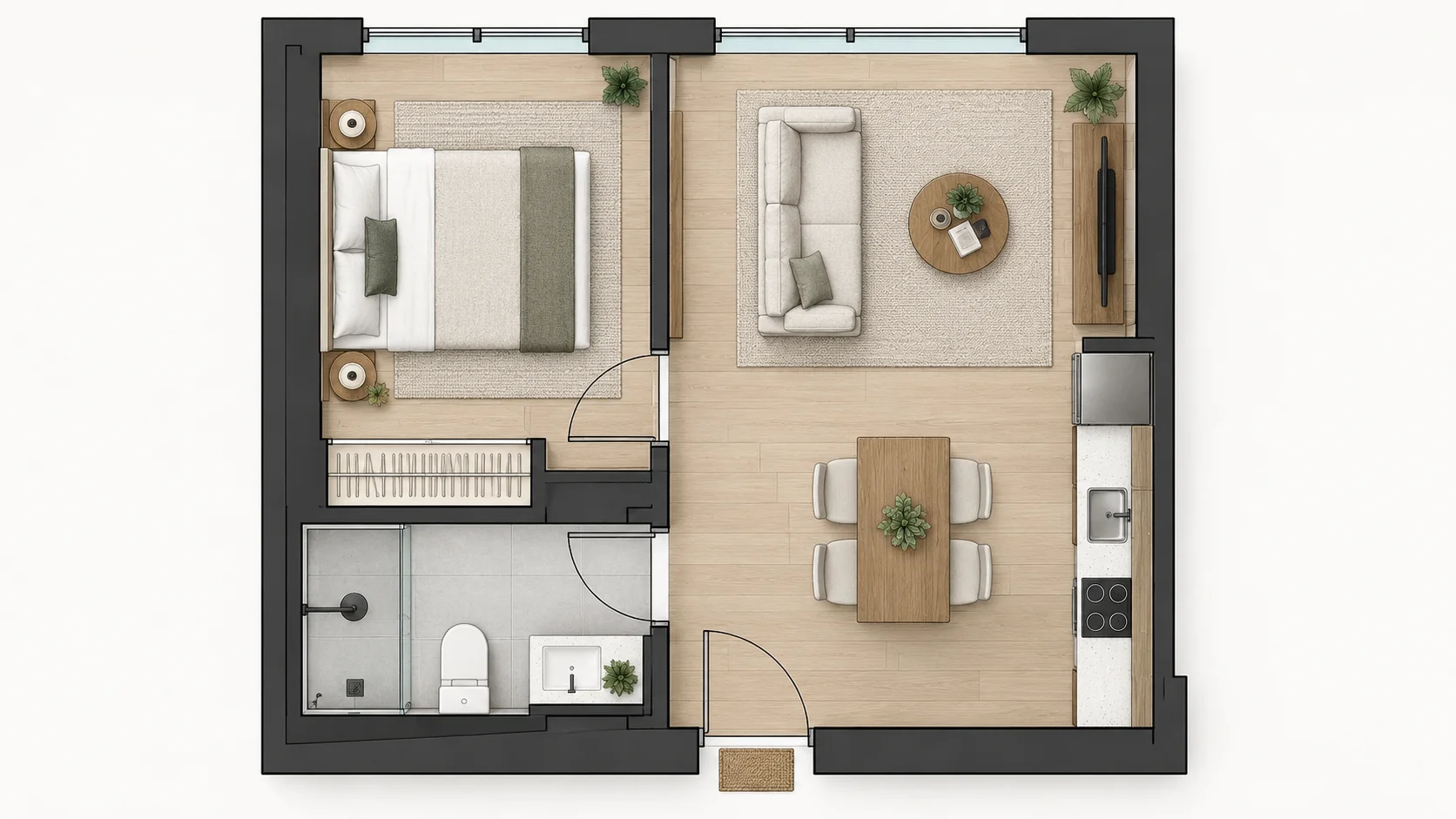
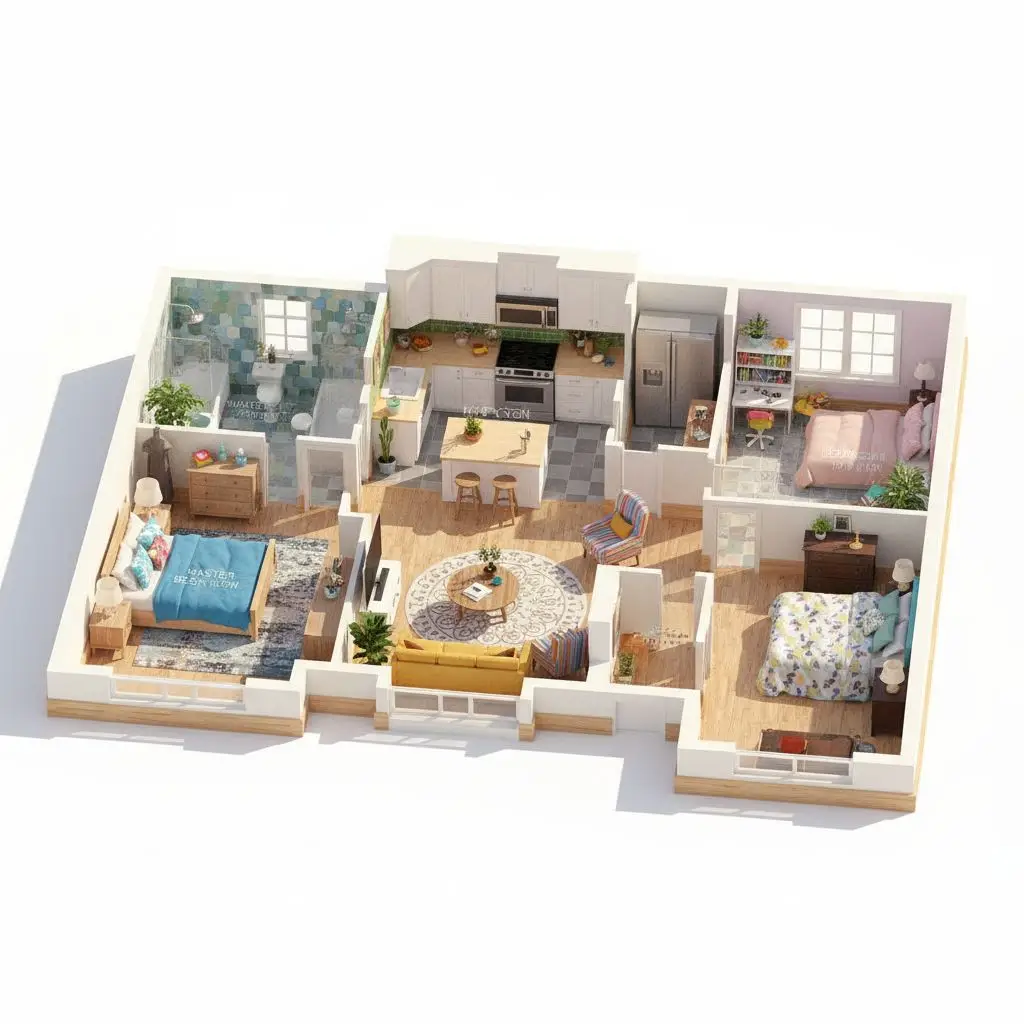
One-Bedroom Apartment
See an AI-generated apartment floor plan with a bedroom, bathroom, kitchen, and living area arranged in a compact layout.
Enter your space, room, and layout needs and let AI create a new 2D floor plan for your project.
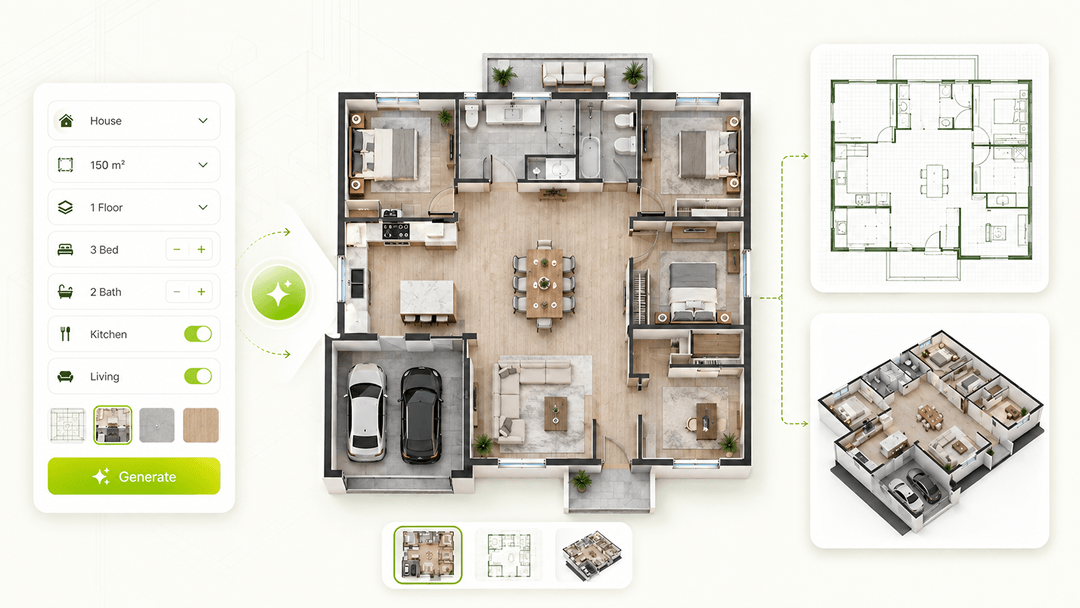

Create your first design
Upload a photo of your home to quickly generate your first AI renovation design.
Create your first design
Create a new 2D house or apartment floor plan from your space requirements. Set the property type, area, floors and rooms, then add layout preferences in Custom Requirements before generating.
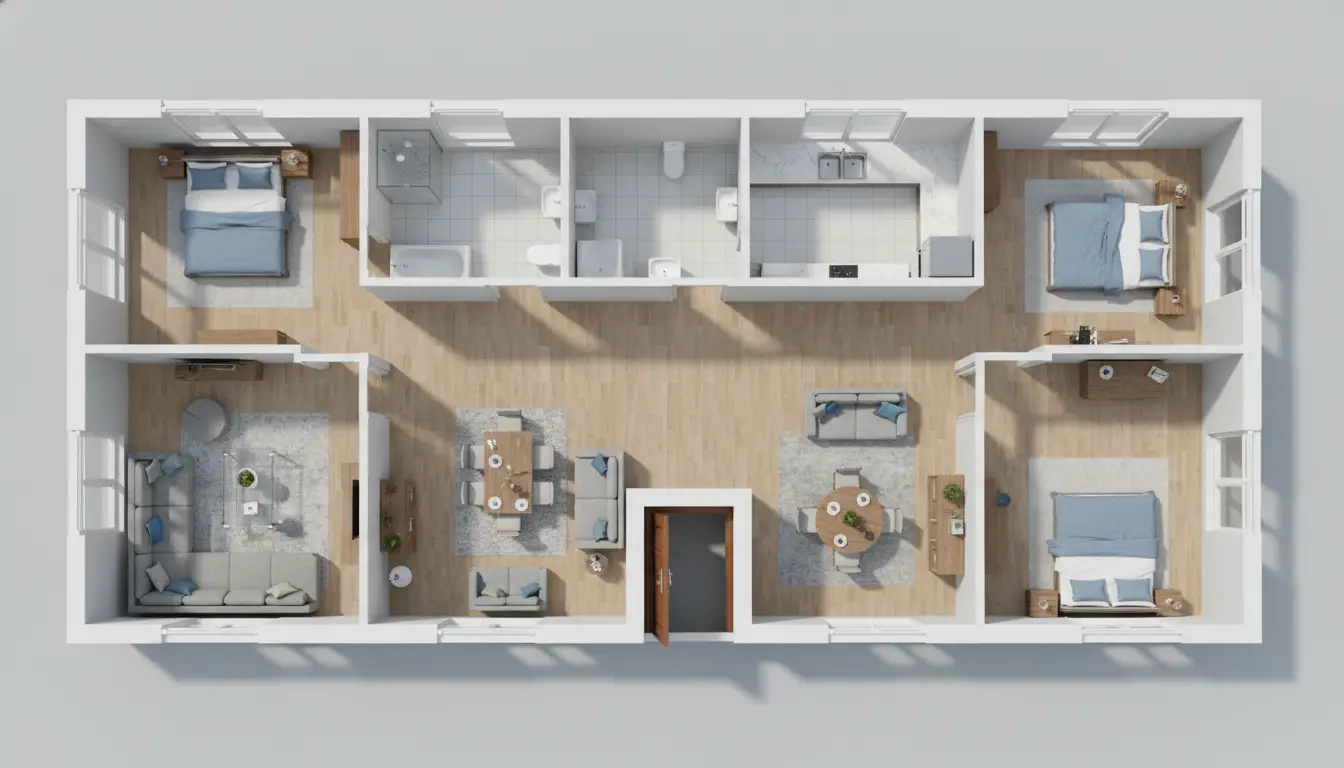
Explore AI-generated floor plan examples for apartments, family homes, and multi-story houses. See how different room requirements can be turned into complete 2D house layouts.
See an AI-generated apartment floor plan with a bedroom, bathroom, kitchen, and living area arranged in a compact layout.
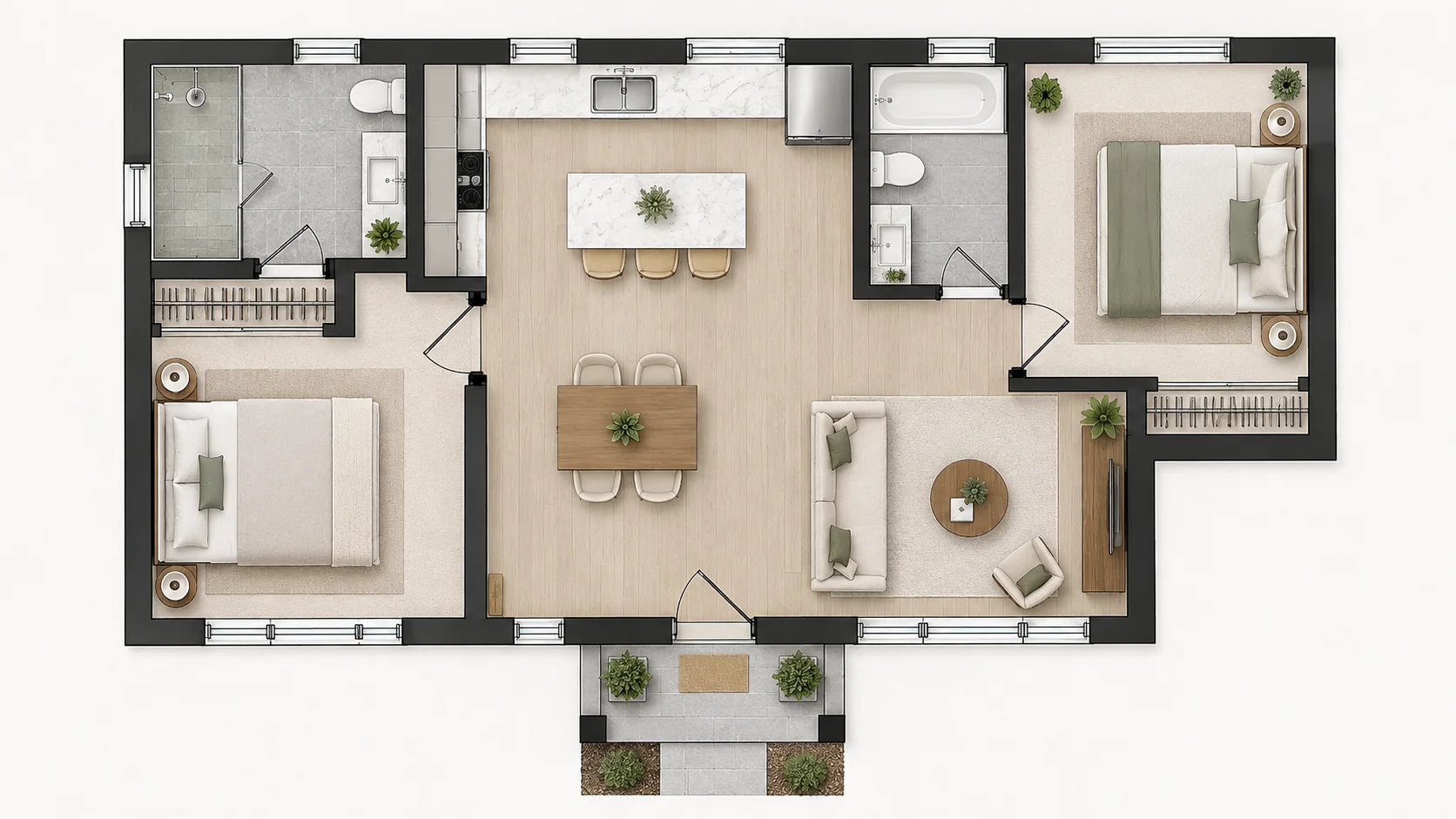
Explore an AI-generated house plan with two bedrooms and connected shared living spaces.
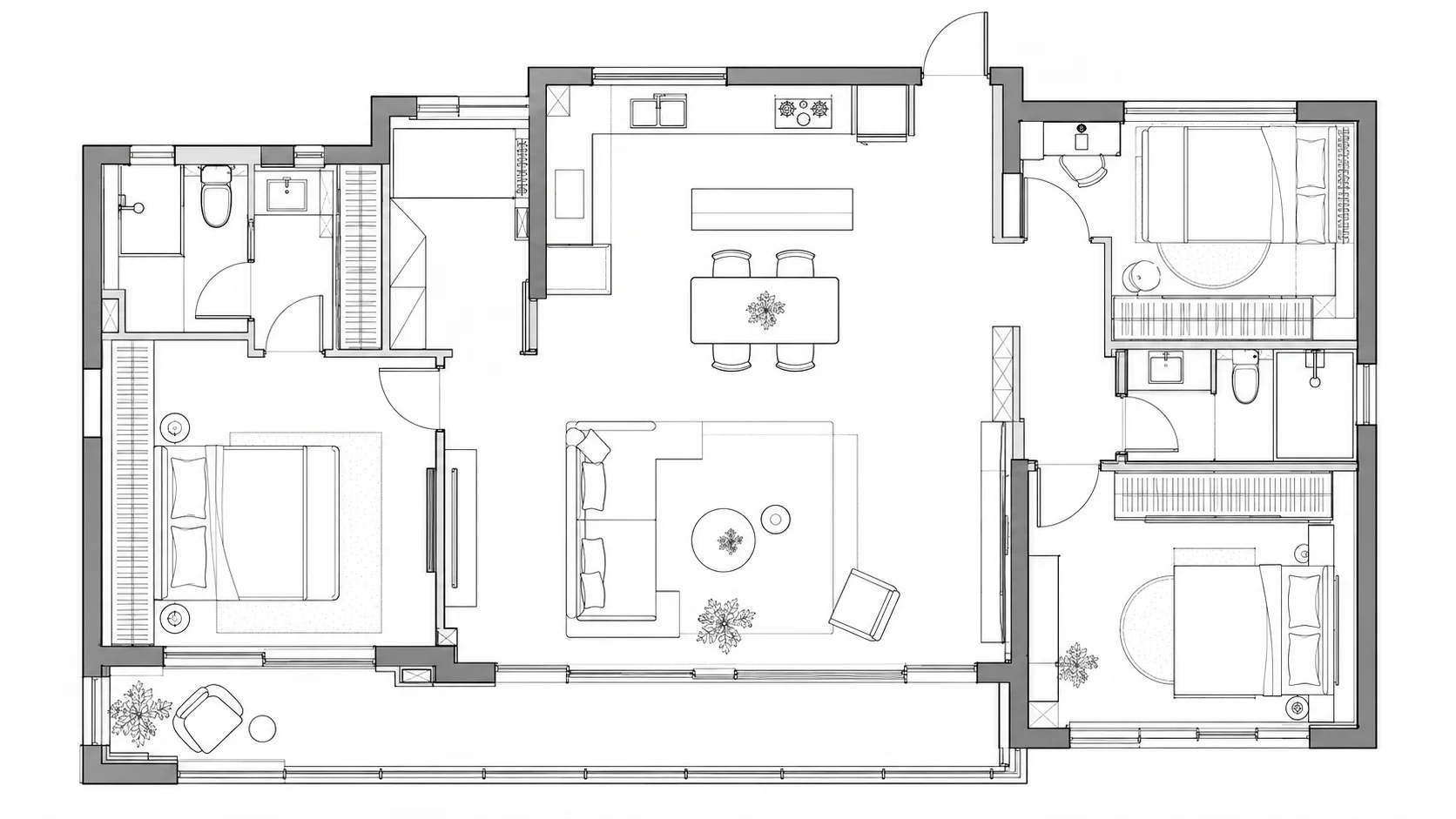
See how bedrooms, bathrooms, kitchen, dining, and living areas can be organized in a family home floor plan.
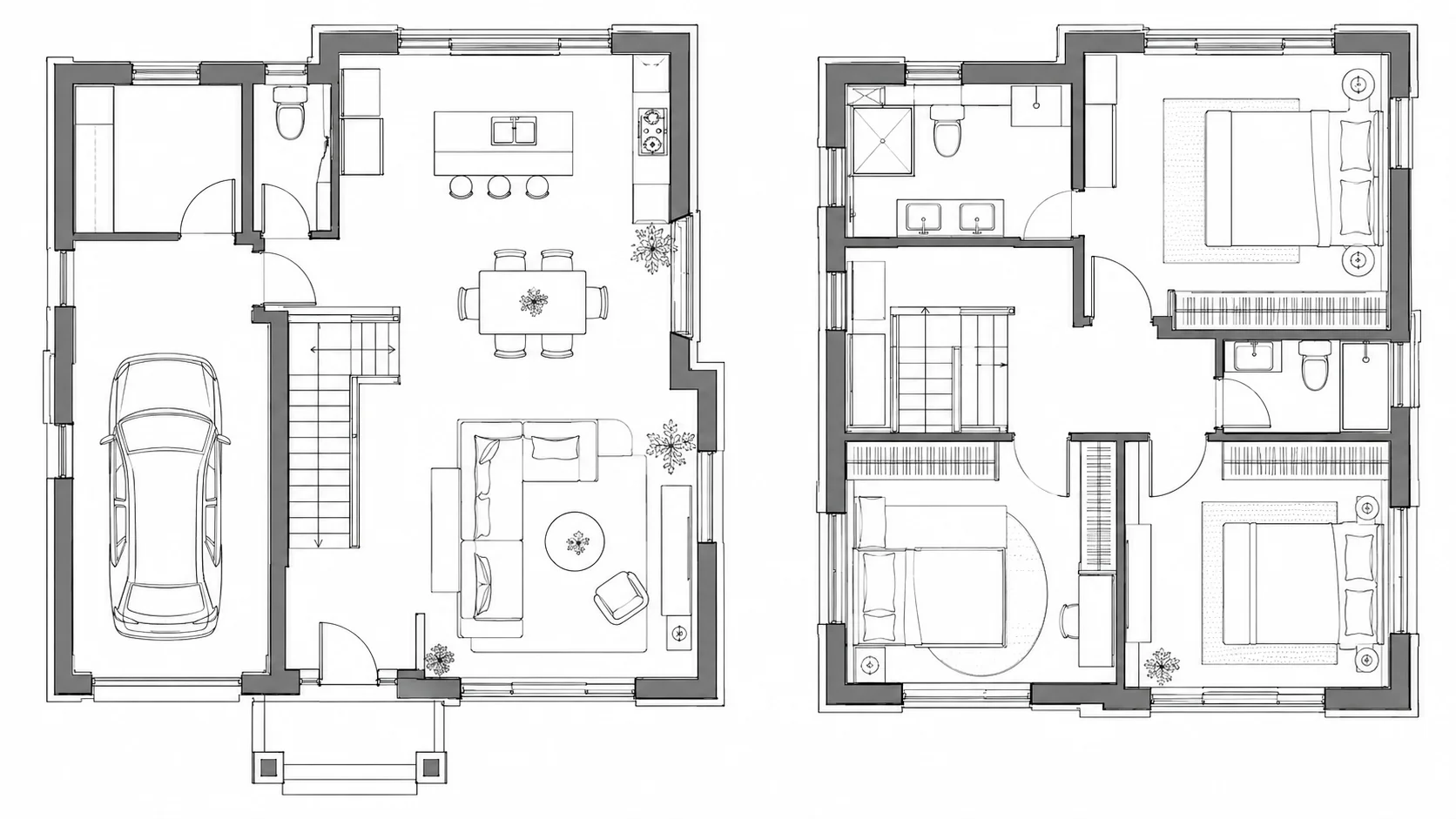
Explore how rooms can be distributed across multiple floors in an AI-generated house plan.
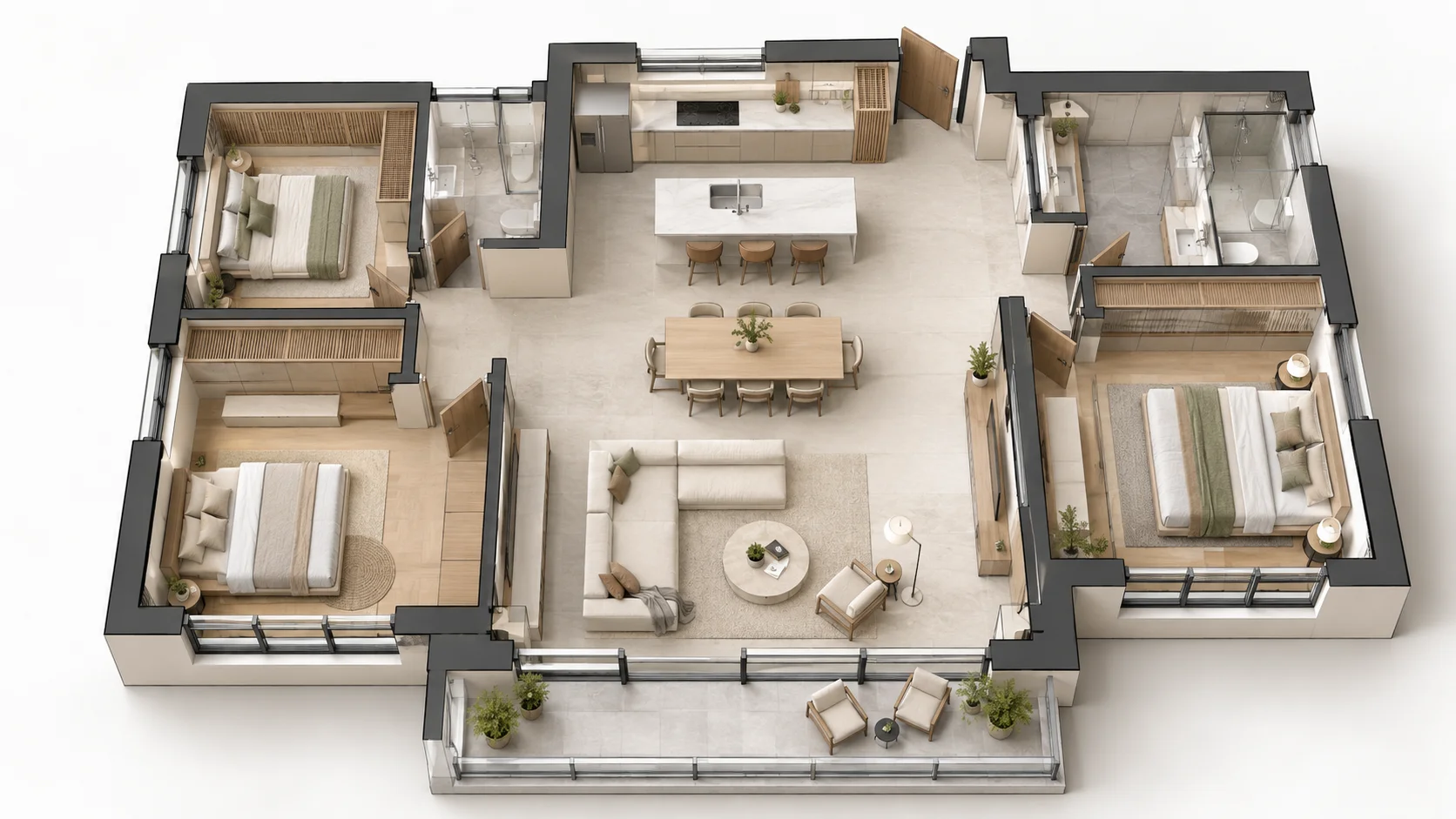
See a house layout that connects the kitchen, dining, and living areas in an open-plan design.
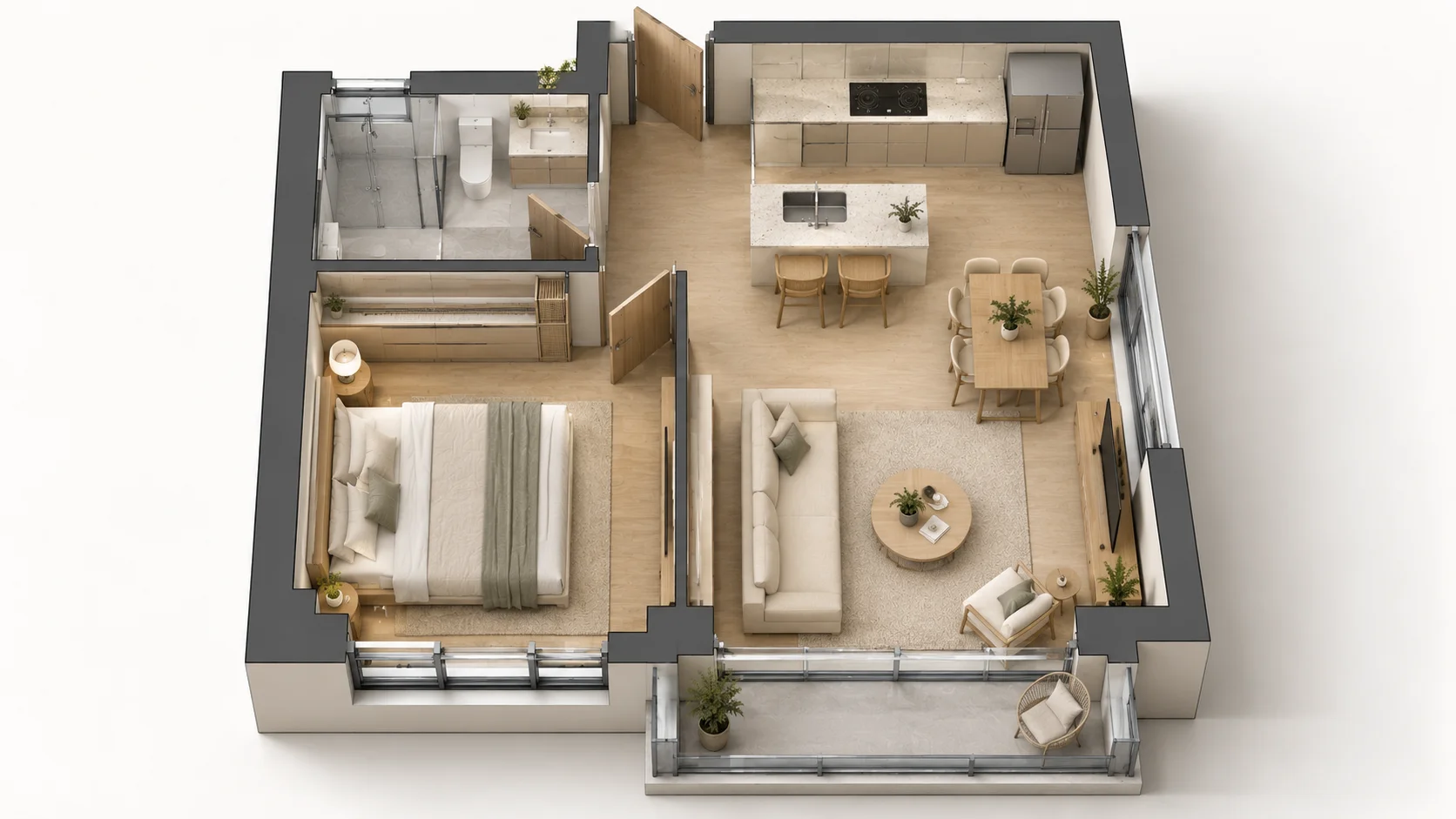
Explore how AI organizes essential rooms within a smaller total floor area.
An AI Floor Plan Generator automatically creates new floor plan layouts based on your space requirements. Instead of drawing every wall manually, you can specify details such as property type, total area, number of floors, bedrooms, bathrooms, kitchens, living rooms, and dining rooms.
Dehome uses these inputs to generate AI floor plans with practical room arrangements, proportions, and circulation paths. Whether you're planning a new home, exploring an AI-generated house plan, or comparing different layout ideas, you can quickly generate multiple floor plan concepts before refining your preferred option.
Use the AI house plan generator to create a new layout from your property type, area, floors and room settings. Add a text prompt in Custom Requirements to describe how the spaces should connect or which layout details matter most.
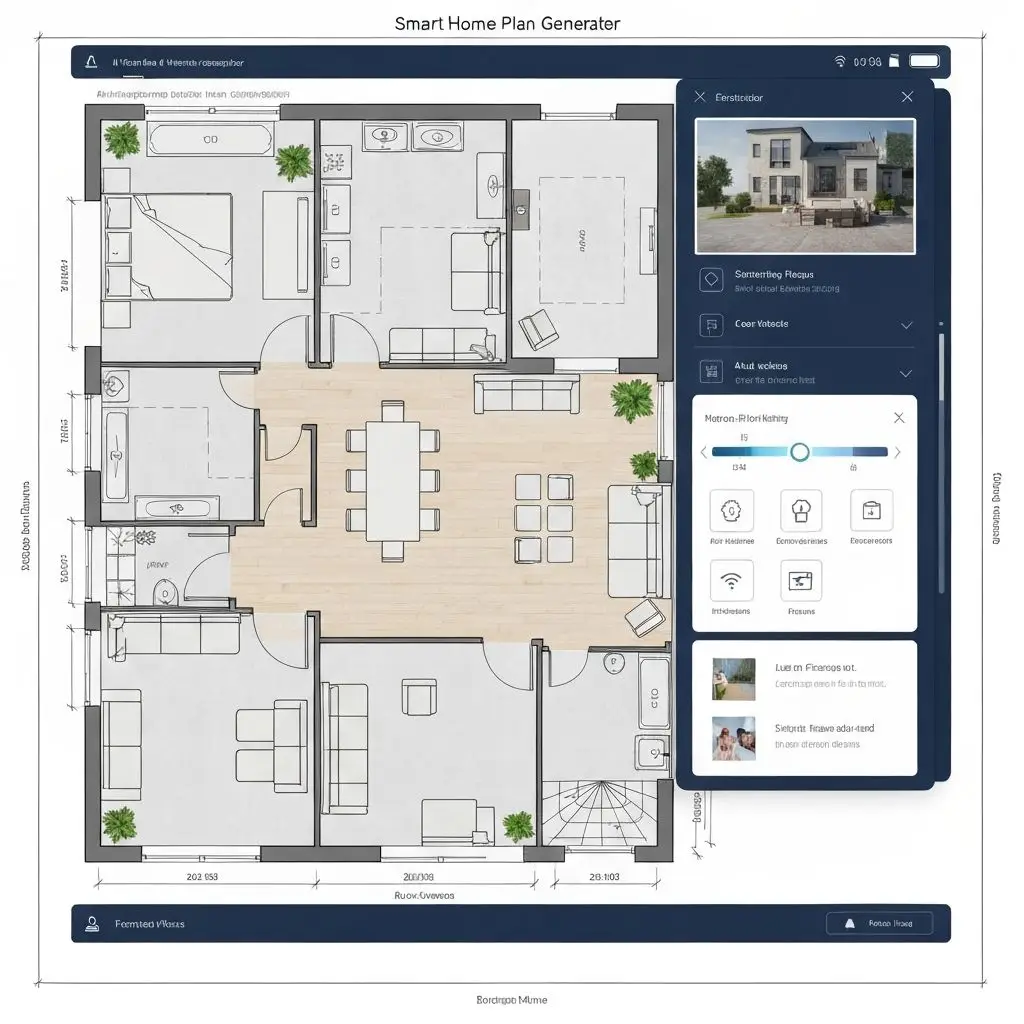
Create a complete 2D floor plan from your room and space requirements without starting from a blank drawing.
AI organizes room sizes, positions, and circulation paths to create a clear and functional house layout.
Generate several floor plan concepts and compare room arrangements before choosing a layout to refine.
Choose your property type, total area, number of floors, and the rooms you want to include in your floor plan.
The AI uses your requirements to create a new 2D floor plan and organize the rooms into a complete layout.
Download your floor plan, adjust your requirements to generate another layout, or continue refining your design. Need to make detailed changes to an existing layout? Use the AI Floor Plan Editor. Ready to visualize your finished plan in 3D? Use 3D Floor Plan.
Generate floor plans for houses, apartments, condos, townhouses, and villas with layouts adapted to different property types.
Switch between metric (m²) and imperial (sq ft) measurements to match your region and project preferences.
Generate AI house plans for single-story homes or multi-level properties with up to three floors.
Choose the number of bedrooms, bathrooms, kitchens, living rooms, and dining rooms you want in your floor plan. If you prefer to draw every wall manually, use our Floor Plan Maker.
Include garage space in your requirements when generating a house layout.
Choose from technical 2D plans, 2.5D top-down views, or 3D isometric presentations when generating your layout. For a dedicated conversion of an existing 2D layout into a 3D visualization, use our 3D Floor Plan tool.
Explore Dehome tools for creating, editing, converting, and visualizing floor plans.
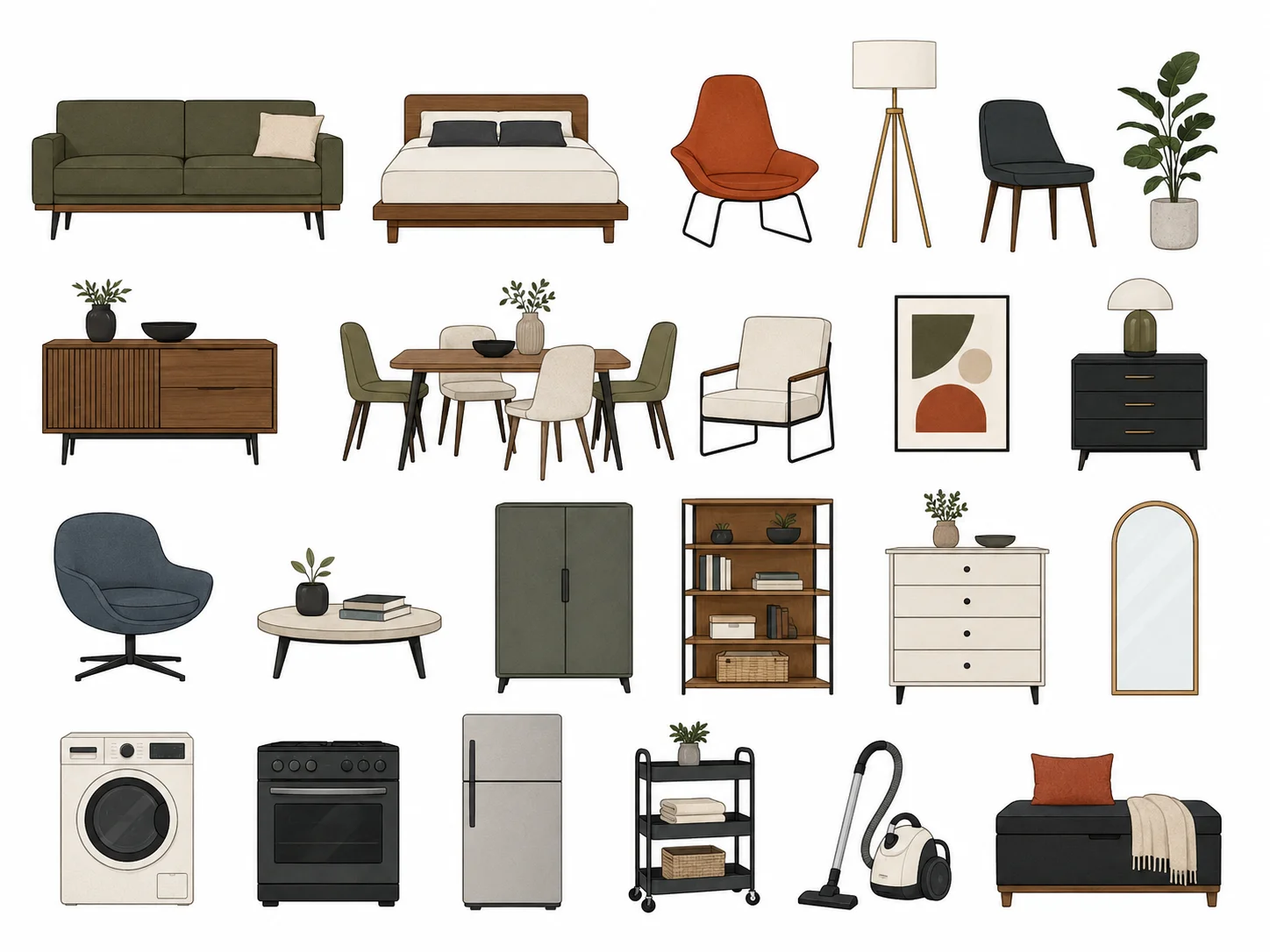
Draw a floor plan manually when you want precise control over walls, rooms, dimensions, and furniture.
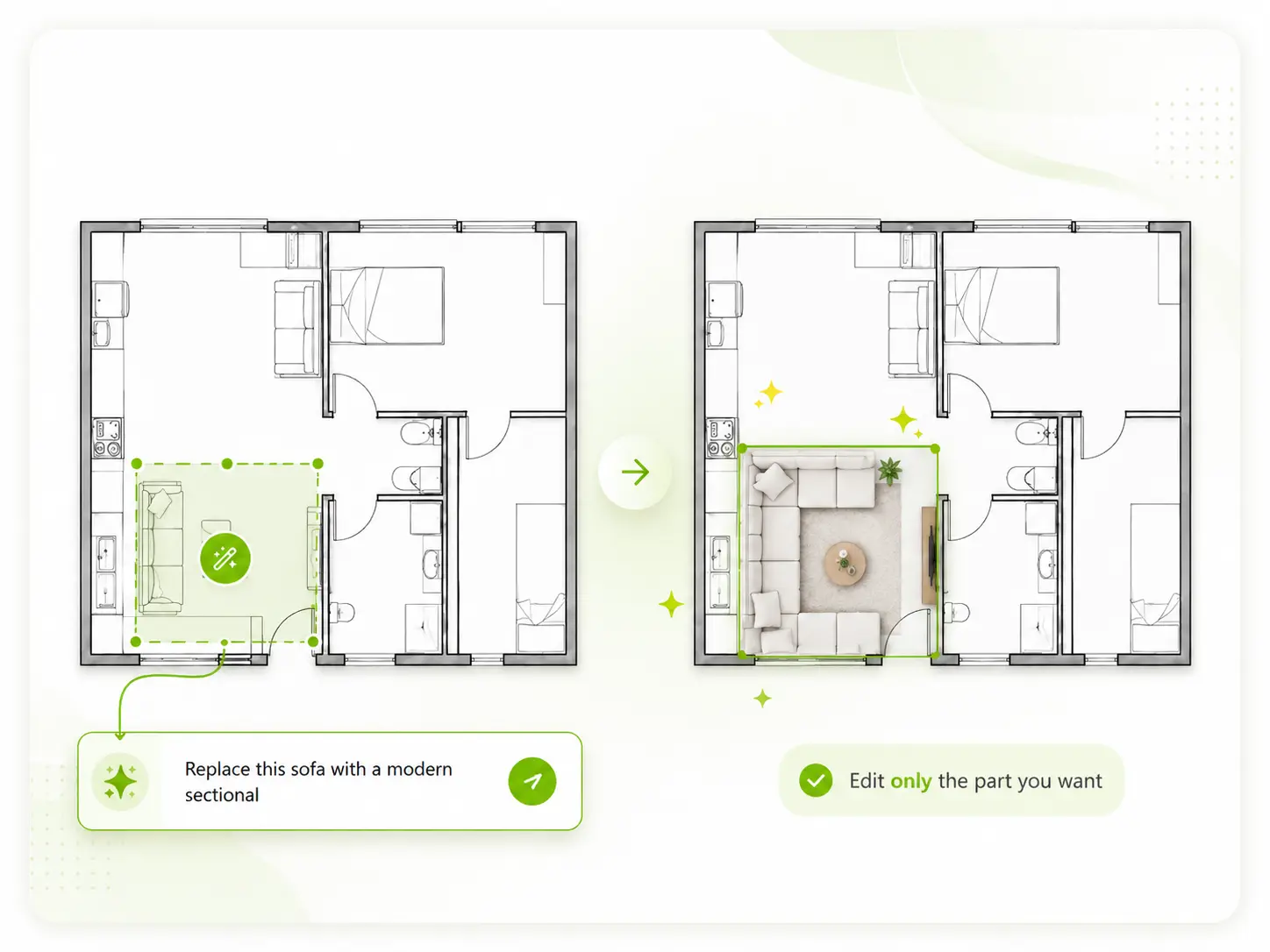
Modify an existing floor plan with AI when you want to adjust specific rooms, areas, or layout details.
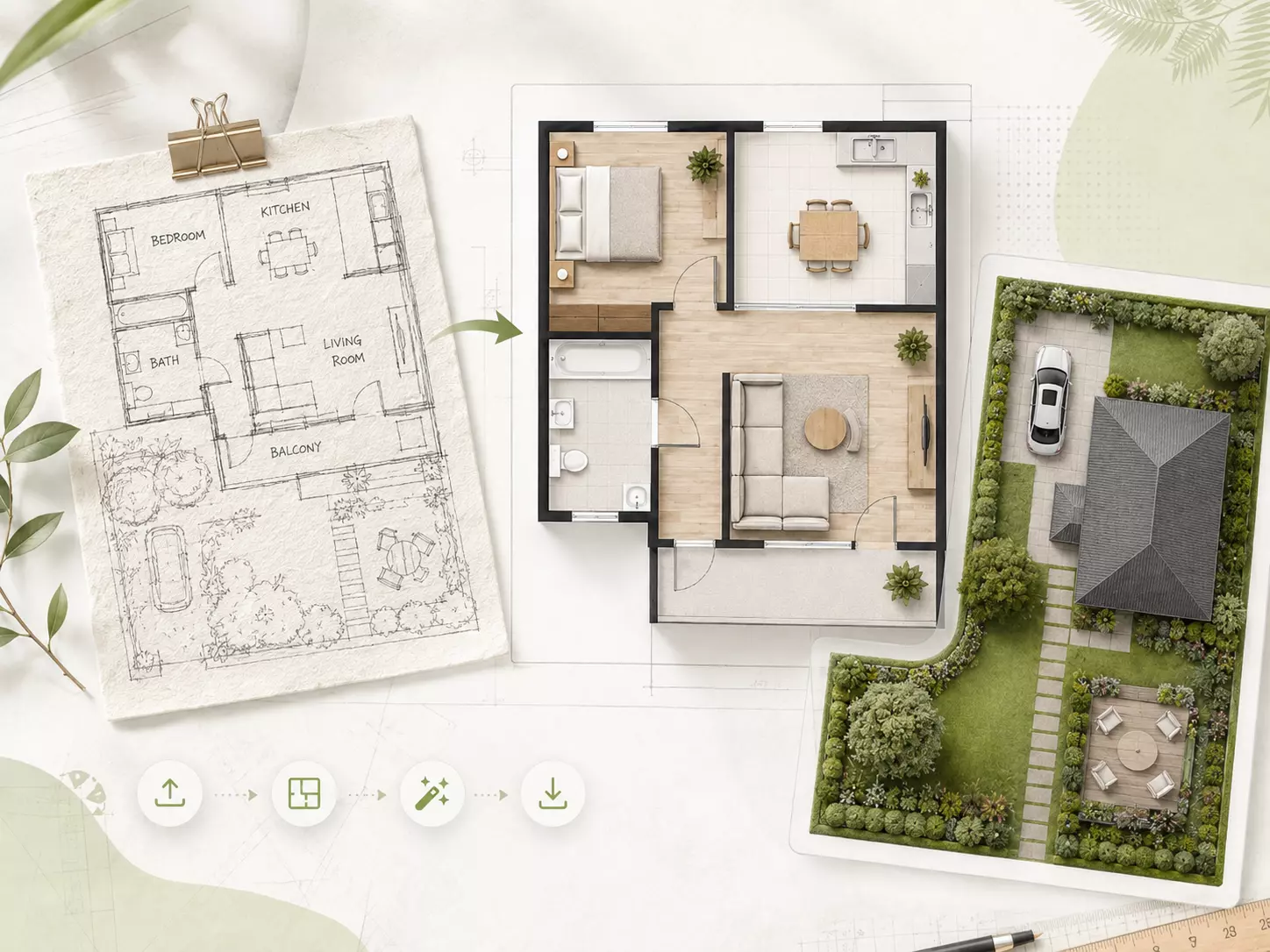
Convert a hand-drawn sketch or rough layout into a cleaner digital floor plan.
Convert an existing 2D floor plan into a more immersive 3D floor plan visualization.
An AI Floor Plan Generator creates new floor plan layouts automatically from your property and room requirements. You can define details such as property type, area, floors, and rooms before generating a layout with AI.
Yes. Choose details such as your property type, total area, floors, bedrooms, bathrooms, and living spaces, and the AI can generate a new house floor plan based on those requirements.
Add a text description in Custom Requirements alongside your property, area, floor and room settings. The AI uses these inputs together to generate a new floor plan layout.
Yes. Adjust the room configuration, total area, number of floors, or other requirements to generate and compare different floor plan layouts.
Yes. You can adjust your requirements and generate another layout. For more targeted changes to an existing plan, use the AI Floor Plan Editor.
Yes. Once you have a 2D layout you want to visualize, use the 3D Floor Plan tool for a dedicated 3D floor plan visualization.
Yes. If you already have a hand-drawn sketch or rough layout instead of starting from room requirements, use Sketch to Floor Plan.
AI-generated floor plans are intended for conceptual design and space planning. For construction, have the final plan reviewed and developed by a qualified architect, engineer, or other relevant professional according to local requirements.
New users receive free credits after registration. Each floor plan generation uses credits according to the current product rules.