Start with Your Actual Shop Front
Work from a photo of the location you want to refresh, with the existing facade as the starting point for the design.
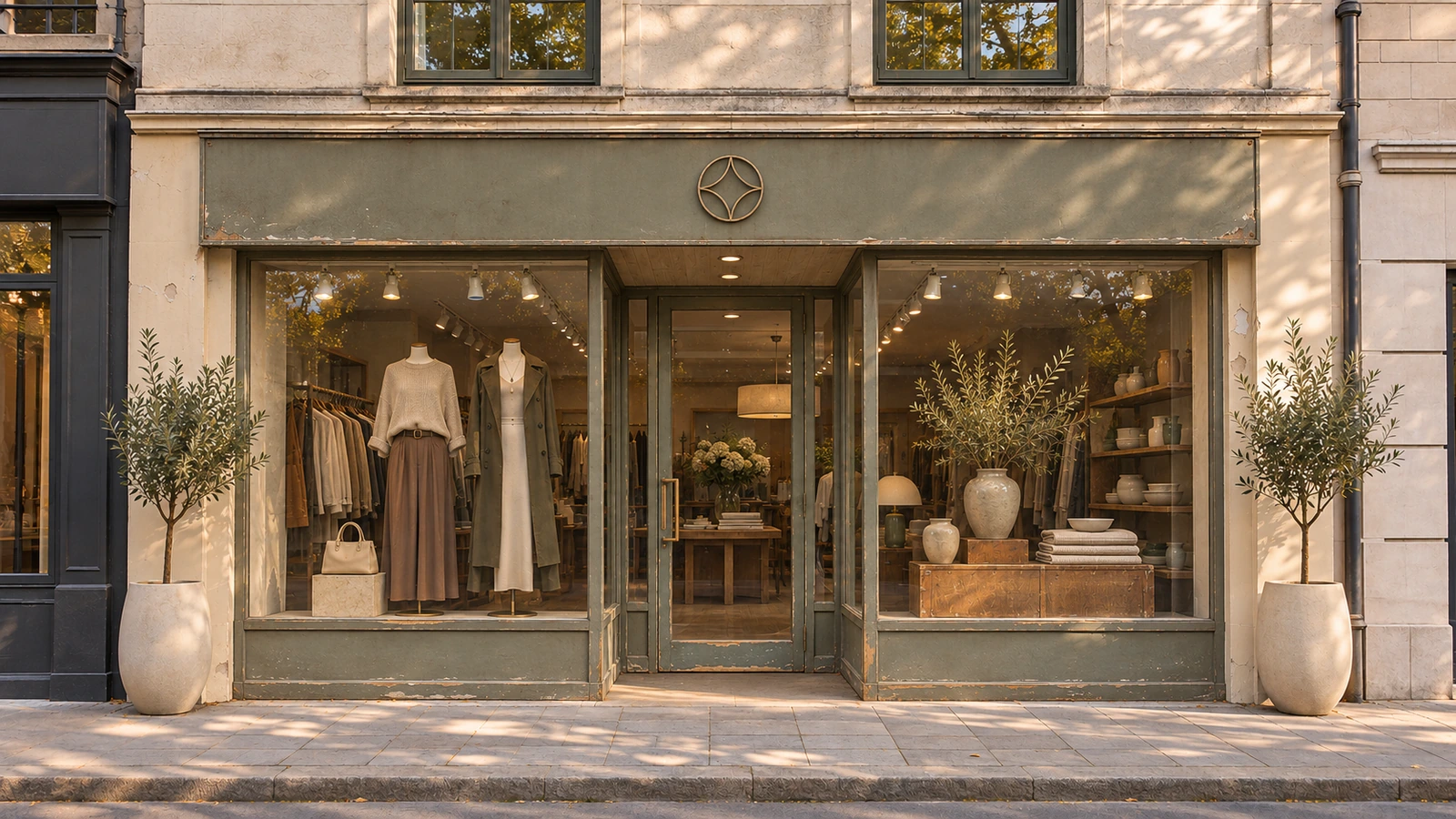
Upload, camera, or try examples
PNG, JPG, JPEG, WEBP up to 50MB
Design Presets
Store Type · Storefront Style · Signage Style
Redesign your shop front with a coordinated style, signage, materials and lighting direction.
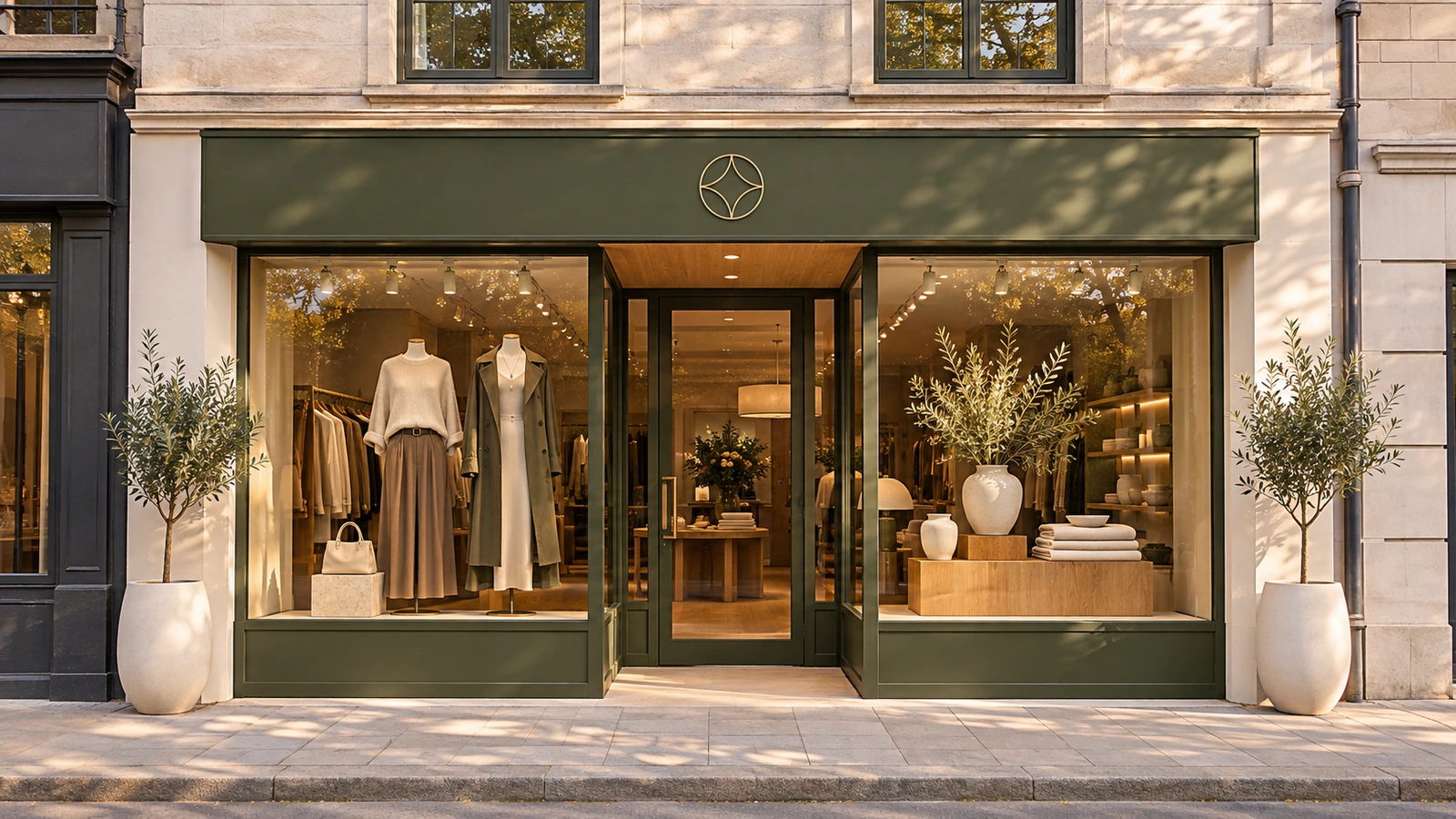 OriginalGenerated result

Create your first design
Upload a photo of your home to quickly generate your first AI renovation design.
Create your first design
Redesign your physical shop front from a photo. Explore retail storefront design with coordinated signs, display windows, facade materials and lighting, using presets or your own description.
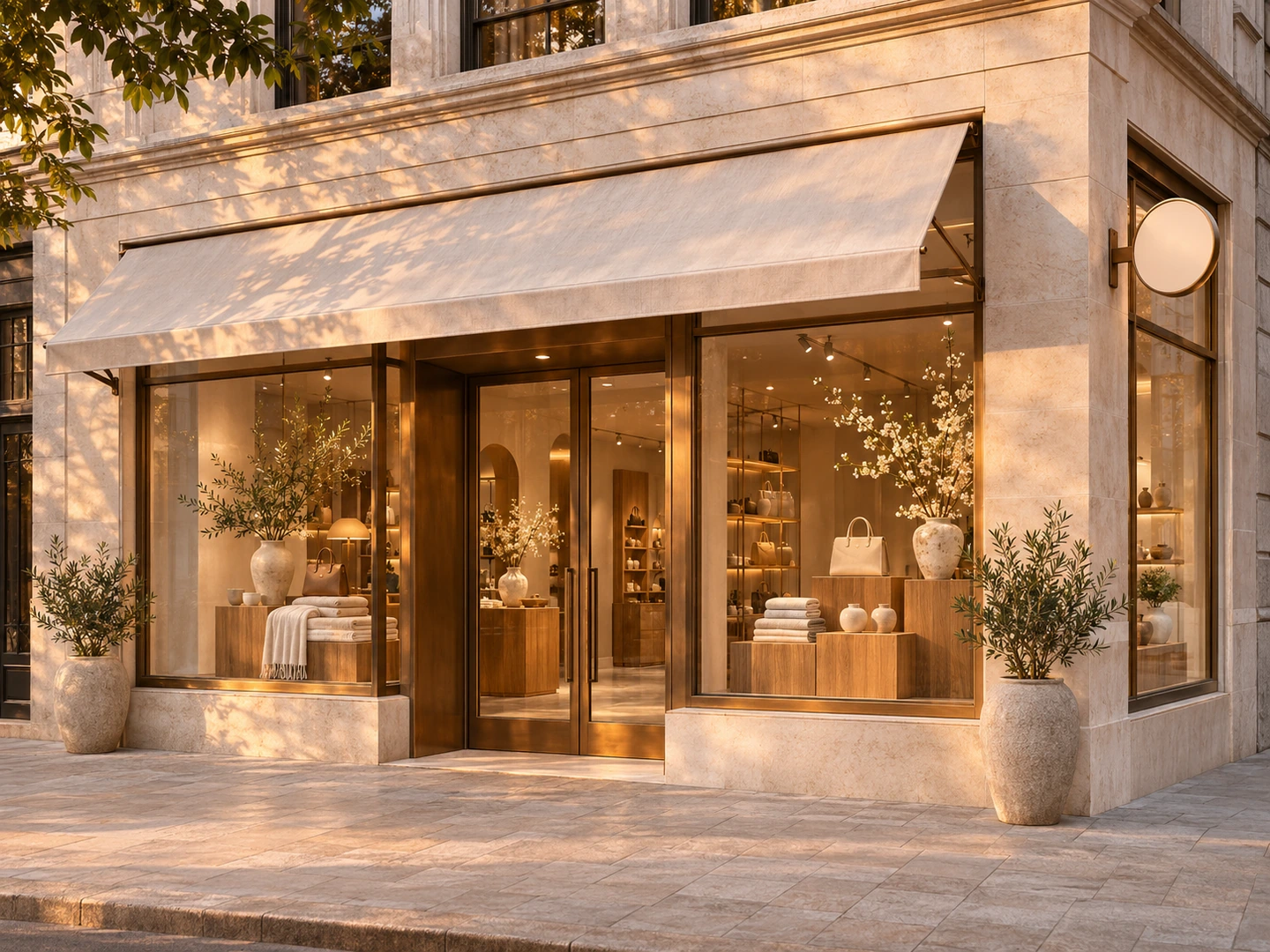
STOREFRONT DESIGN IDEAS
Explore six shop-front concept directions for retail, cafes, restaurants, bakeries, salons and jewelry boutiques. Compare each original facade with a redesigned view of the same storefront.
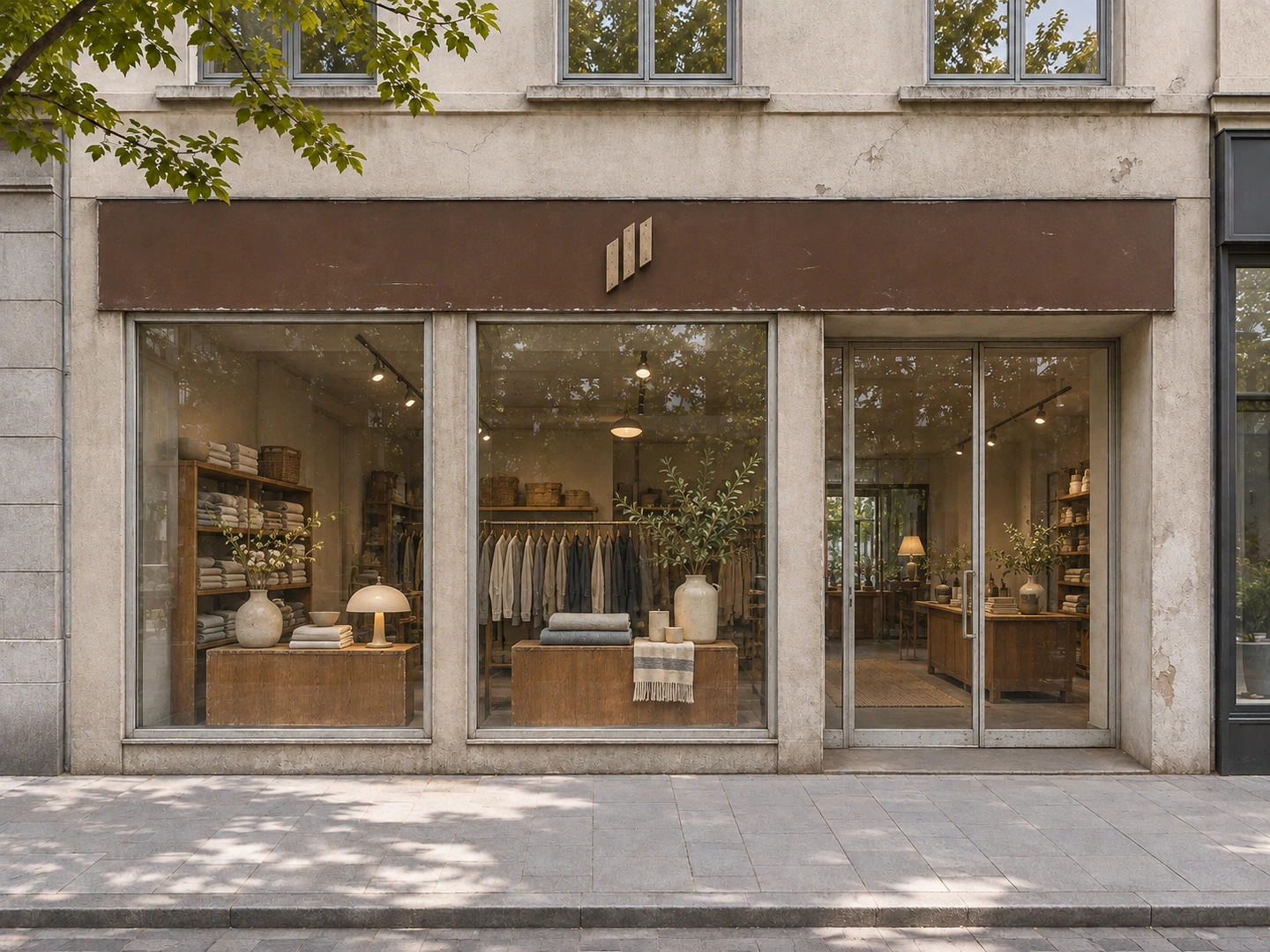
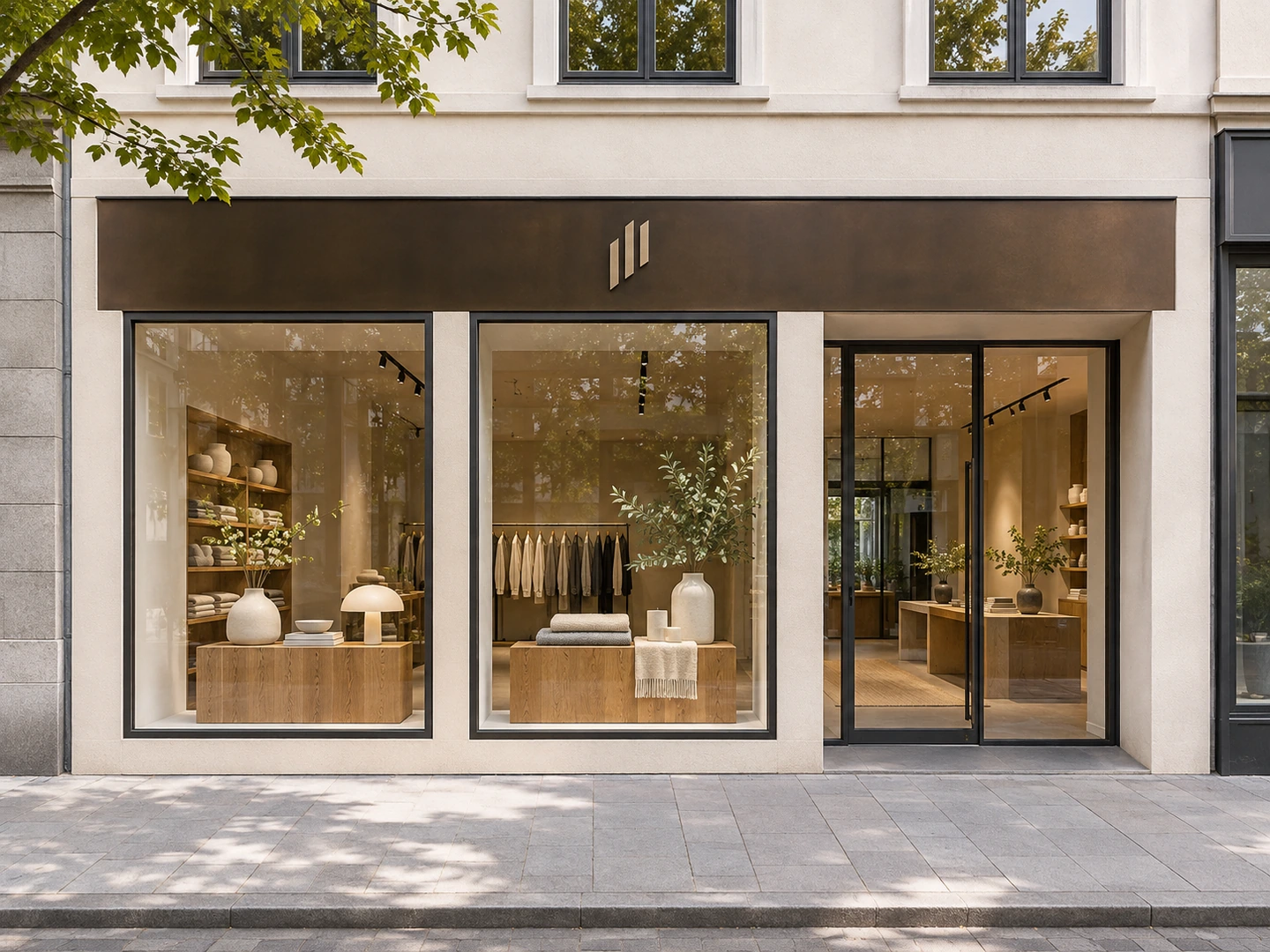
Explore a modern shop front design with clean glazing profiles, a refined fascia and clear window displays for a contemporary retail shop.
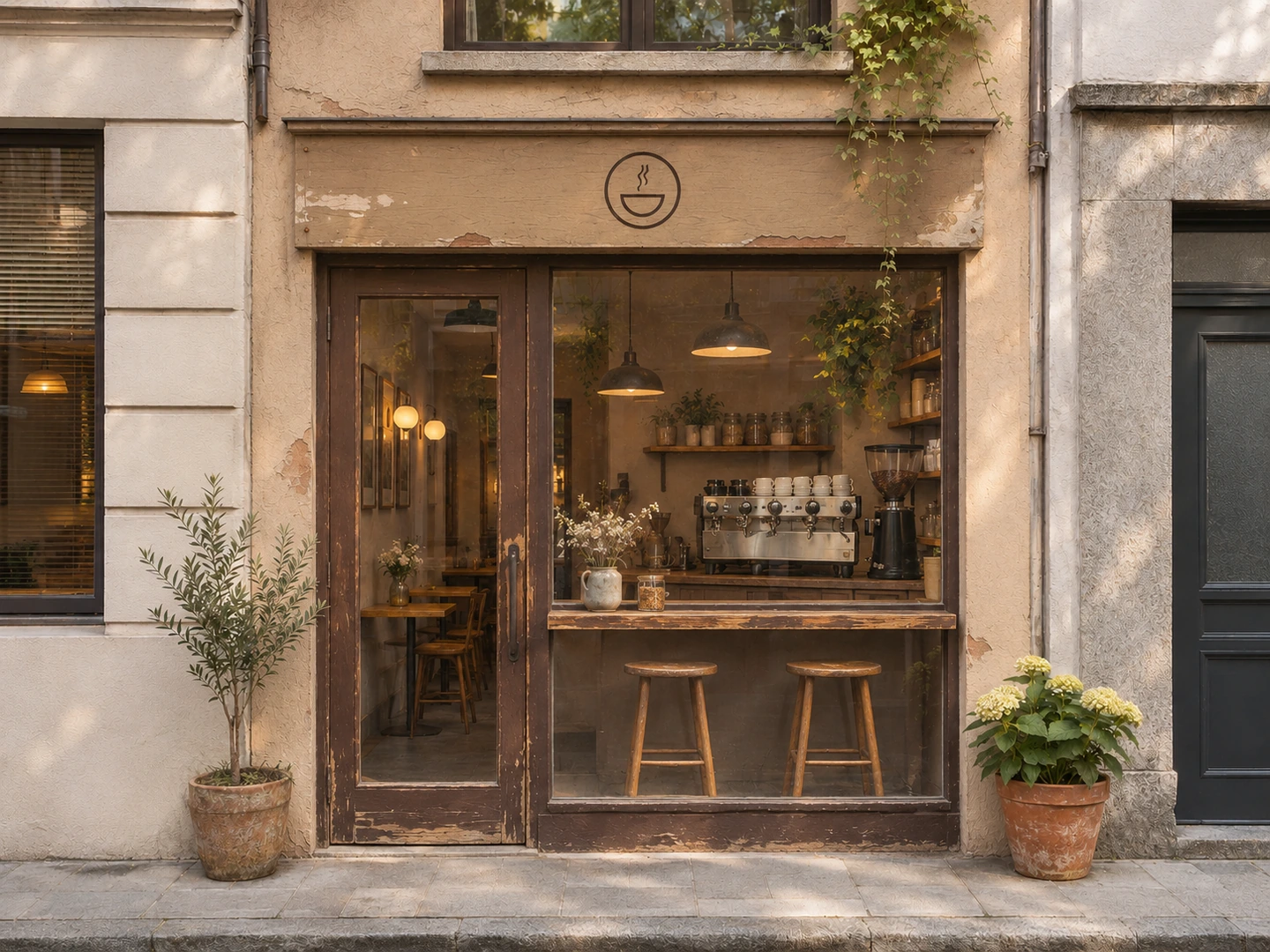
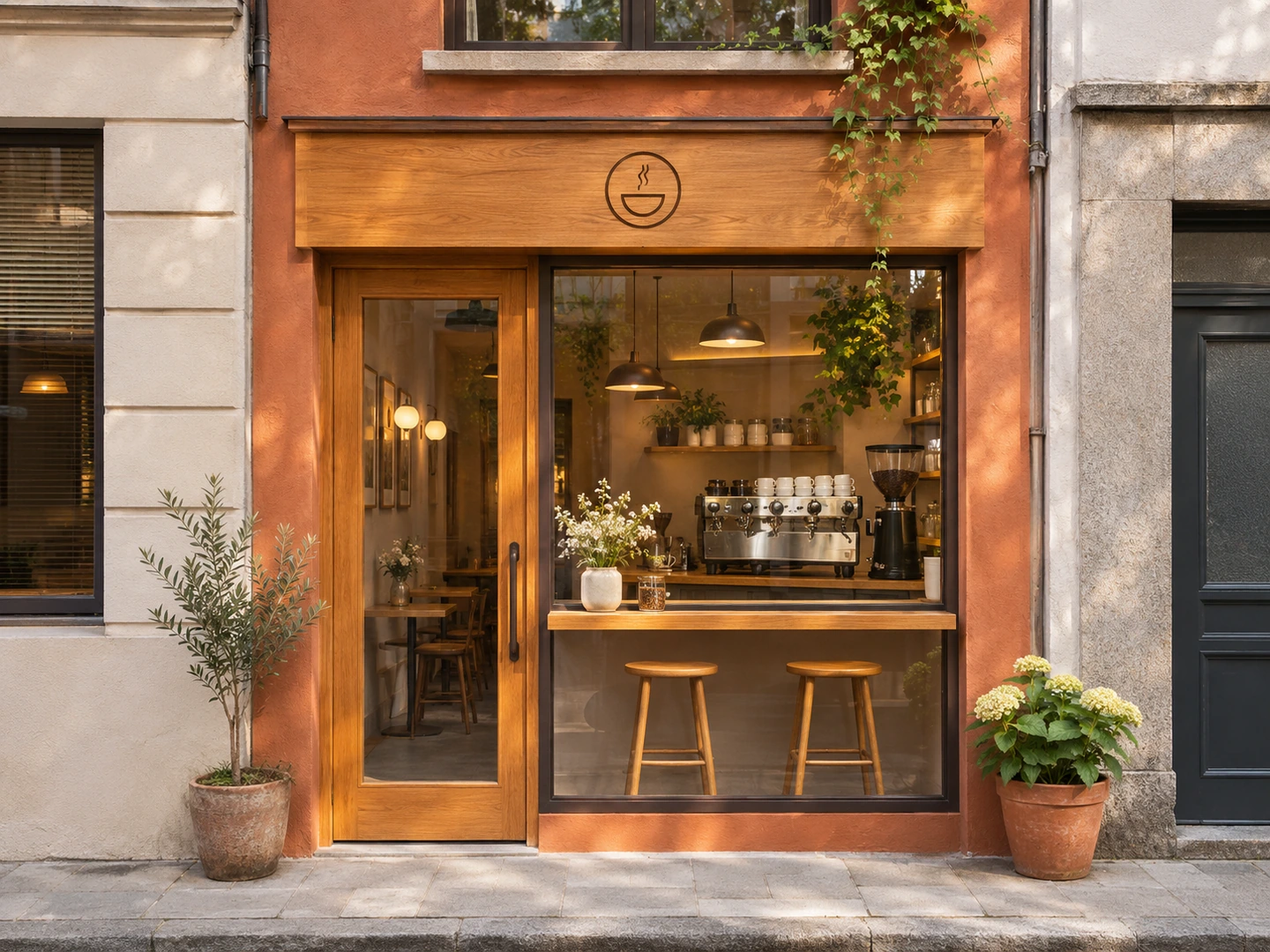
See how a small shop front design can bring together a narrow entrance, a visible coffee counter and warm timber details without expanding the frontage.
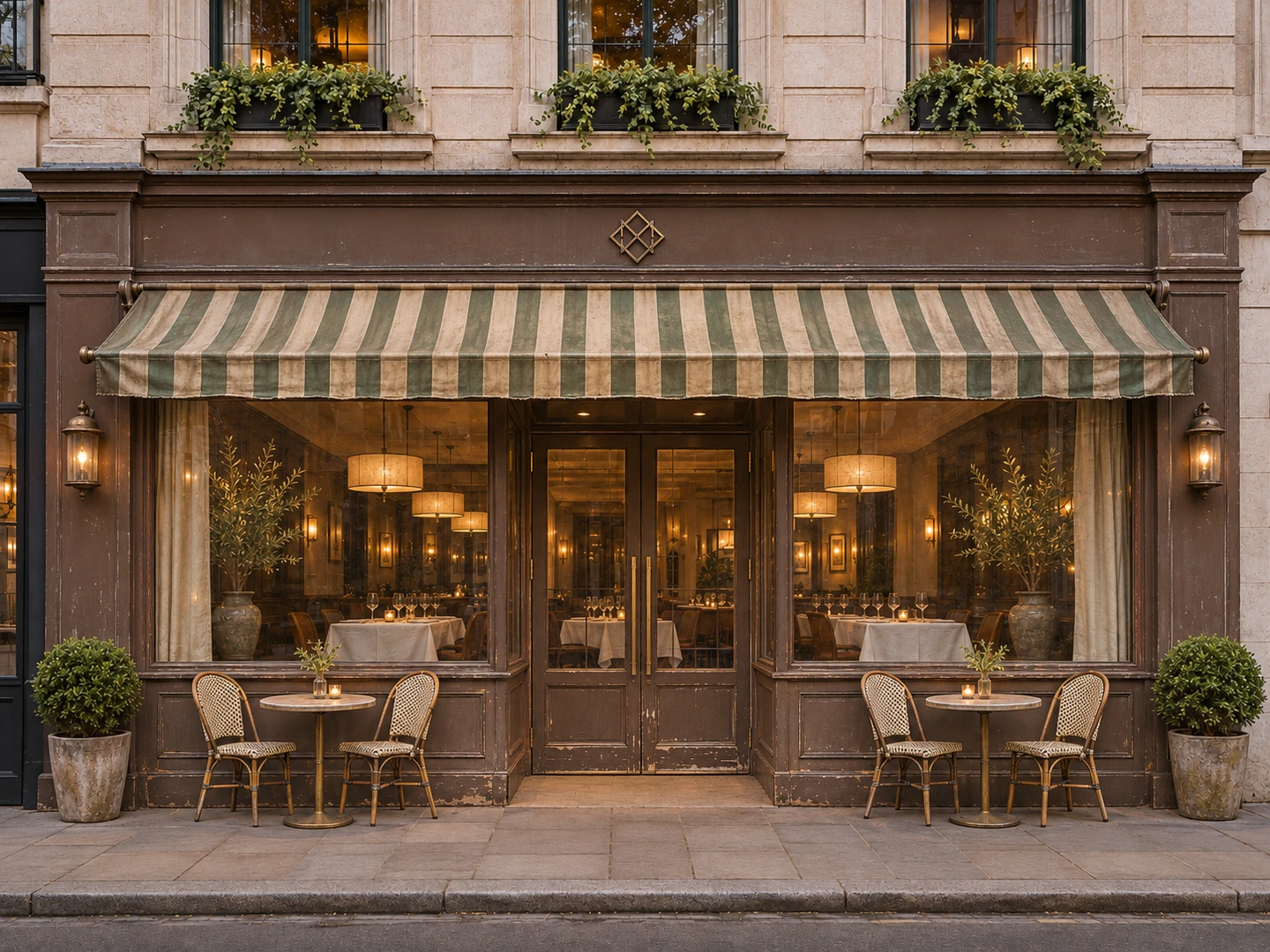
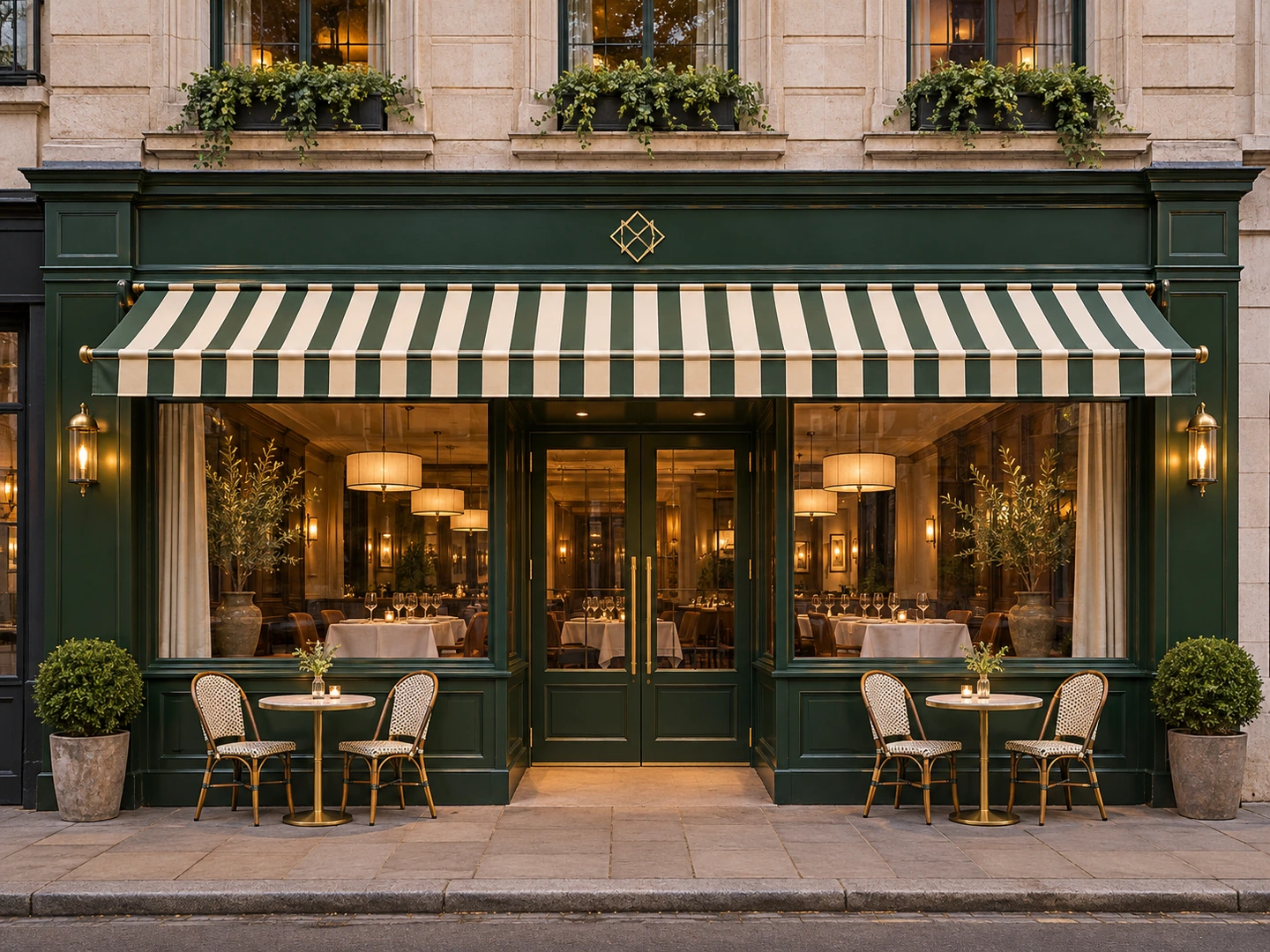
Refresh a restaurant front with heritage-style timber, an awning and inviting dining-room views. Outdoor seating can be added when it suits the restaurant setting.
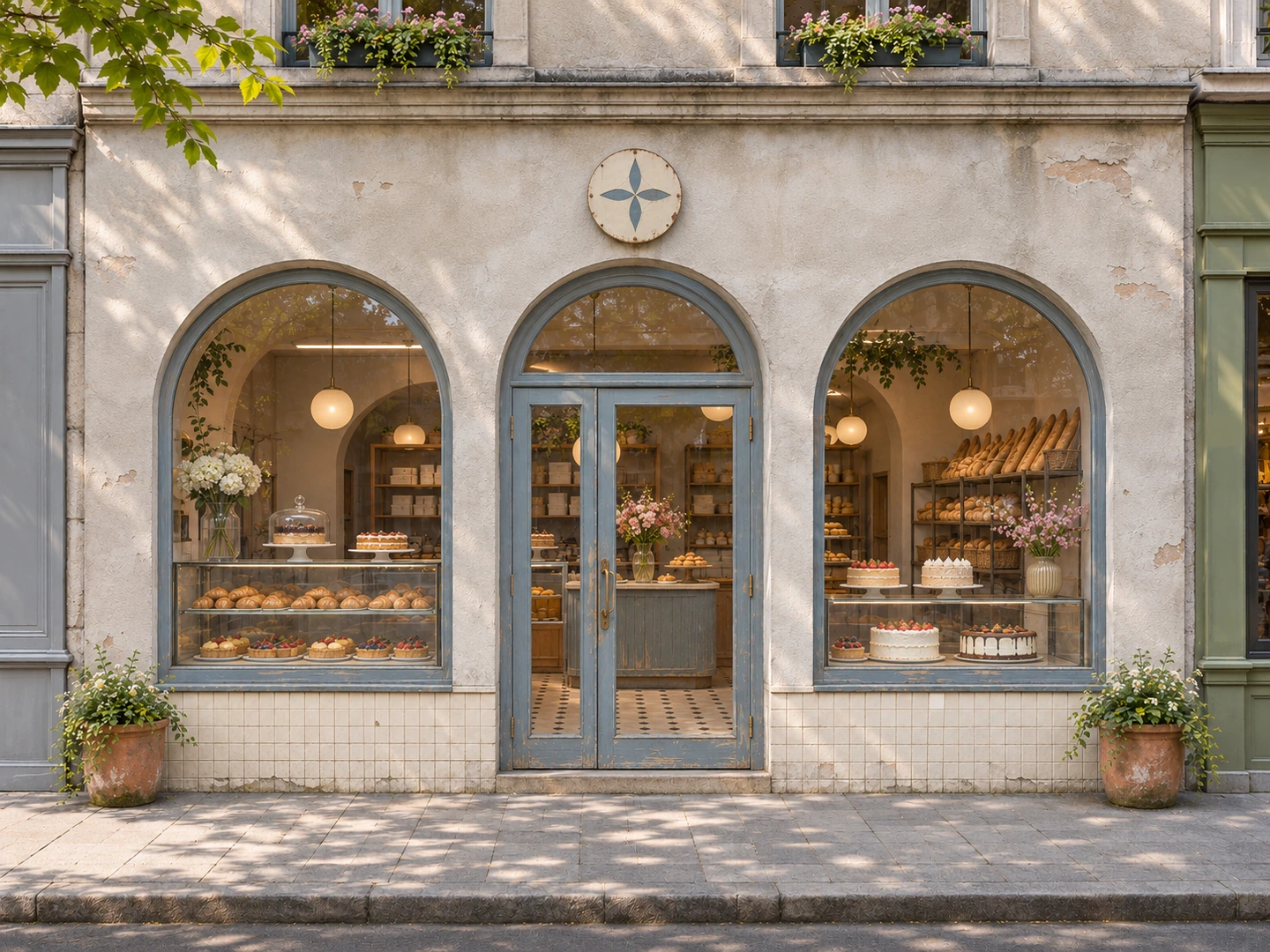
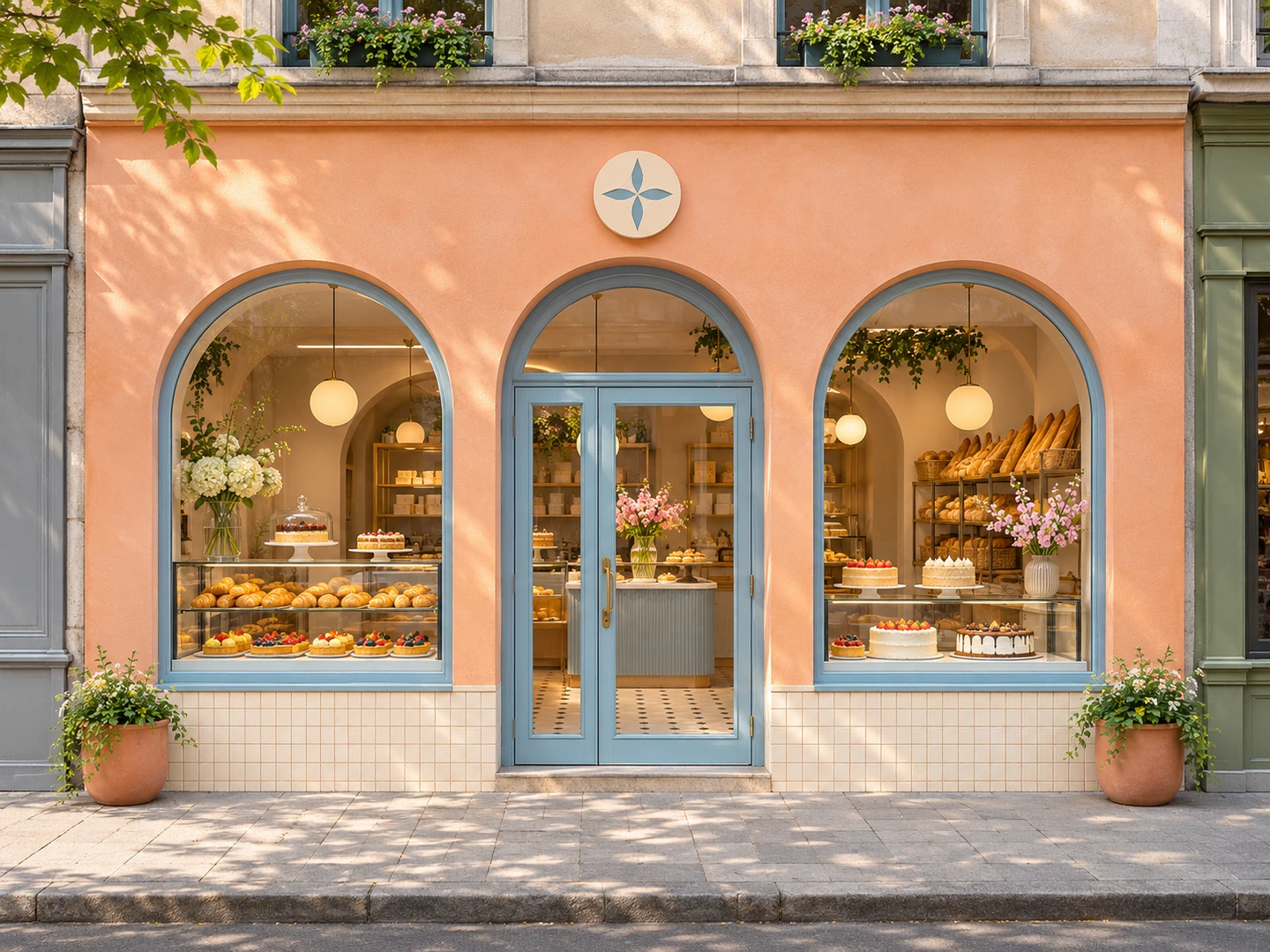
Use a bright, welcoming facade and pastry-focused windows to give a bakery or dessert shop a distinct street presence.
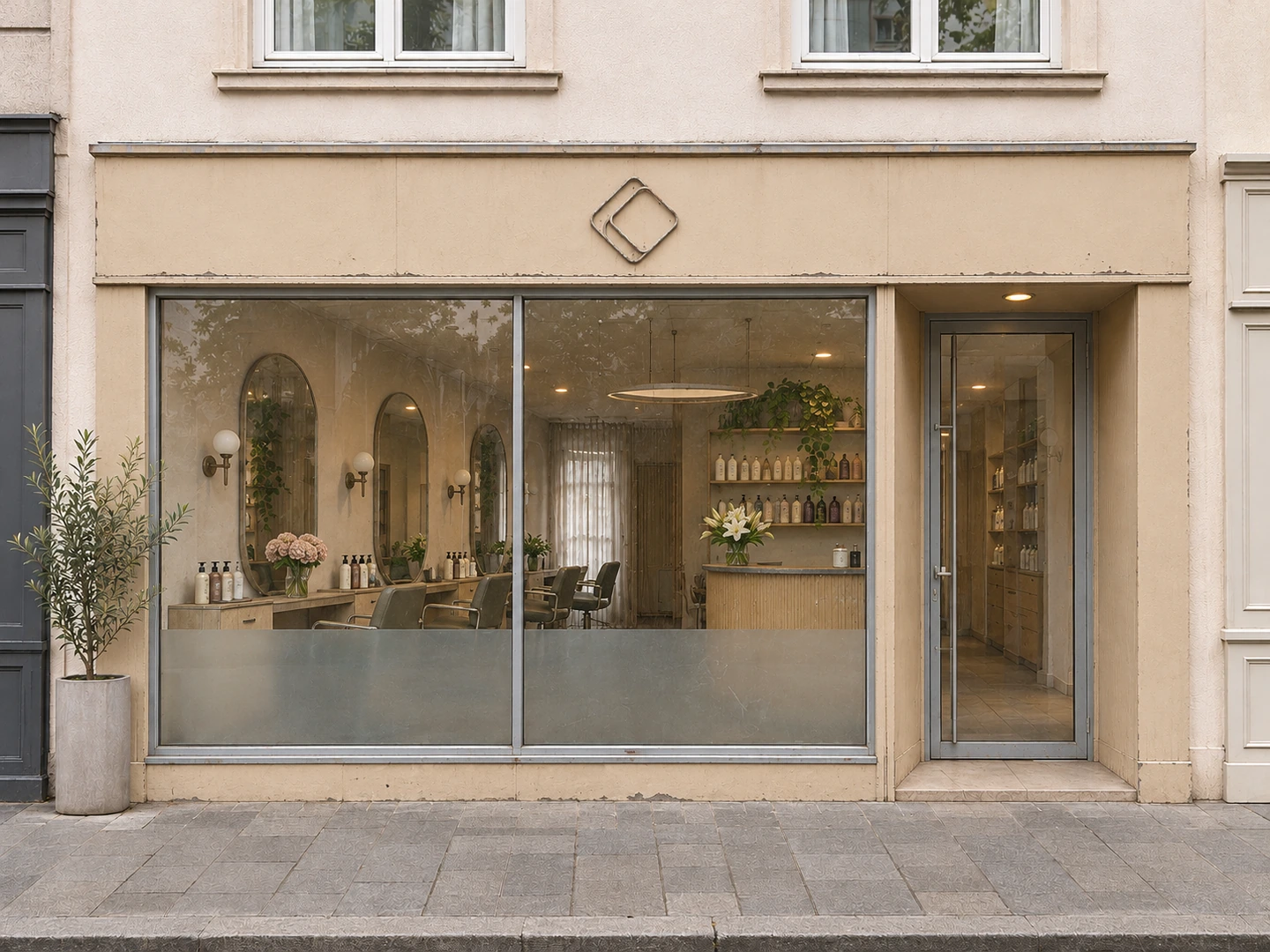
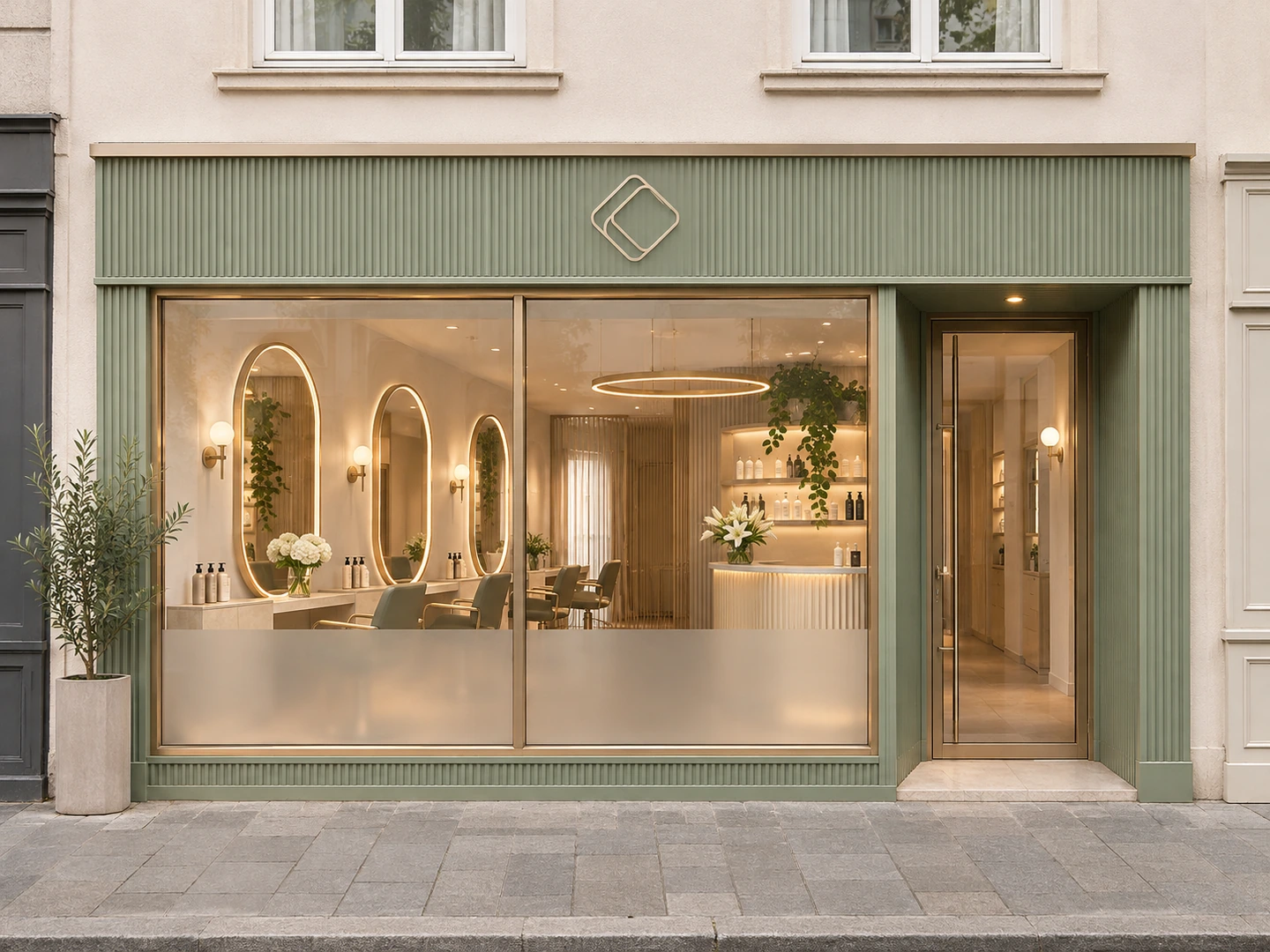
Balance a calm facade, a clearly defined entrance and partial window privacy with views of the salon's styling stations.
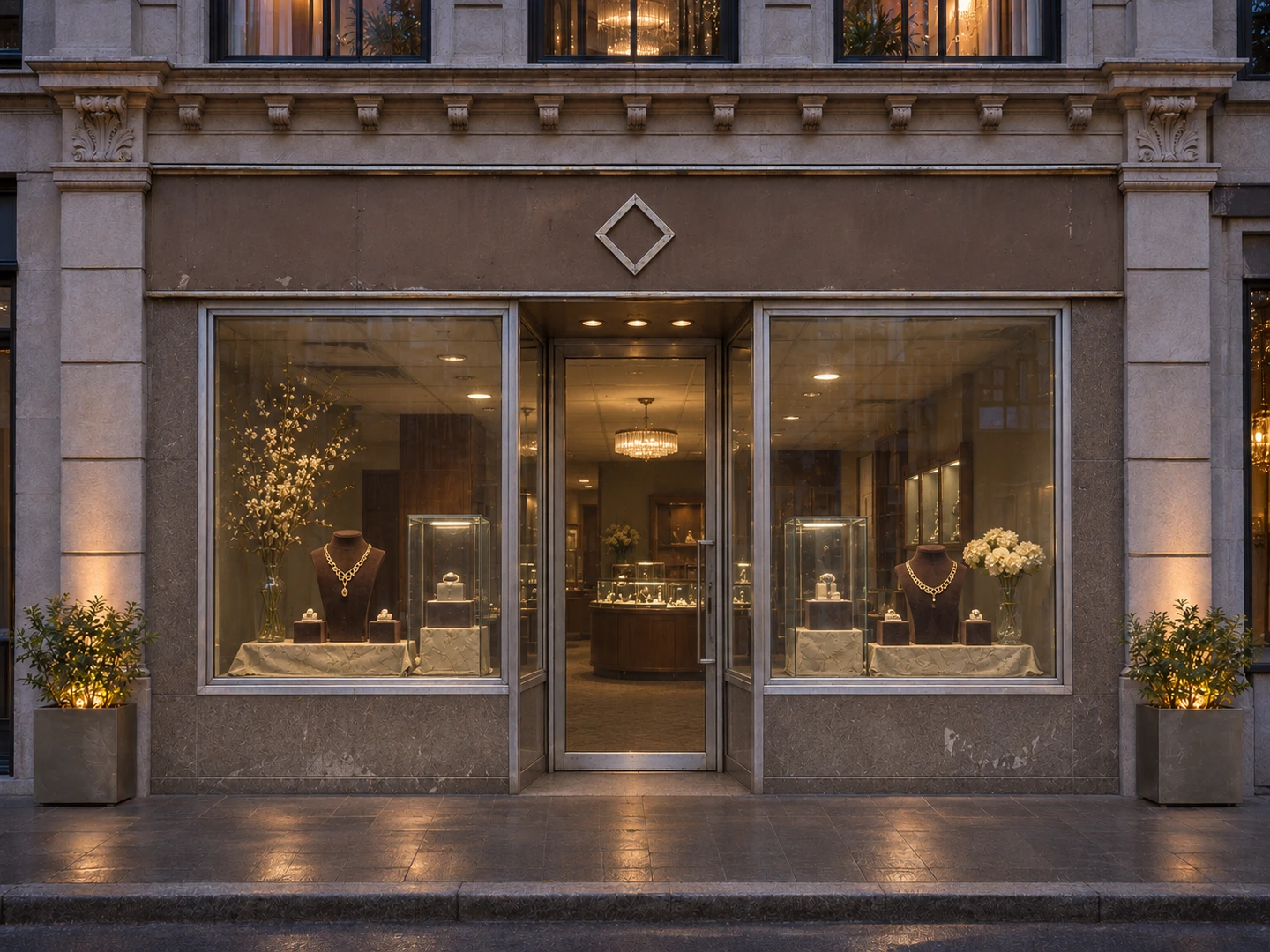
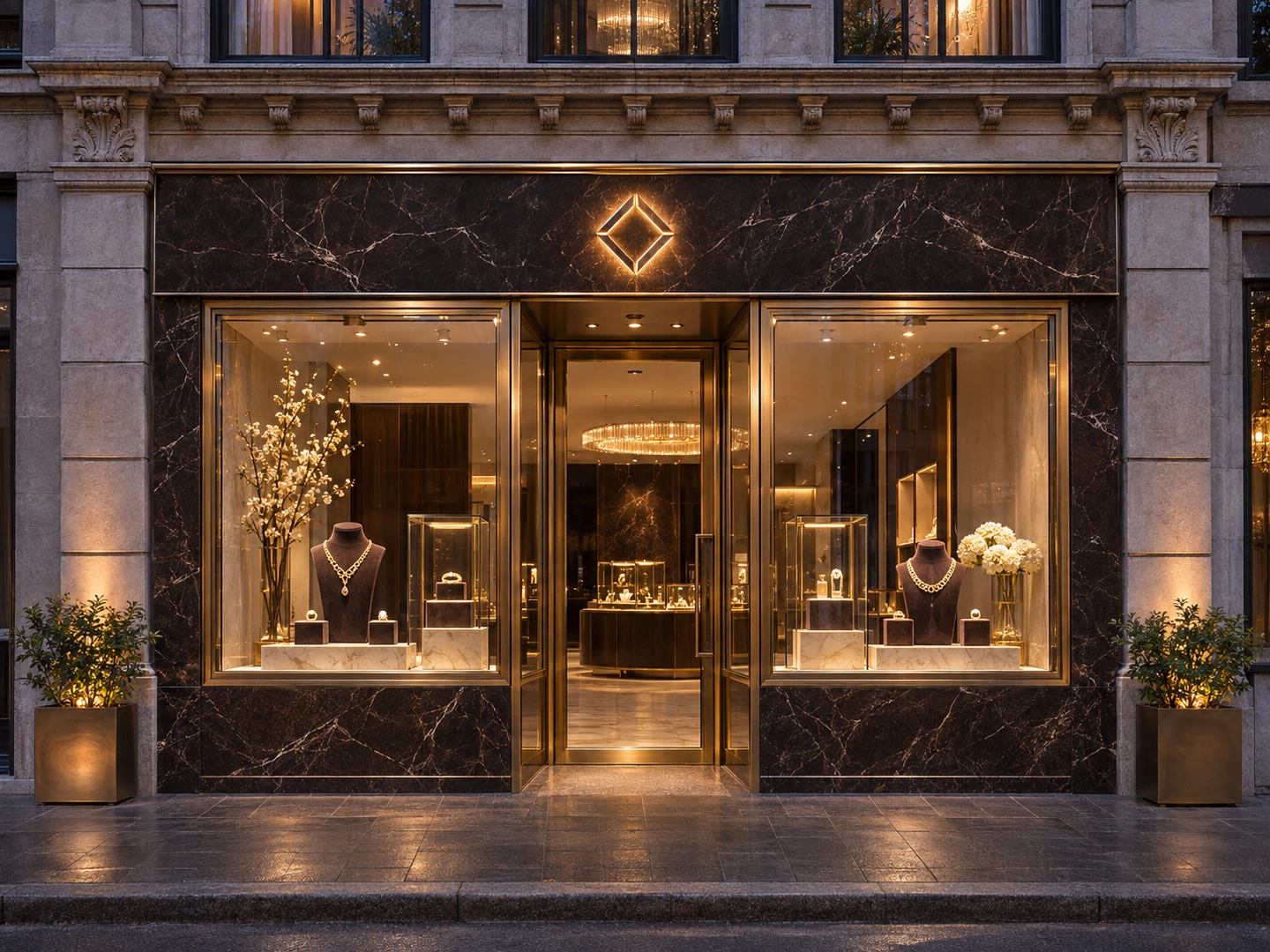
Compare a premium retail direction with dark stone, champagne-metal framing and focused evening illumination around the jewelry displays.
Storefront design brings together the sign, fascia, entrance, display windows, facade finishes and lighting that customers see from the street. Retail storefront design considers how these parts communicate the business and make the entrance and window displays easy to read.
Dehome starts with a photo of your existing shop front. Choose a business type and visual style, explore signage and time-of-day options, or refine materials and storefront elements in More Settings. Custom mode provides a description and optional reference images to guide a different direction.
Use the resulting image to compare facade treatments, discuss shop elevation design and prepare a clearer visual brief for a refit. The original frontage is the structural reference, so review doors, windows and proportions alongside your source photo.
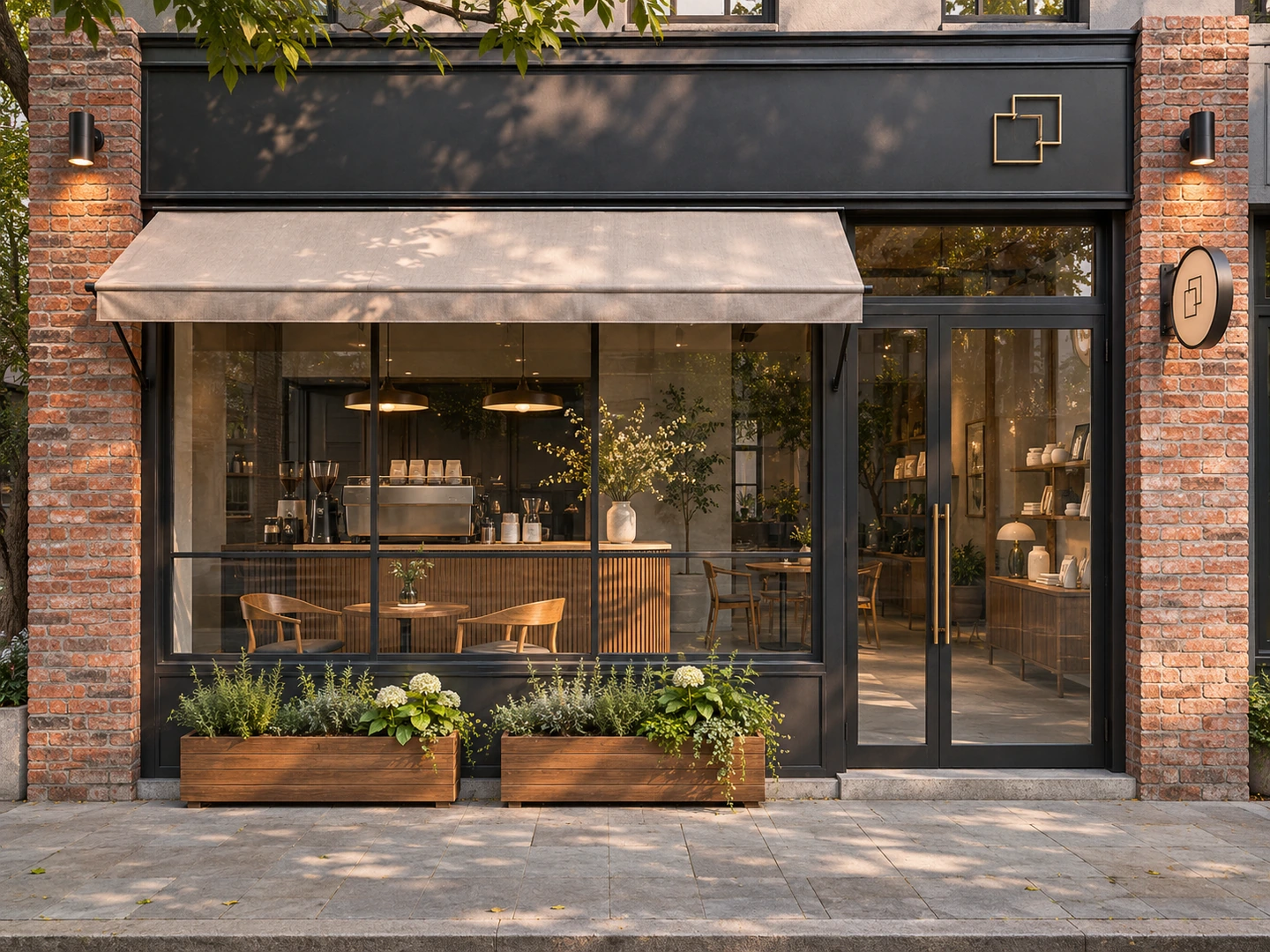
Work from a photo of the location you want to refresh, with the existing facade as the starting point for the design.
Use the original door, window and facade arrangement as the visual reference while exploring a new treatment for the shop front.
Give a cafe, fashion boutique, restaurant or service business a storefront direction suited to its displays and entrance experience.
Explore materials, finishes and architectural details across different storefront design ideas before selecting a direction to develop.
Compare how the facade, sign and window display read in daylight, at dusk or at night, or keep the original time of day.
Bring a storefront concept image into conversations with a designer, shopfitter or sign maker alongside the original site photo.
Upload a clear photo showing one complete storefront. A front-facing view with the fascia, entrance and windows visible gives a useful starting point.
In Preset, choose the store type and style, then adjust signage, time of day and More Settings as needed. In Custom, describe your idea and optionally add a reference image.
Generate a storefront concept, compare it with your photo and check the openings and facade proportions. Refine the settings or description, then download the direction you prefer.
Choose Retail Store, Cafe, Restaurant, Bakery & Dessert, Fashion Boutique, Beauty Salon, Florist or Jewelry Store to guide the business context.
Explore Modern Minimalist, Classic Heritage, Industrial, Warm Natural, Luxury Boutique or Bold & Colorful treatments for the facade.
Keep the original sign or explore a flat panel, unlit dimensional letters, halo-lit letters, a lightbox or neon. This control guides the sign's appearance.
Time of Day defaults to Keep Original. Select Day, Dusk or Night when you want to explore a different lighting setting for the storefront.
Keep the original material or choose paint, wood, brick, stone, metal panel or tile to guide the main facade finish.
Keep existing elements or select awnings, planters, blade signs and sidewalk signs. Outdoor Seating is available for suitable business types, such as cafes and restaurants.
Use Choose controls for the main settings and open More Settings for facade material, storefront elements and an optional Additional Details description.
Switch to Custom to describe a storefront direction in your own words and optionally upload a reference image for the visual treatment.
Continue with Dehome tools for broader exterior makeovers, elevation drawings, sketch rendering and new architectural concepts.
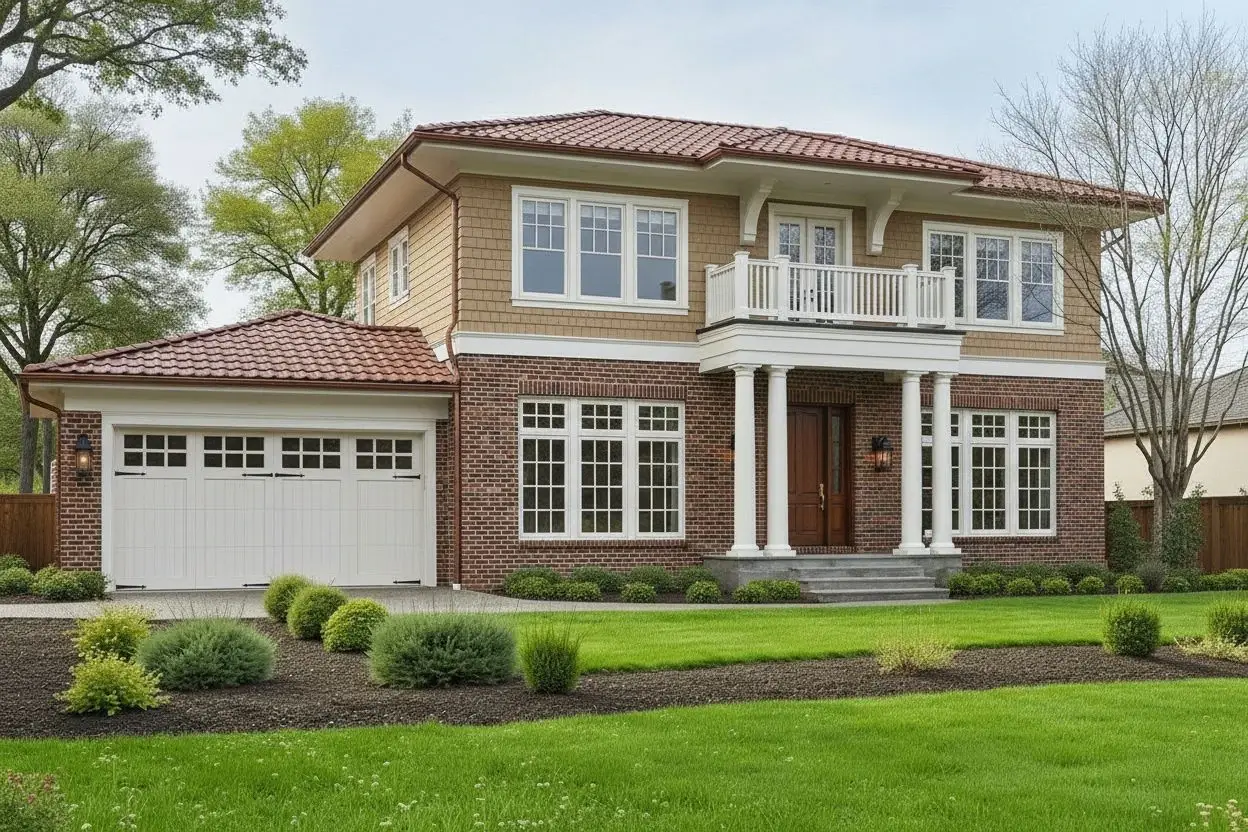
Explore a broader building exterior makeover from a photo, including facade finishes, materials and architectural style.
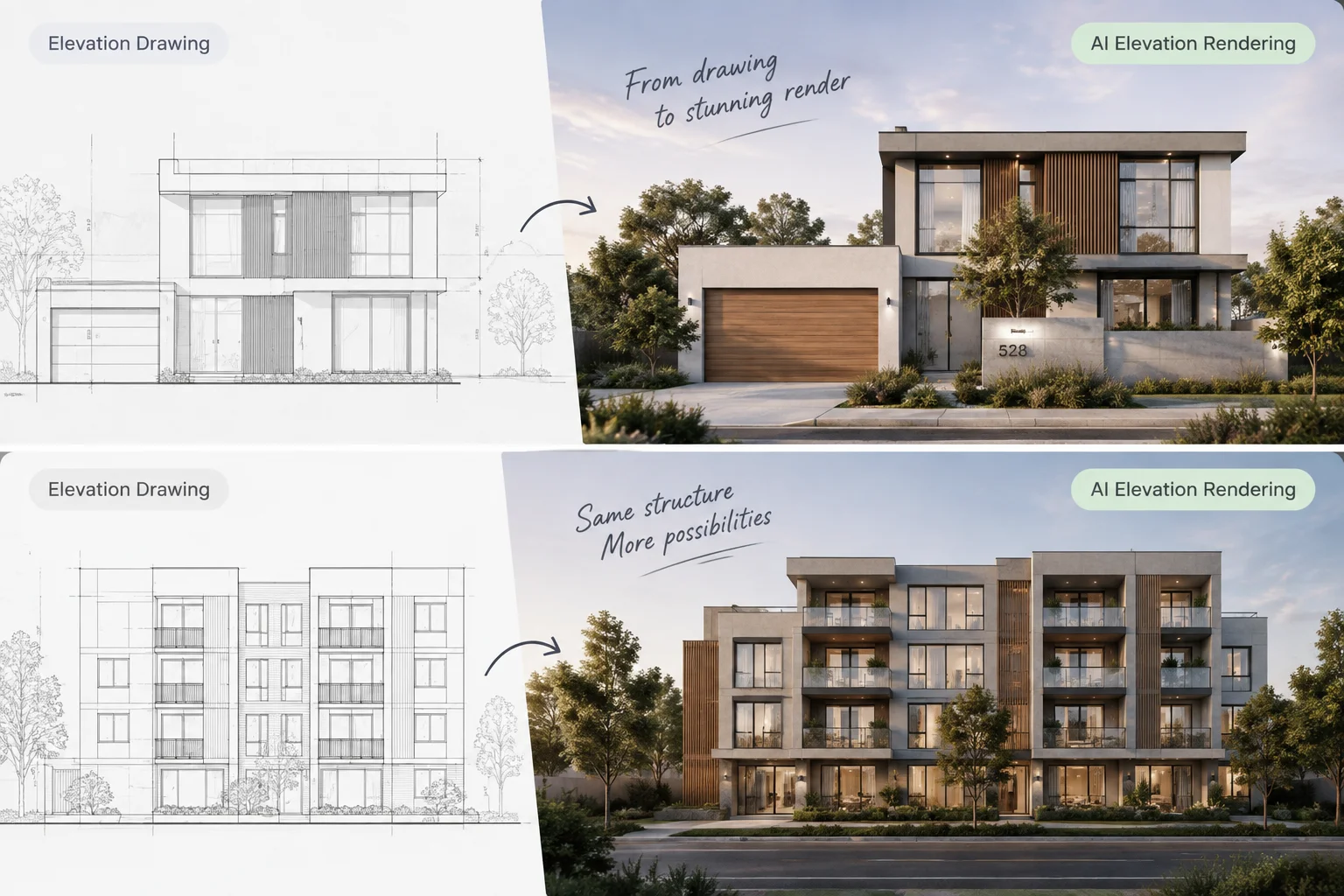
Start from an architectural elevation drawing or CAD screenshot and visualize facade materials and lighting.
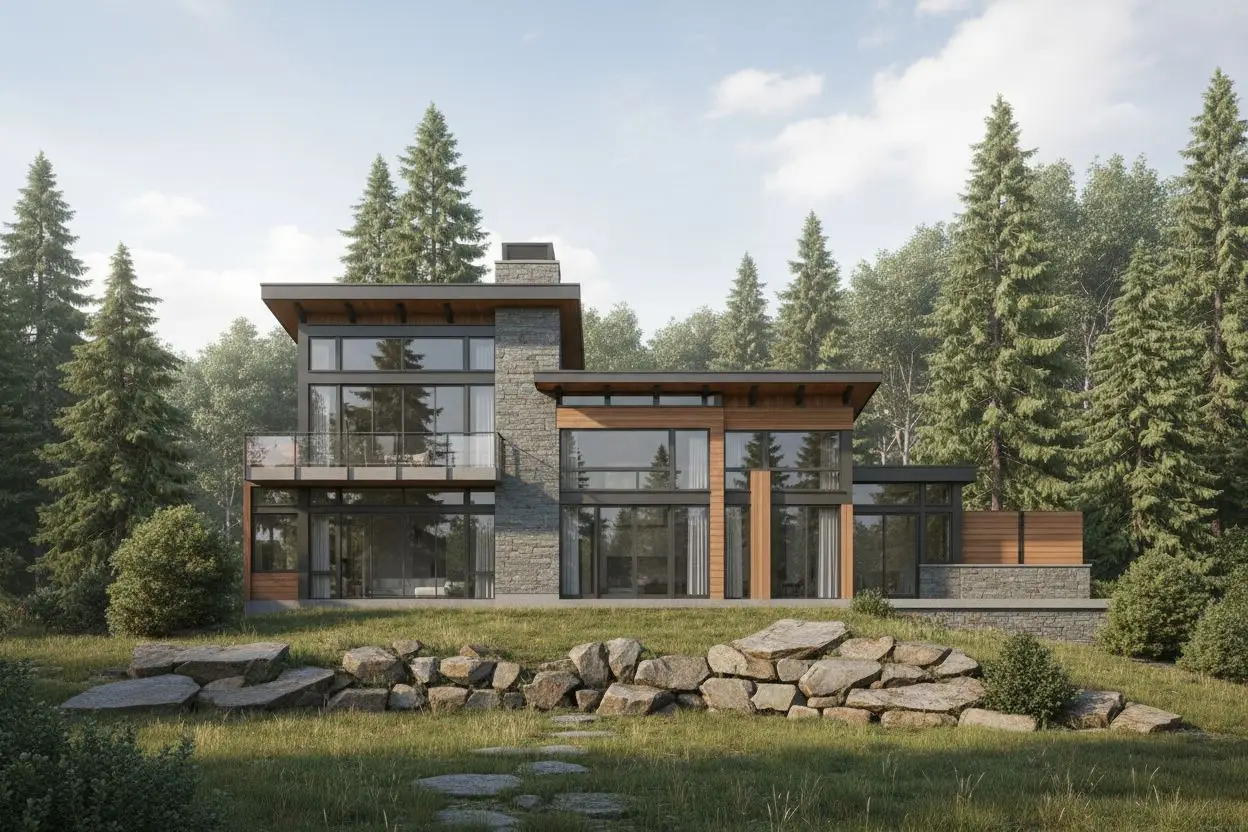
Turn a sketch or line drawing into a finished visual direction for an architectural concept.
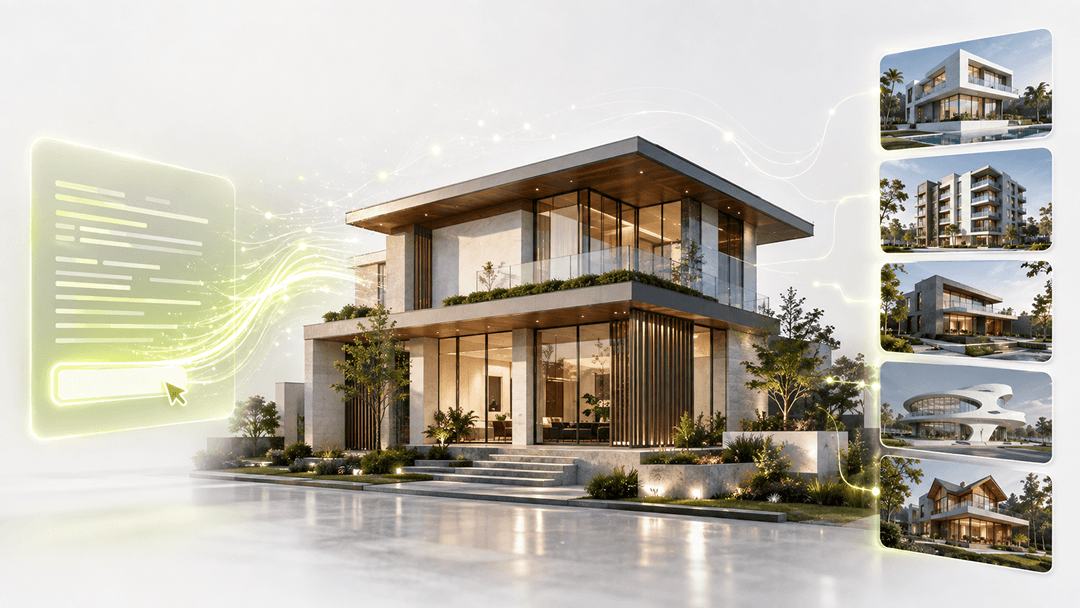
Explore building forms and exterior design concepts from a written architectural description.
Learn how to use a photo to explore shop-front styles, signage, materials and presentation views.
AI storefront design uses a photo and design instructions to create a visual concept for a physical shop front. Dehome helps you explore how the facade, sign, entrance, windows, materials and lighting can work together for a retail or service business.
The preset store types are Retail Store, Cafe, Restaurant, Bakery & Dessert, Fashion Boutique, Beauty Salon, Florist and Jewelry Store. The business type helps guide the visible displays and storefront character. Use Additional Details or Custom to describe a more specific brief.
Yes. Modern Minimalist is one of the six storefront styles, and a photo of a narrow unit can guide a small shop front design. Keep the complete frontage in view and describe any important entrance or display needs. The uploaded photo remains the reference for the available frontage.
Preset provides controls for Store Type, Storefront Style, Signage Style and Time of Day. More Settings contains Facade Material, Storefront Elements and Additional Details. Custom provides a description box and optional reference images for directing the visual result in your own words.
Yes. Signage Style and Time of Day default to Keep Original, and the material and element controls in More Settings also start with only Keep Original selected. For Storefront Elements, Keep Original is exclusive: selecting another element clears it, and clearing all other elements restores it. Review the result against your photo to check the details you want to retain.
The image can support a front-facing shop front elevation presentation and a discussion of storefront elevation materials, sign proportions and entrance details. It is a design visualization rather than a measured drawing. Use the original site measurements and detailed design documents for construction or sign production.
Upload your storefront photo and bring together a style, sign, material palette and lighting direction for your next design discussion.