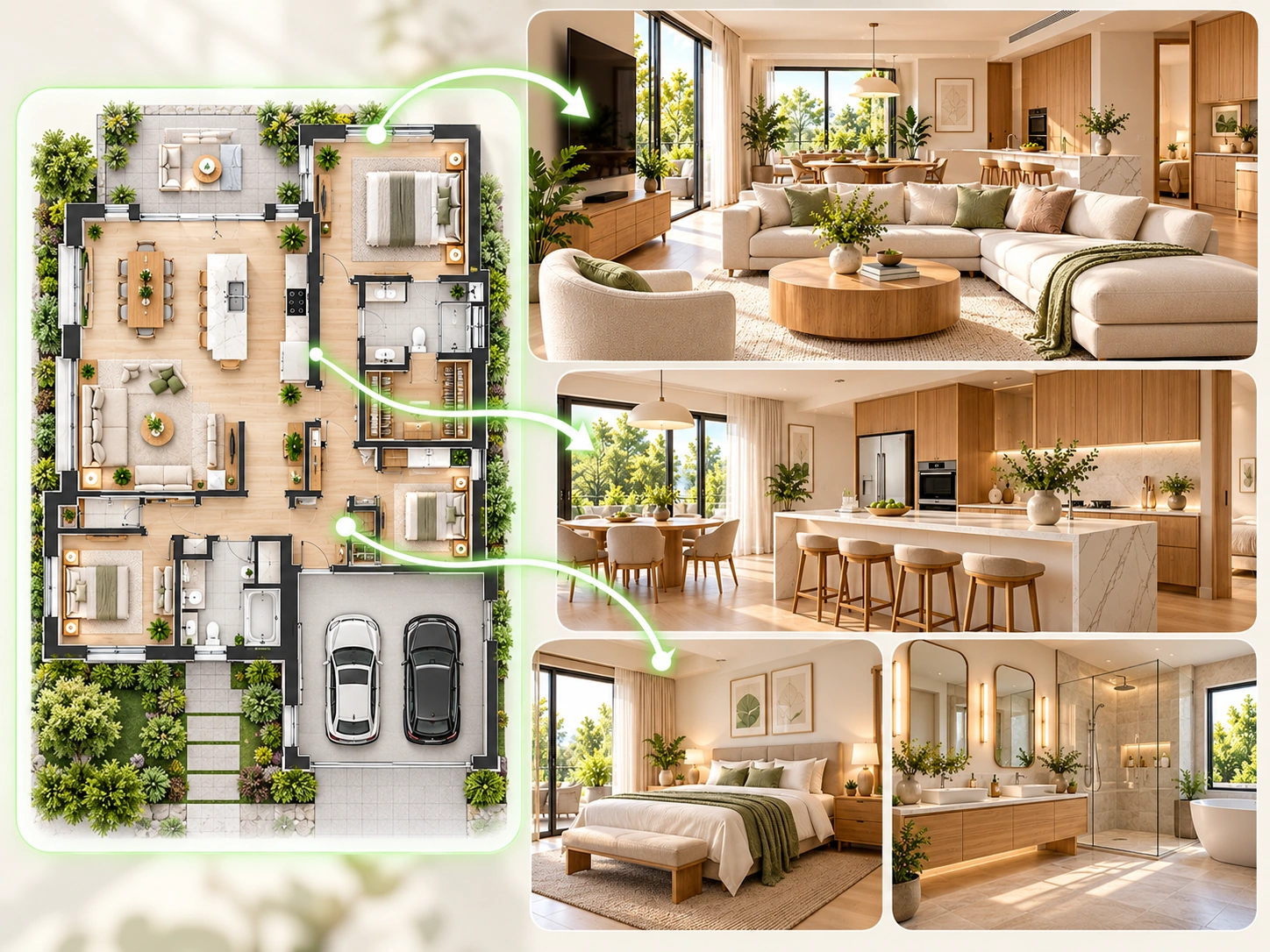
Whole-Home Overview
Use one complete floor plan to preview the main rooms of the home in a consistent design direction.
Upload, camera, or try examples
PNG, JPG, JPEG, WEBP up to 50MB
Design Presets
Full Plan Overview · Lighting
Upload a 2D floor plan and preview how the layout can become a polished interior view. Use the same workflow for a whole-home overview or a selected room.

Create your first design
Upload a photo of your home to quickly generate your first AI renovation design.
Create your first design
Turn a flat 2D layout into a realistic visual result. Explore the full home or focus on one room without rebuilding the plan manually.
FLOOR PLAN VISUALIZER EXAMPLES
Explore six ways Dehome can turn a complete 2D floor plan into a clearer whole-home or room-focused visualization.
Use one complete floor plan to preview the main rooms of the home in a consistent design direction.
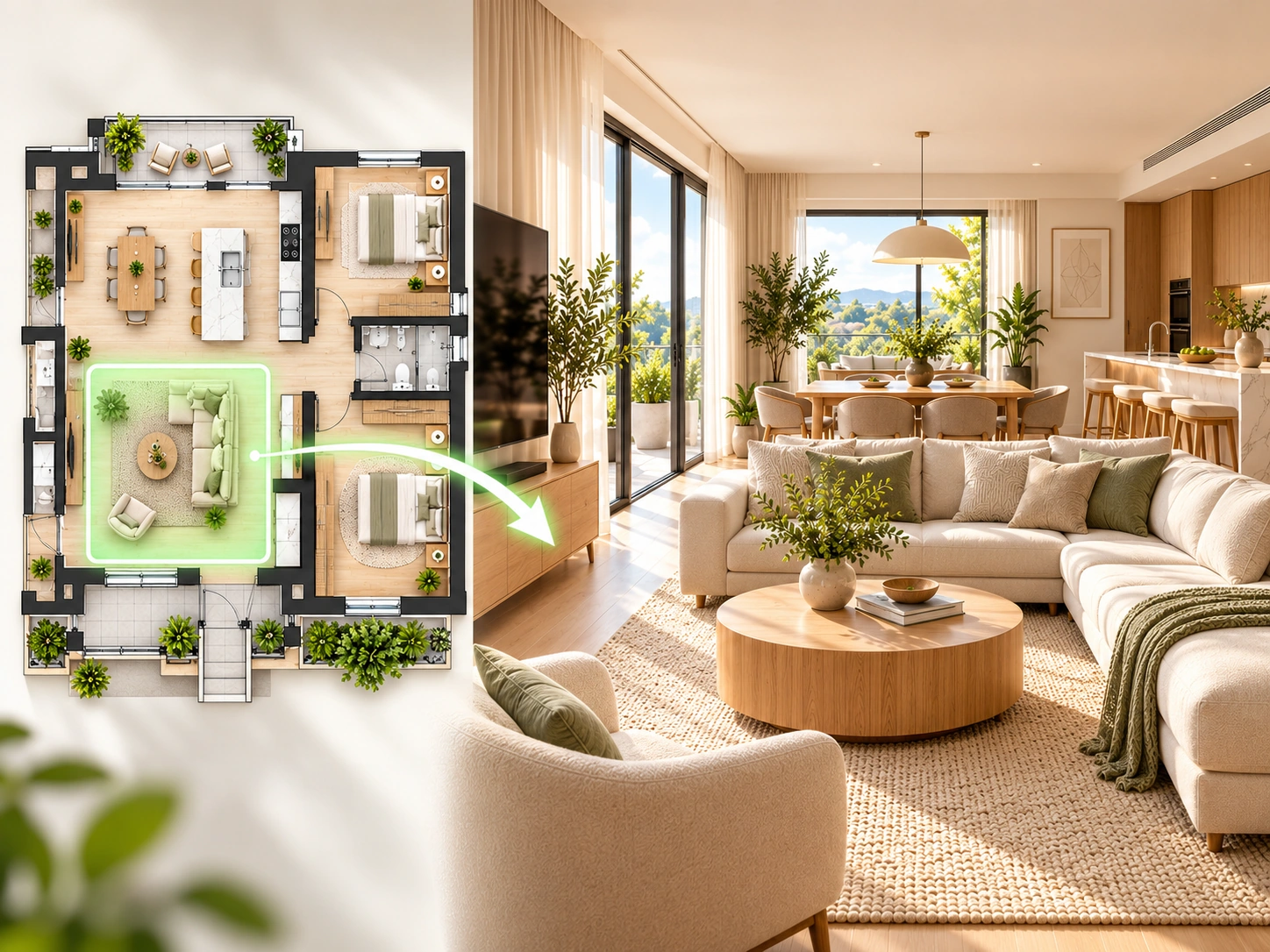
Select the living area from the full layout and generate a focused interior preview for that room.
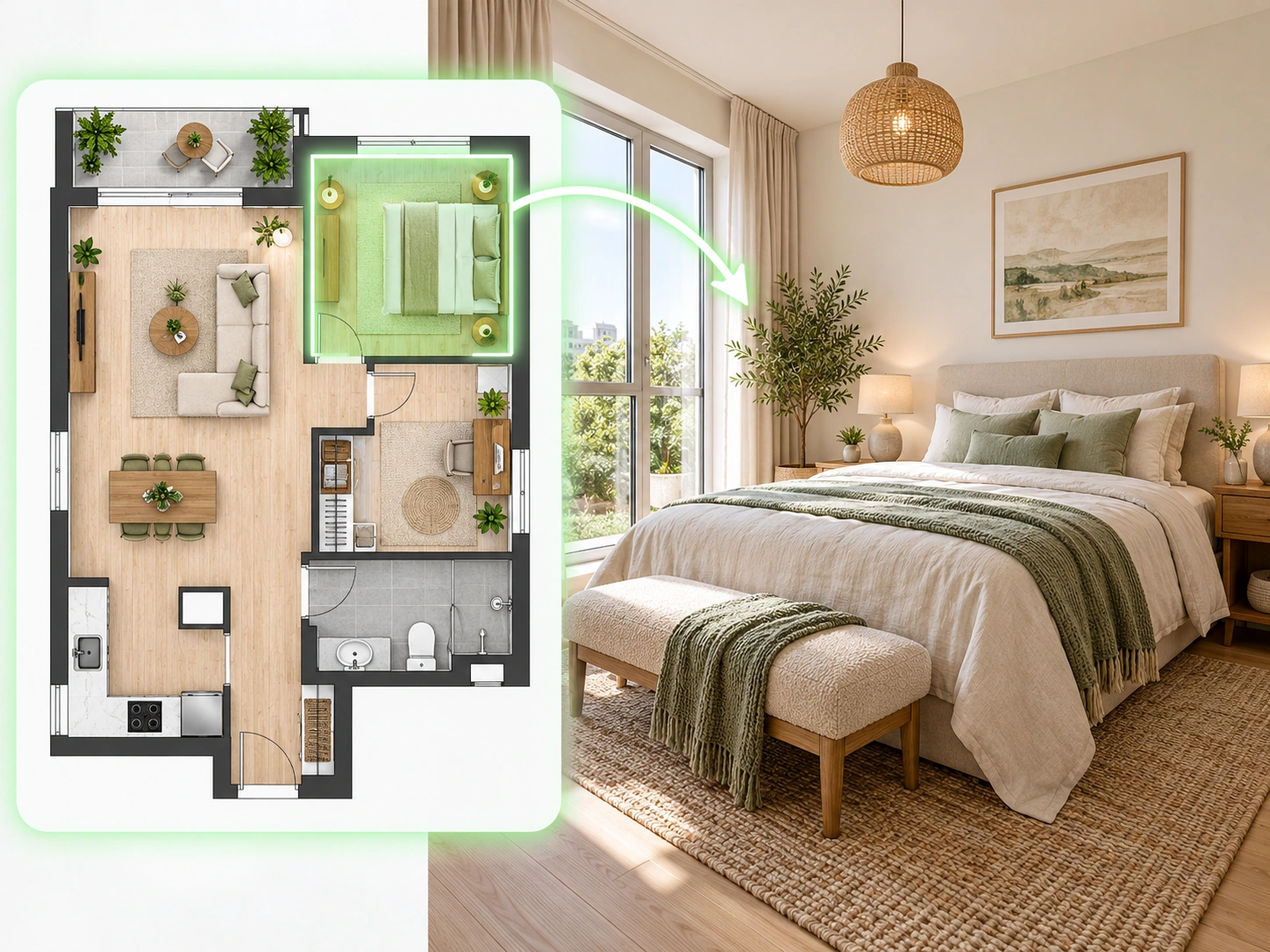
Focus on a bedroom while keeping the complete floor plan visible as spatial context.
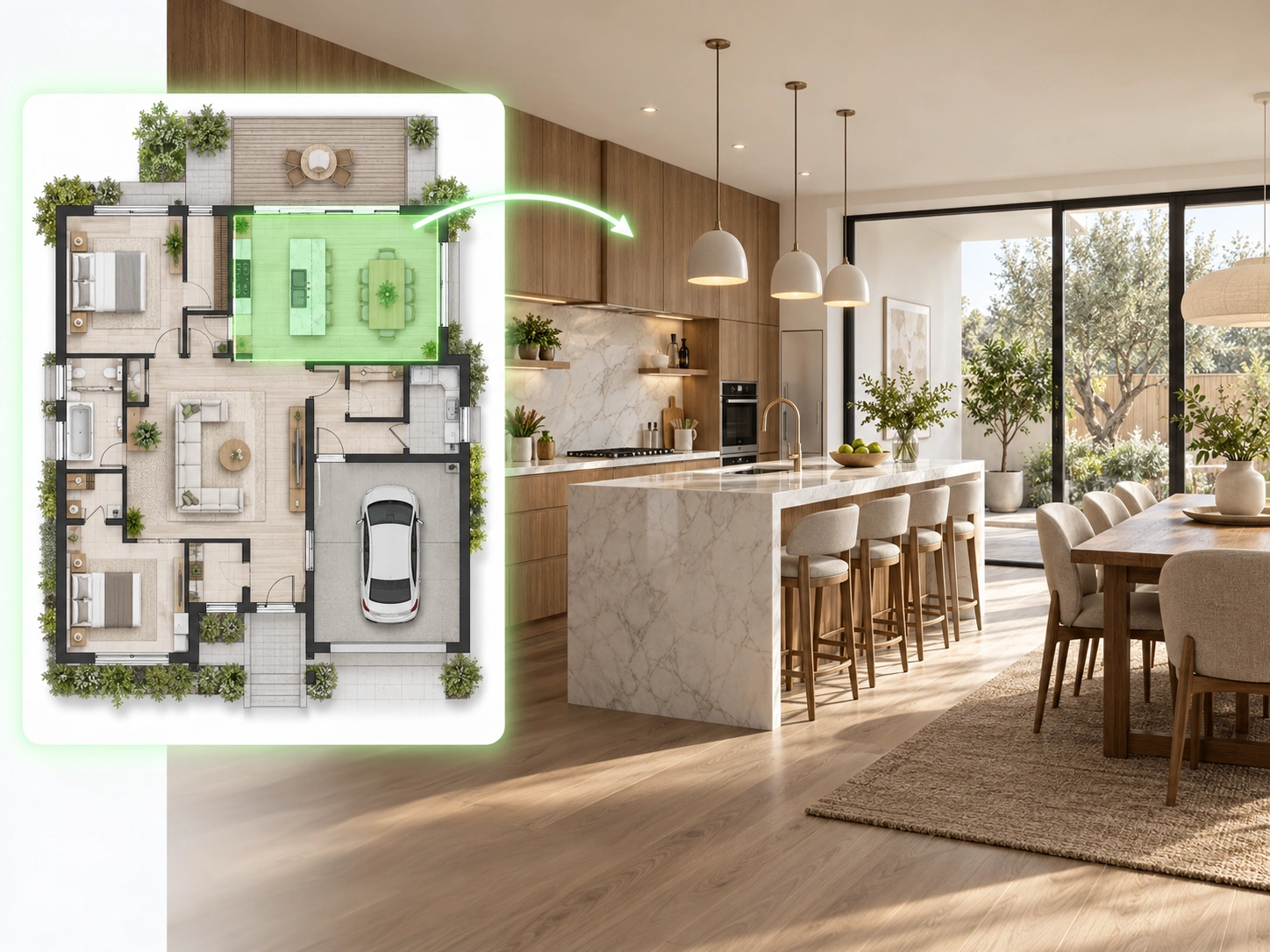
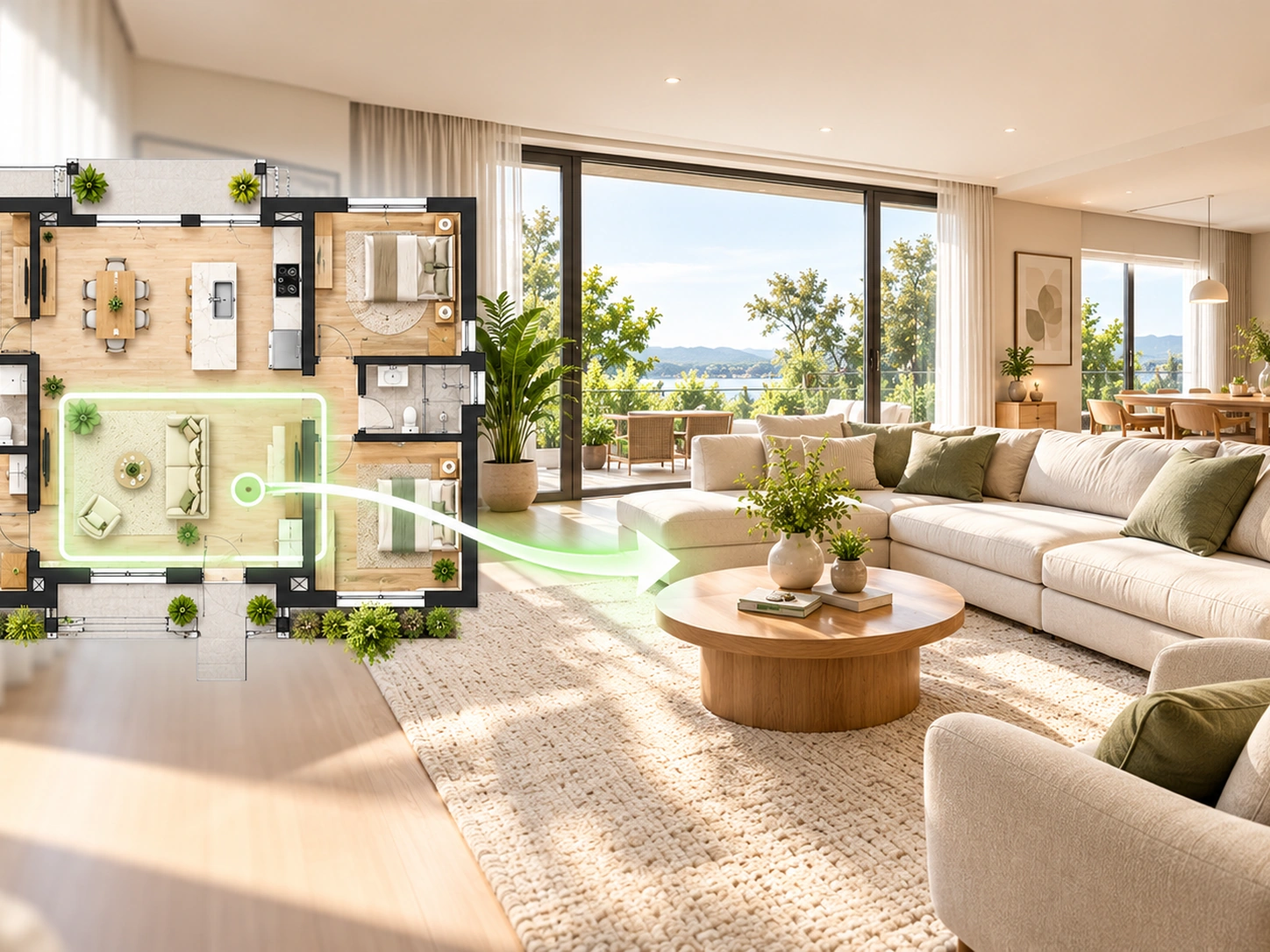
Preview how a connected kitchen and dining zone can look while preserving its position in the overall plan.
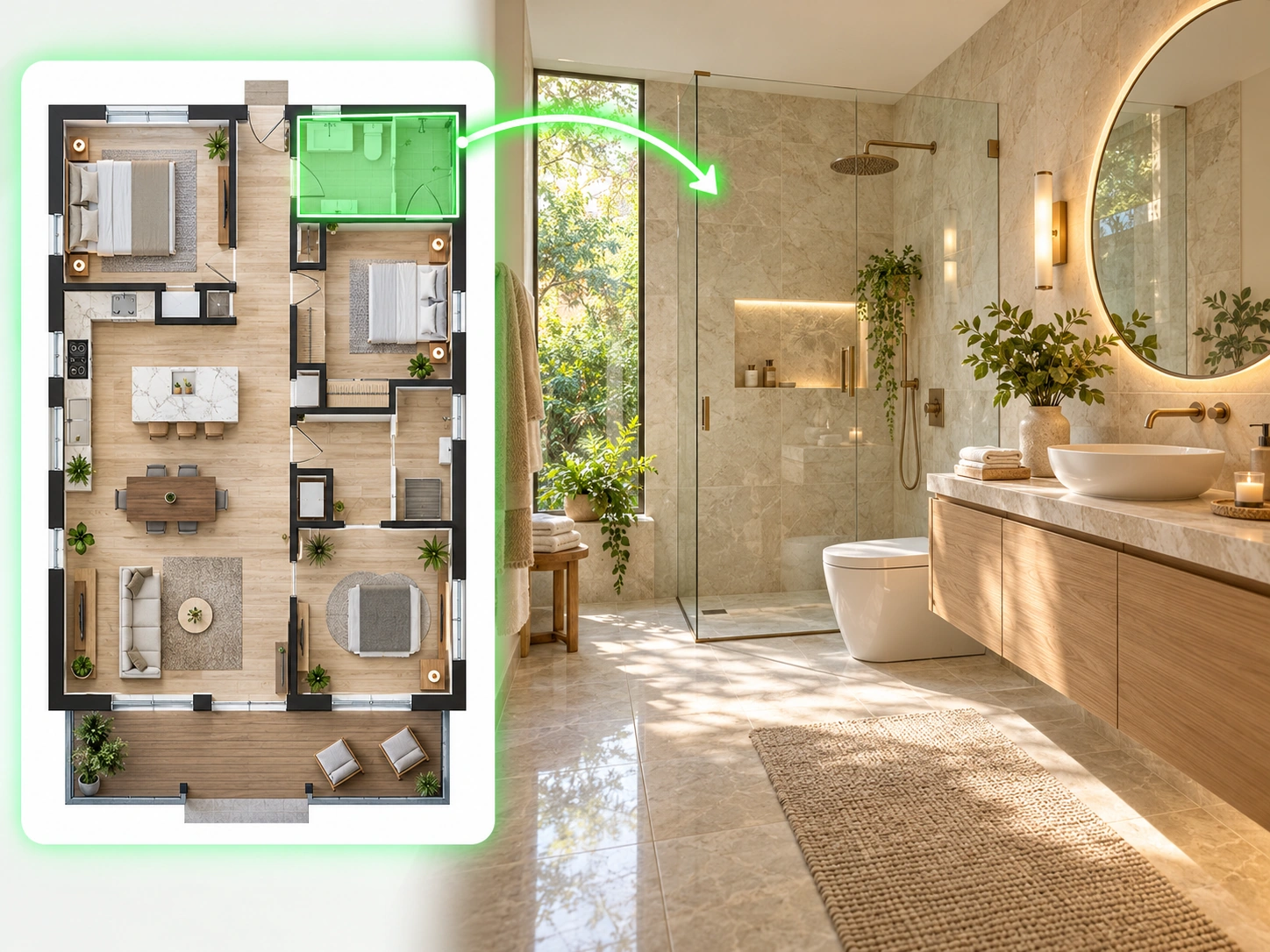
Turn a selected bathroom area into a detailed interior view for materials, lighting, and layout exploration.
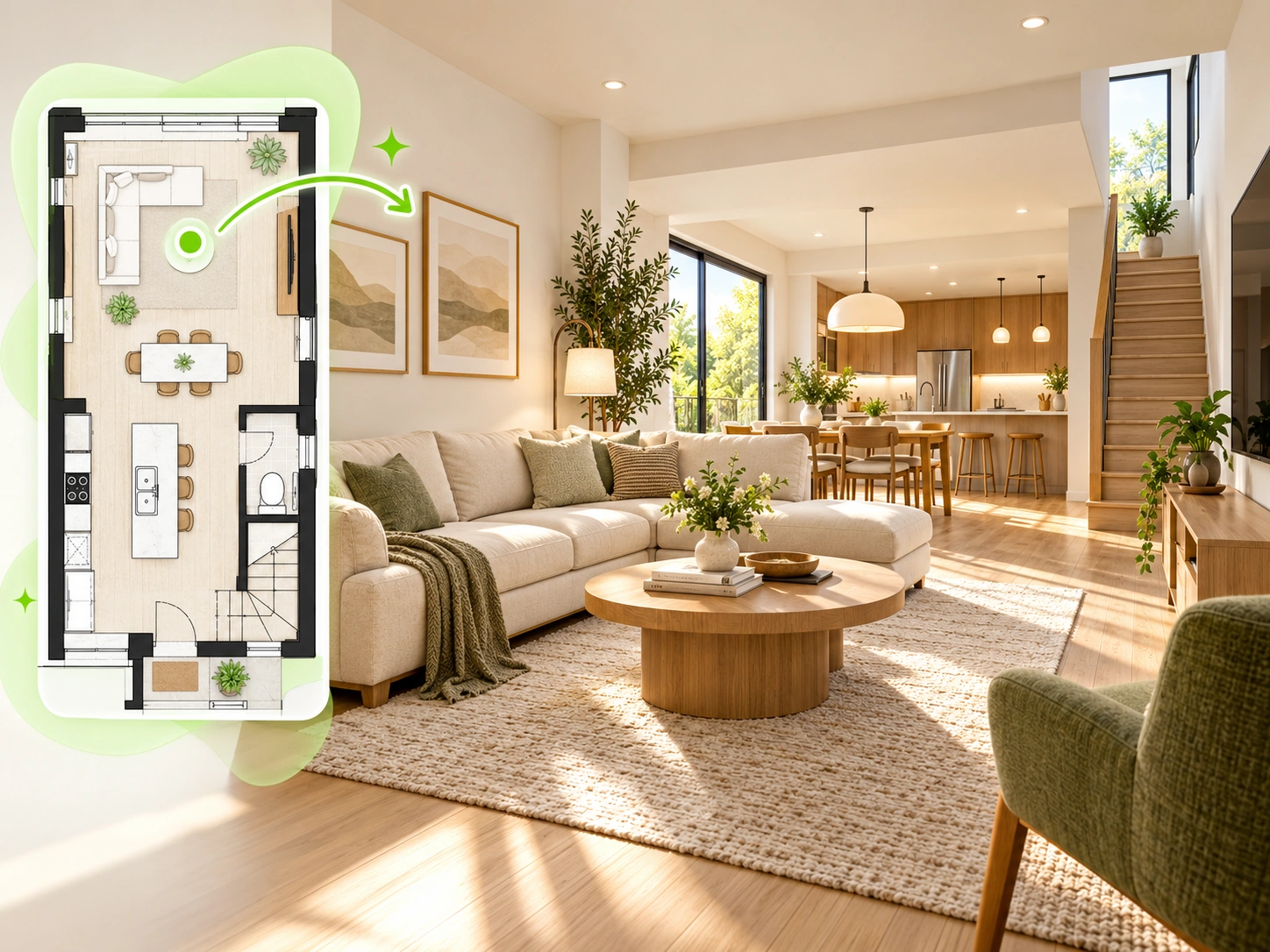
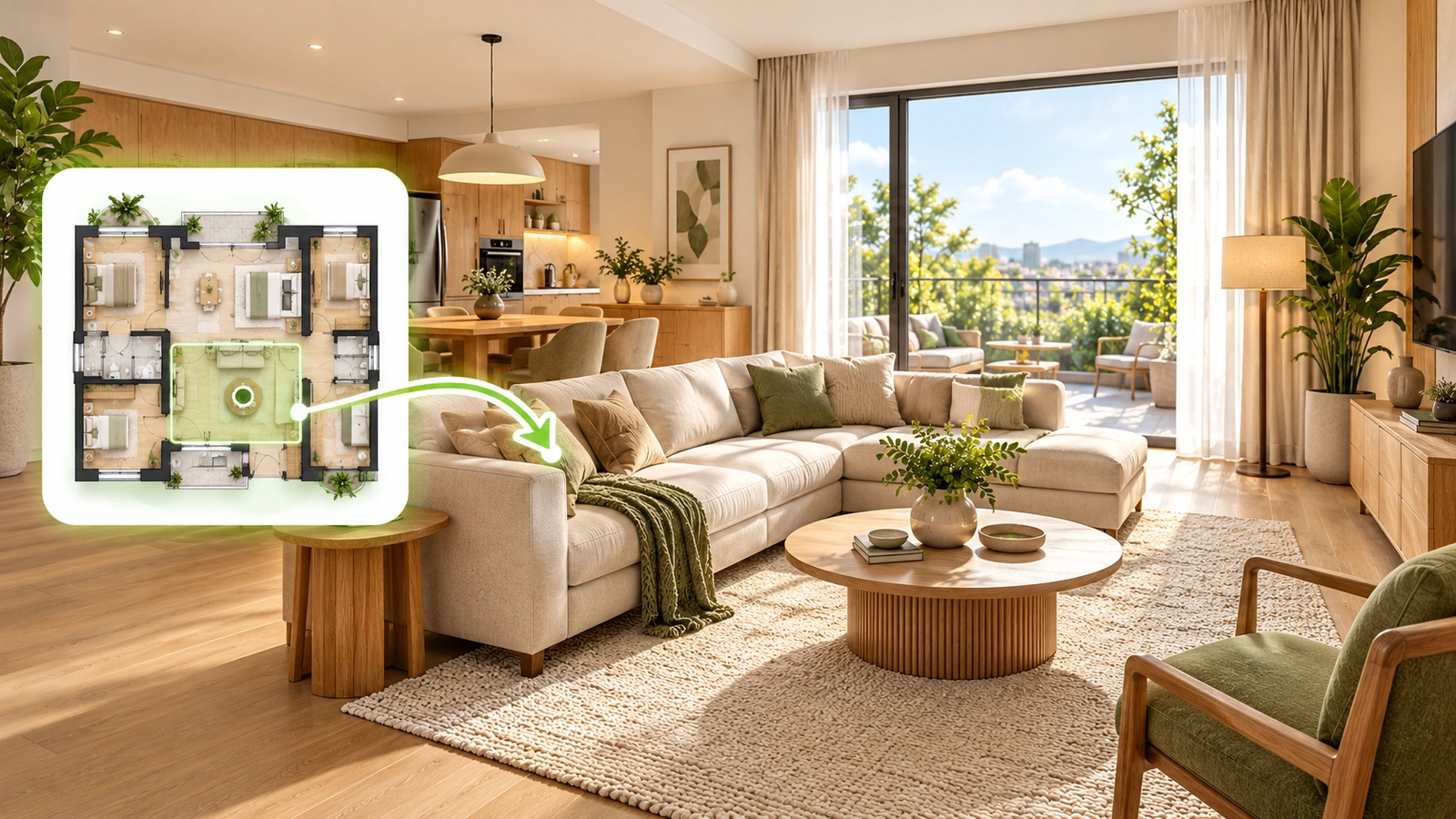
Visualize a narrower townhouse layout and see how its connected living spaces can work together in one finished interior.
A floor plan visualizer turns a 2D layout into more intuitive visual outputs. Instead of reading only walls, doors, labels, and dimensions, you can see how the spaces may feel as finished interiors.
Dehome supports both full-plan and single-room visualization, making it useful for whole-home planning as well as focused room design exploration.
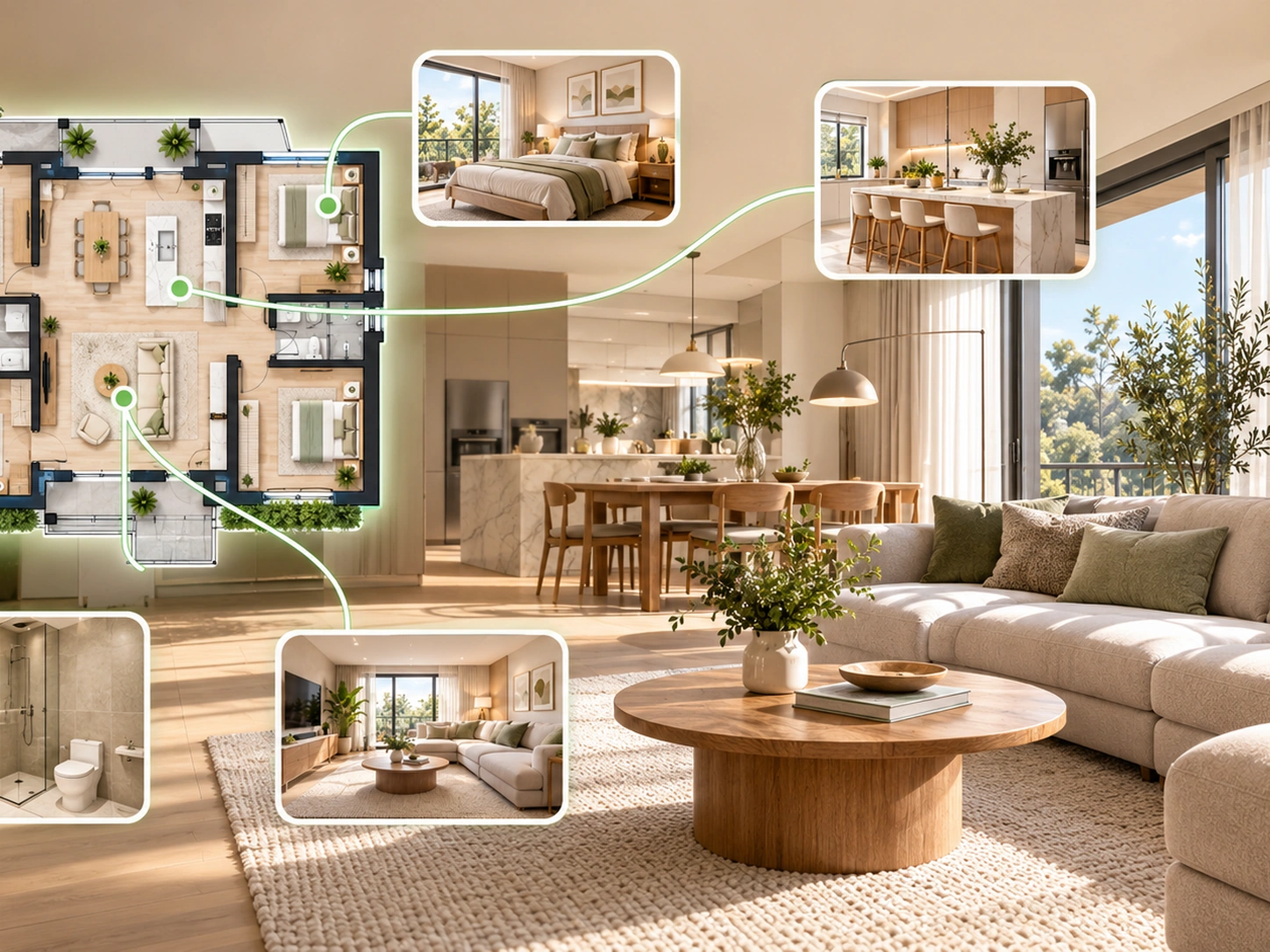
See how rooms connect without relying only on technical 2D drawings.
Turn one floor plan into a clear overview of the main interior spaces.
Select one space when you want a more detailed visualization.
Use one style across different room views for a more coherent result.
Use polished visuals that are easier to review, explain, and share.
Upload a readable floor plan image or PDF instead of rebuilding the layout from scratch.
Choose a clear floor plan image or PDF with visible room boundaries and openings.
Visualize the complete layout or focus on one selected room.
Set your design style and lighting direction, then generate the visualization.
Create a clearer overview of the entire floor plan and its main spaces.
Generate a focused room view directly from a selected area of the plan.
Turn a technical 2D layout into a more intuitive interior-style presentation.
Keep multiple room visualizations aligned in the same design direction.
Keep the source floor plan context clear while reviewing generated room views.
Adjust lighting direction to better match the mood you want to present.
Add materials, colors, furniture, or atmosphere preferences in natural language.
Generate refined outputs for planning, presentation, and design exploration.
Continue your floor plan workflow with Dehome tools for creating, editing, and visualizing layouts.
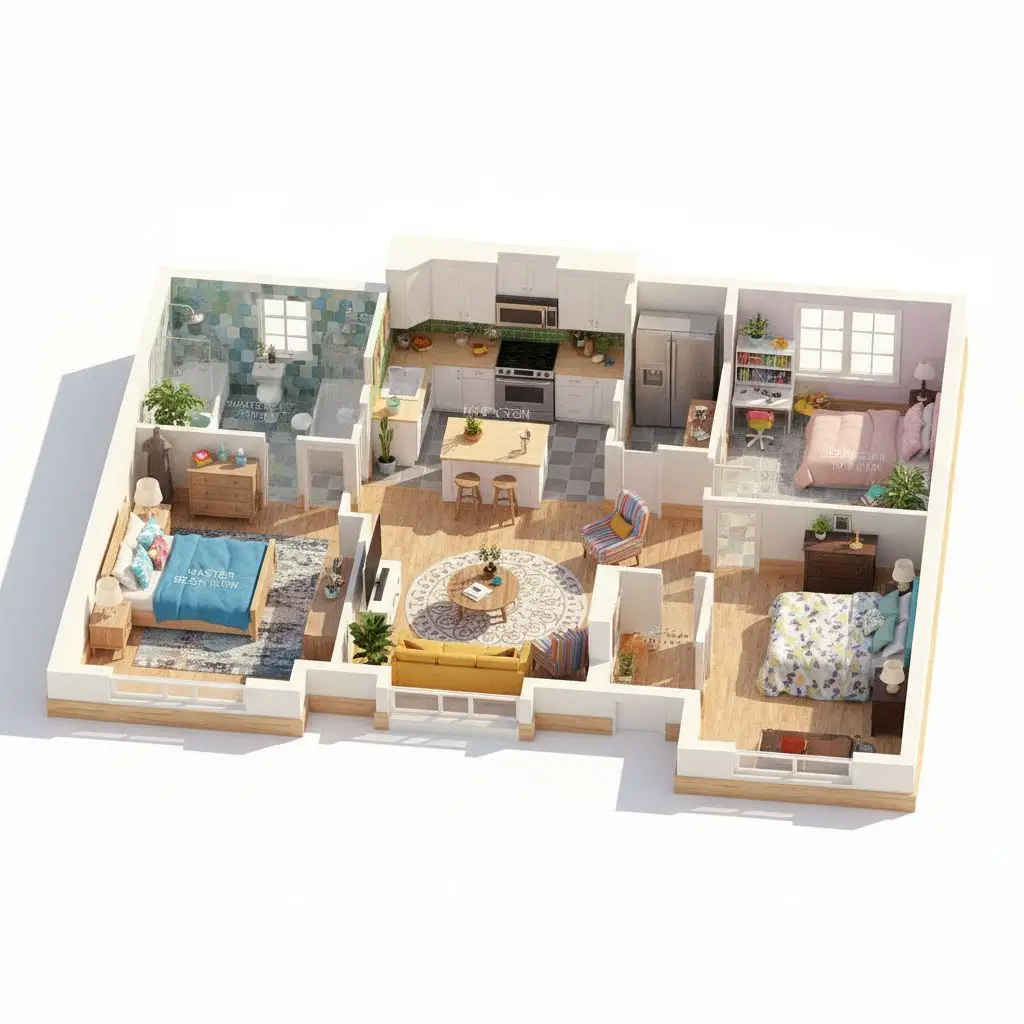
Convert a 2D floor plan into a polished 3D floor plan presentation.
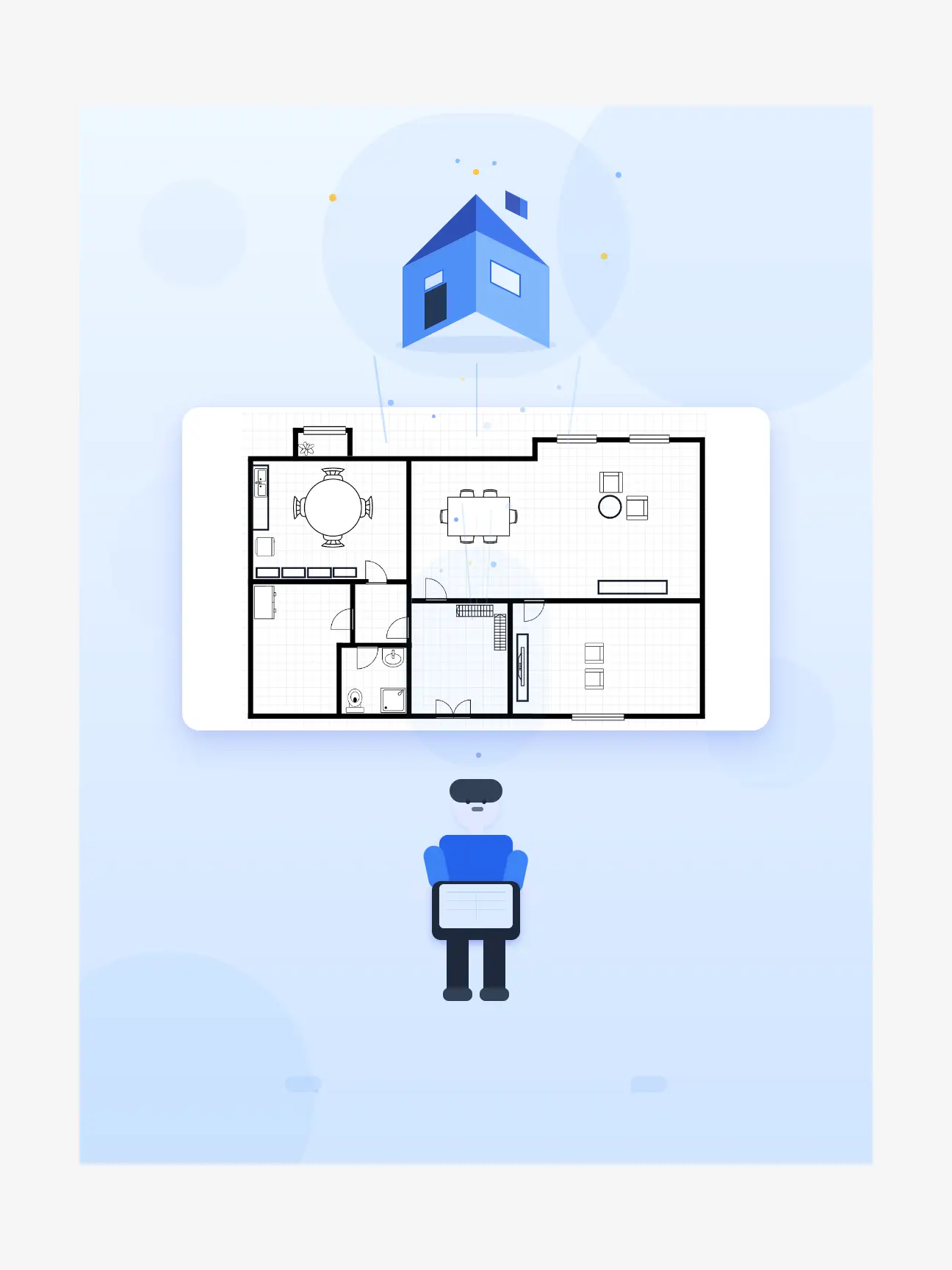
Draw and refine floor plans online with walls, rooms, furniture, and dimensions.
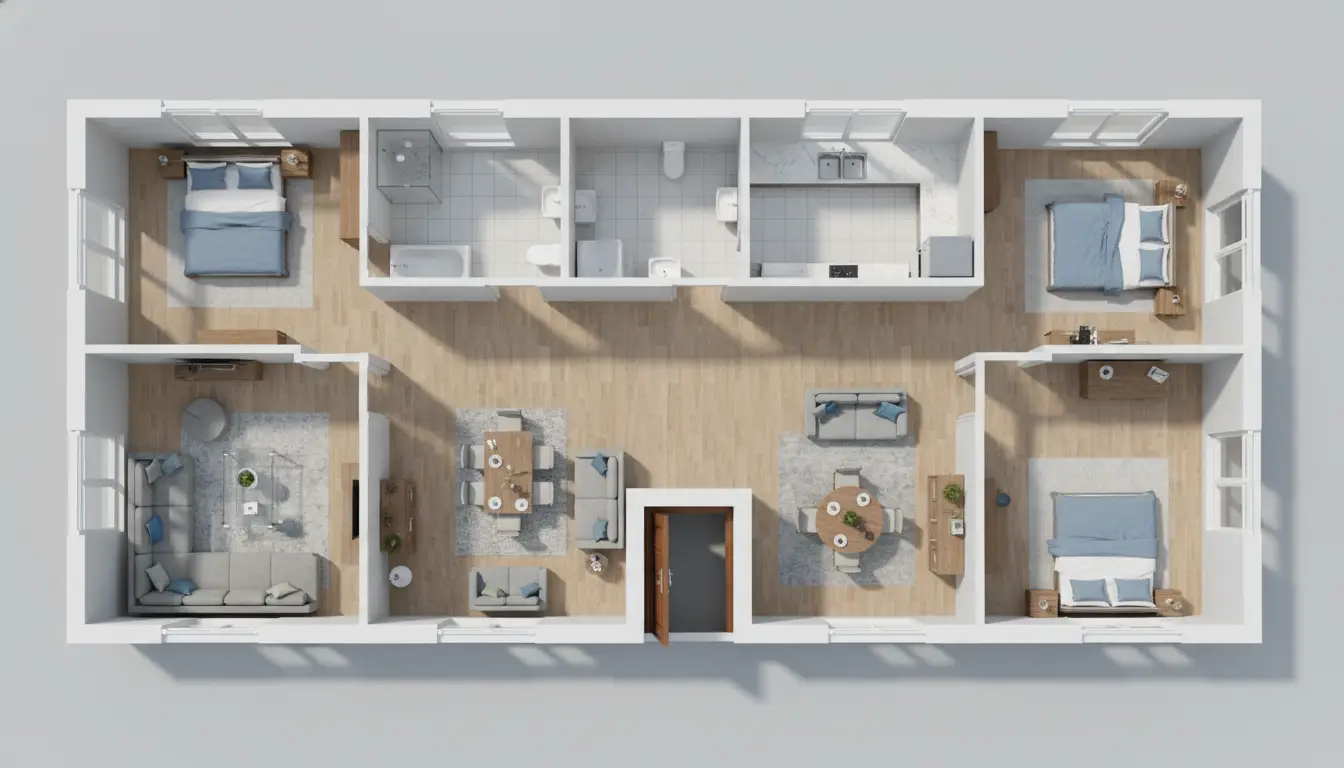
Generate a new floor plan from property requirements or a text prompt.
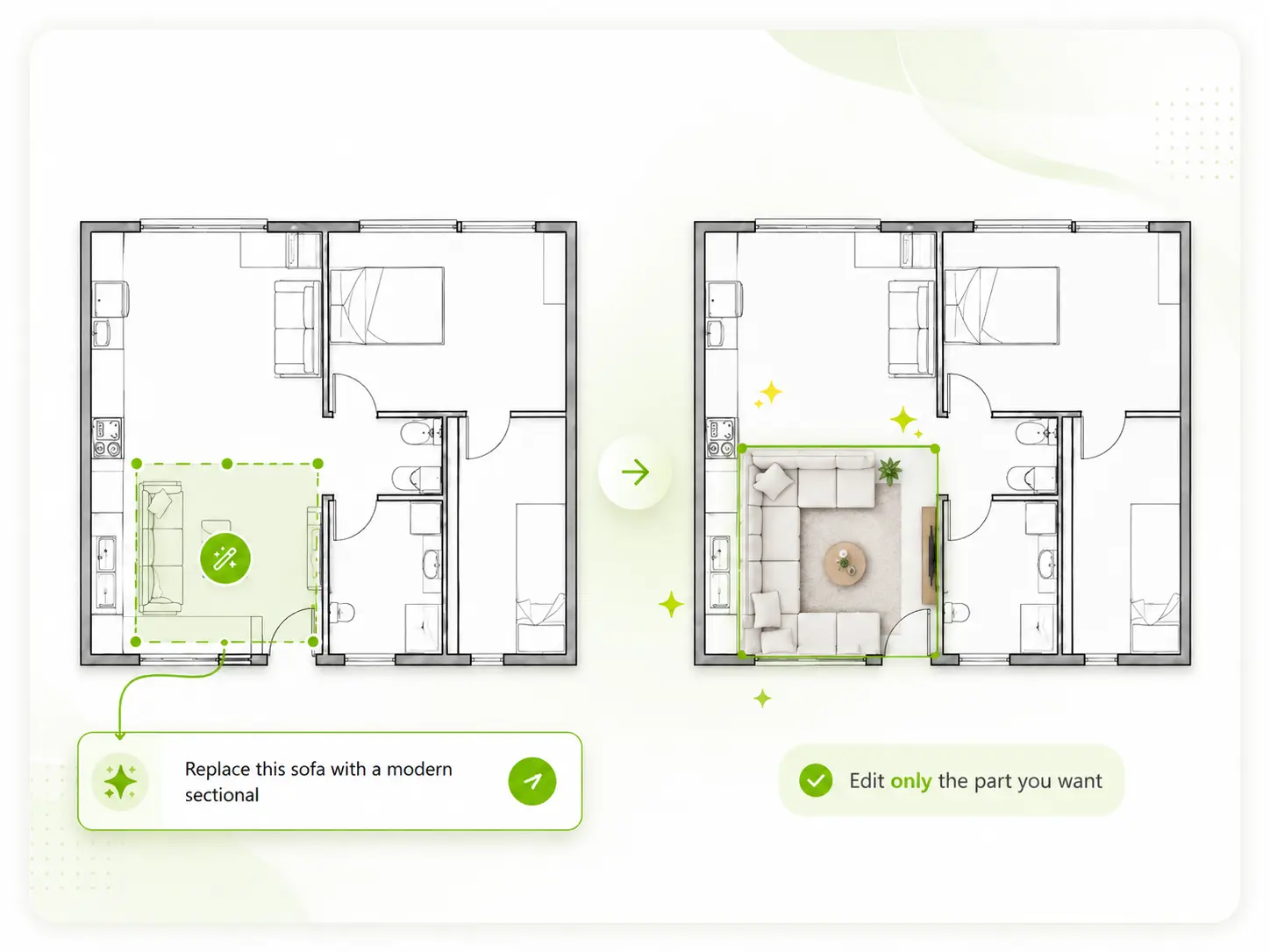
Edit an existing floor plan image when you need to update rooms or layout details.
Learn how Dehome turns 2D layouts into realistic whole-home and room-level visualizations.
A floor plan visualizer is an AI tool that turns a 2D floor plan into more understandable visual outputs, such as whole-home previews or focused room renderings.
Yes. Upload a readable floor plan, choose the visualization mode, and generate an interior-style result based on the layout.
Yes. Dehome supports a single-room workflow so you can focus on one selected space instead of generating only a whole-home view.
Yes. A floor plan can be used as the spatial reference for generating room-level interior concepts and whole-home visualizations.
Clean, readable 2D plans with clear room boundaries, doors, and openings usually work best.
3D Floor Plan focuses on creating an overall 3D plan presentation, while Floor Plan Visualizer emphasizes realistic whole-home and individual-room interior views based on the plan.
Upload a 2D layout and turn it into a clearer whole-home or room-level interior visualization.