Preview hardwood, tile, marble, and other flooring styles before deciding what works best in your space.
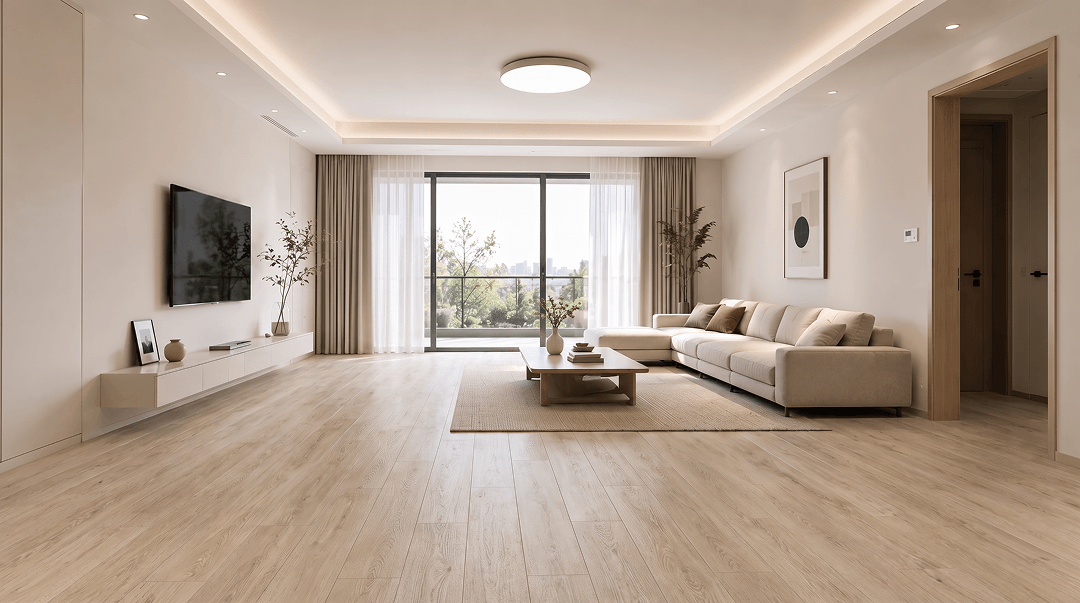
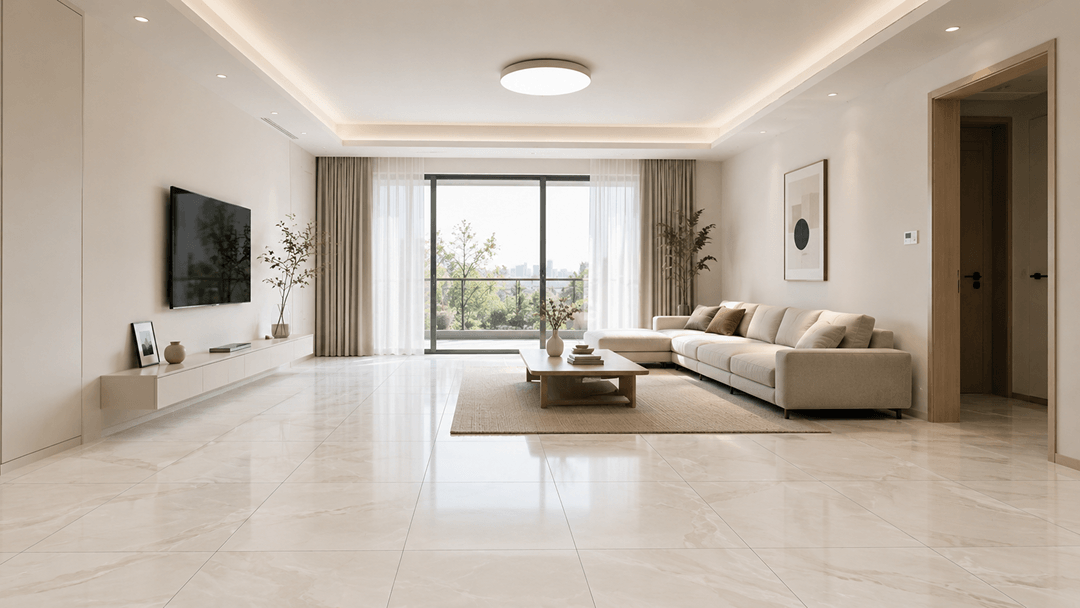 OriginalGenerated result
Create your first design
Upload a photo of your home to quickly generate your first AI renovation design.
Create your first design
Preview Floor Materials and Colors with AI
Preview flooring materials and colors with AI. Try wood, tile, or stone and see how they fit your room instantly.
What is AI Flooring Design?
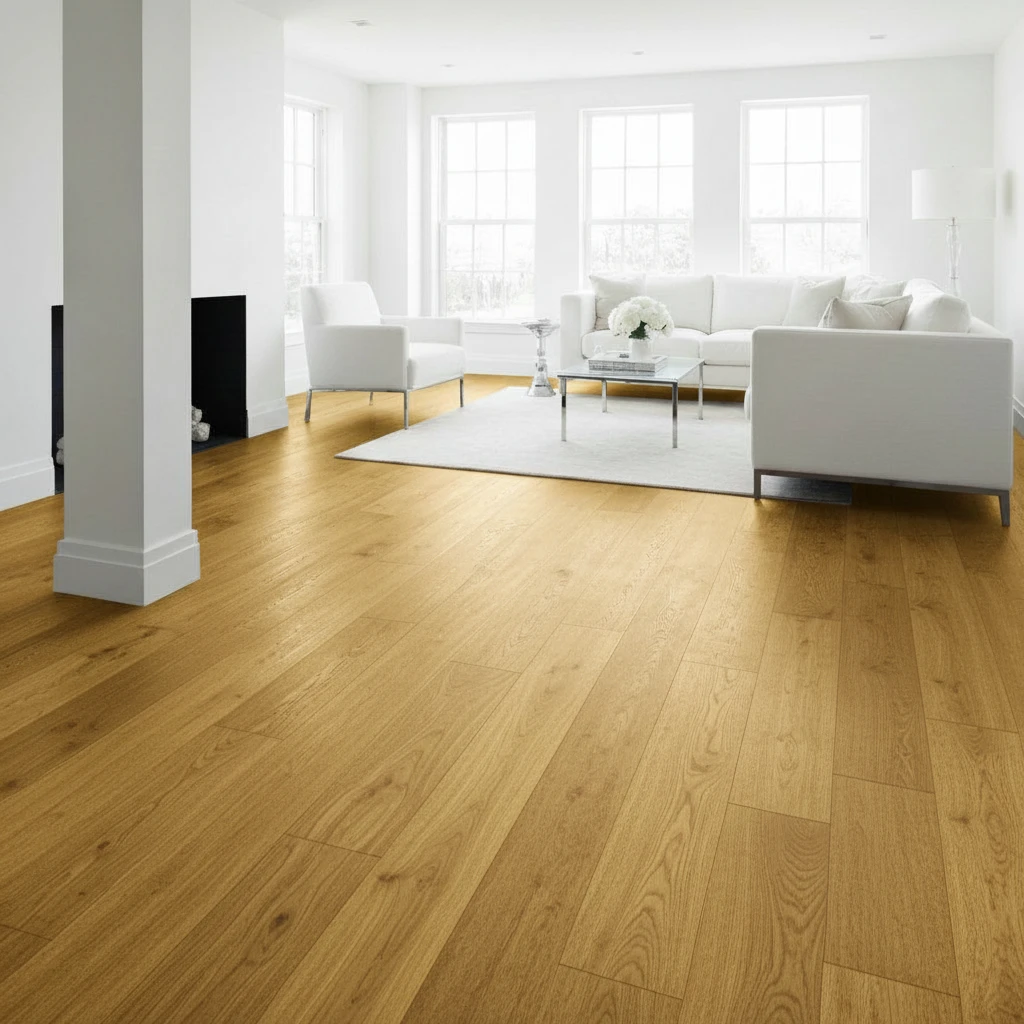
AI Flooring Design is an advanced floor color changer tool that automatically detects and transforms the flooring in your room photos. Using cutting-edge AI floor replacement technology, you can instantly change floor colors and materials from old carpet to elegant hardwood, modern tile, or any flooring style you desire. To coordinate your new flooring with the rest of the room, use our paint color visualizer to compare complementary wall colors.
Perfect for home renovation planning, real estate virtual staging, interior design visualization, and flooring store presentations. Our AI-powered flooring design tool transforms any floor into stunning new designs in seconds - completely free online. For a complete room makeover that also covers furniture, wall design, colors, and lighting, explore our AI interior design tool.
Why Choose AI Flooring Design for Floor Replacement?
8 Floor Types + 4 Material Finishes
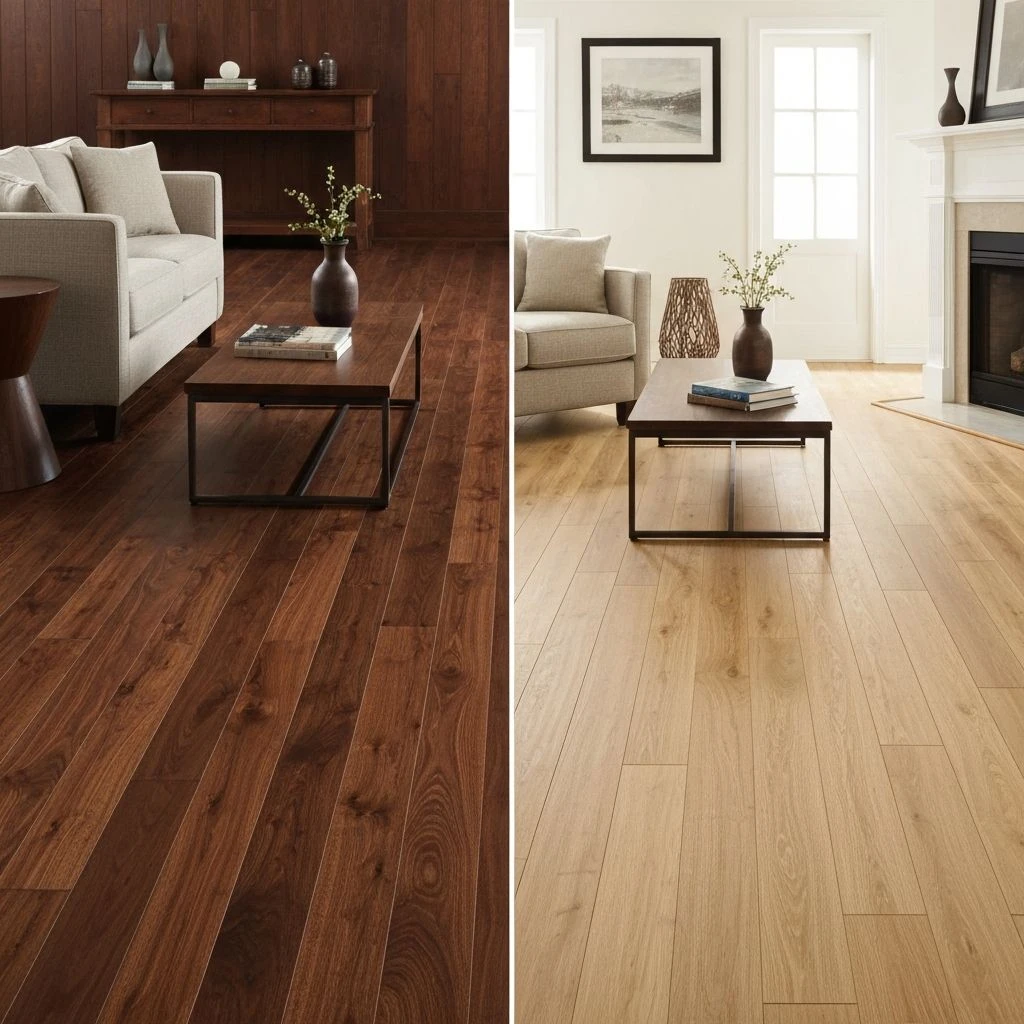
Choose from Hardwood, Light Oak, Dark Walnut, Marble, Ceramic Tile, Polished Concrete, Laminate, and Luxury Vinyl flooring options to match any interior style.
Instant Results
Get professional floor replacements in seconds. No manual masking or complex editing required. Our AI handles everything automatically for perfect flooring visualization.
Realistic Textures
Our AI intelligently applies realistic wood grain, marble veining, and tile patterns while matching room lighting for a natural, seamless flooring design result.
How to Use AI Flooring Design for Floor Replacement?
Upload Your Photo
Upload any interior room photo with visible flooring. Works best with clear floor visibility and good lighting.
Select Floor Type & Material
Choose from 8 beautiful flooring presets including hardwood, marble, tile, vinyl, and more flooring materials.
Generate & Download
Click Change Floor Design and watch AI transform your room. Download the high-resolution flooring result free.
AI Flooring Design Features for Professional Floor Replacement
8 Floor Types + 4 Material Finishes
Hardwood, Marble, Tile, Vinyl types with Natural, Matte, High Gloss, and Distressed material finish options
Smart Floor Detection
AI automatically detects and masks the floor area, even with furniture, rugs, and complex room layouts.
Realistic Material Textures
Applies authentic wood grain, marble veining, tile grout with customizable material finishes - matte, glossy, or distressed
High-Quality Output
Generate high-resolution flooring images suitable for professional presentations and client proposals.
Instant Floor Change
Change floor design in seconds with our fast AI processing. No design skills or complex software required.
Seamless Integration
Advanced AI ensures the new flooring integrates naturally with existing furniture, shadows, and room lighting.
Related AI Flooring Design Tools
Paint Color Visualizer
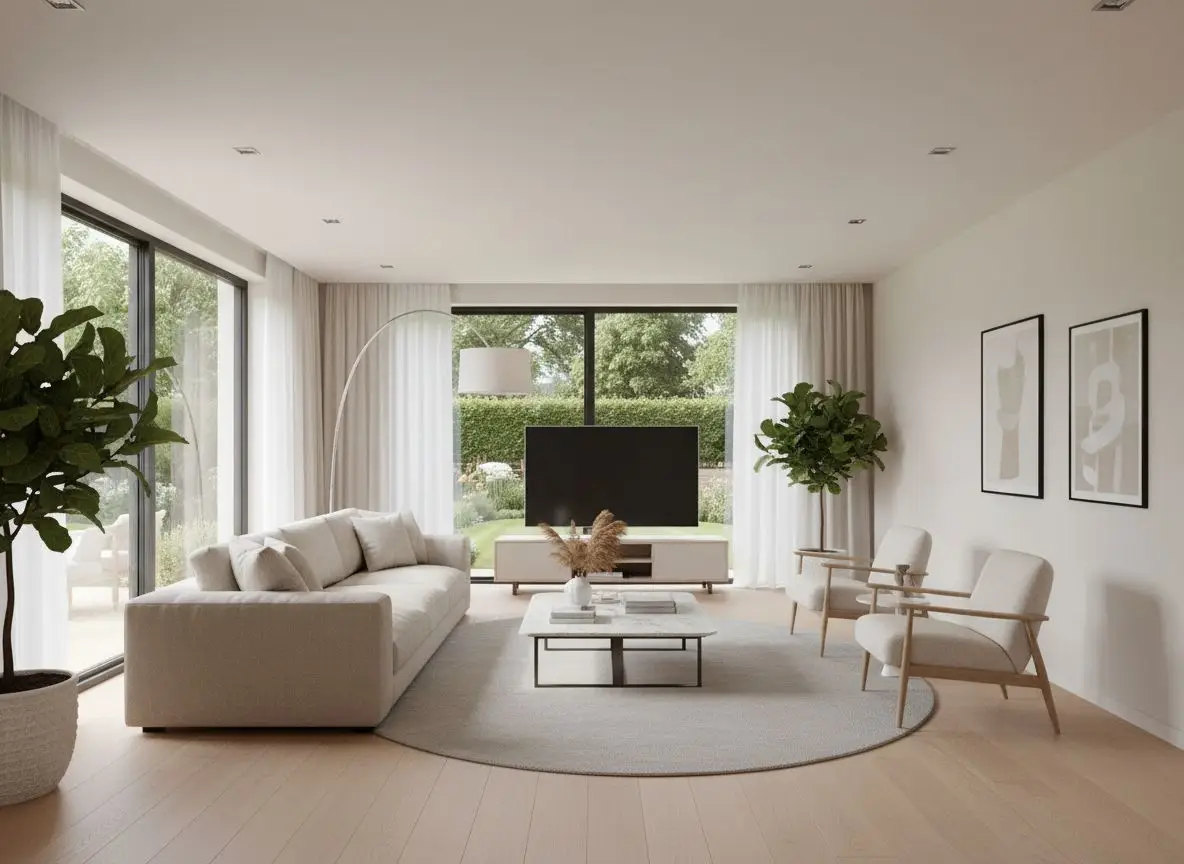
Preview wall colors that coordinate with your selected flooring.
AI Wall Design
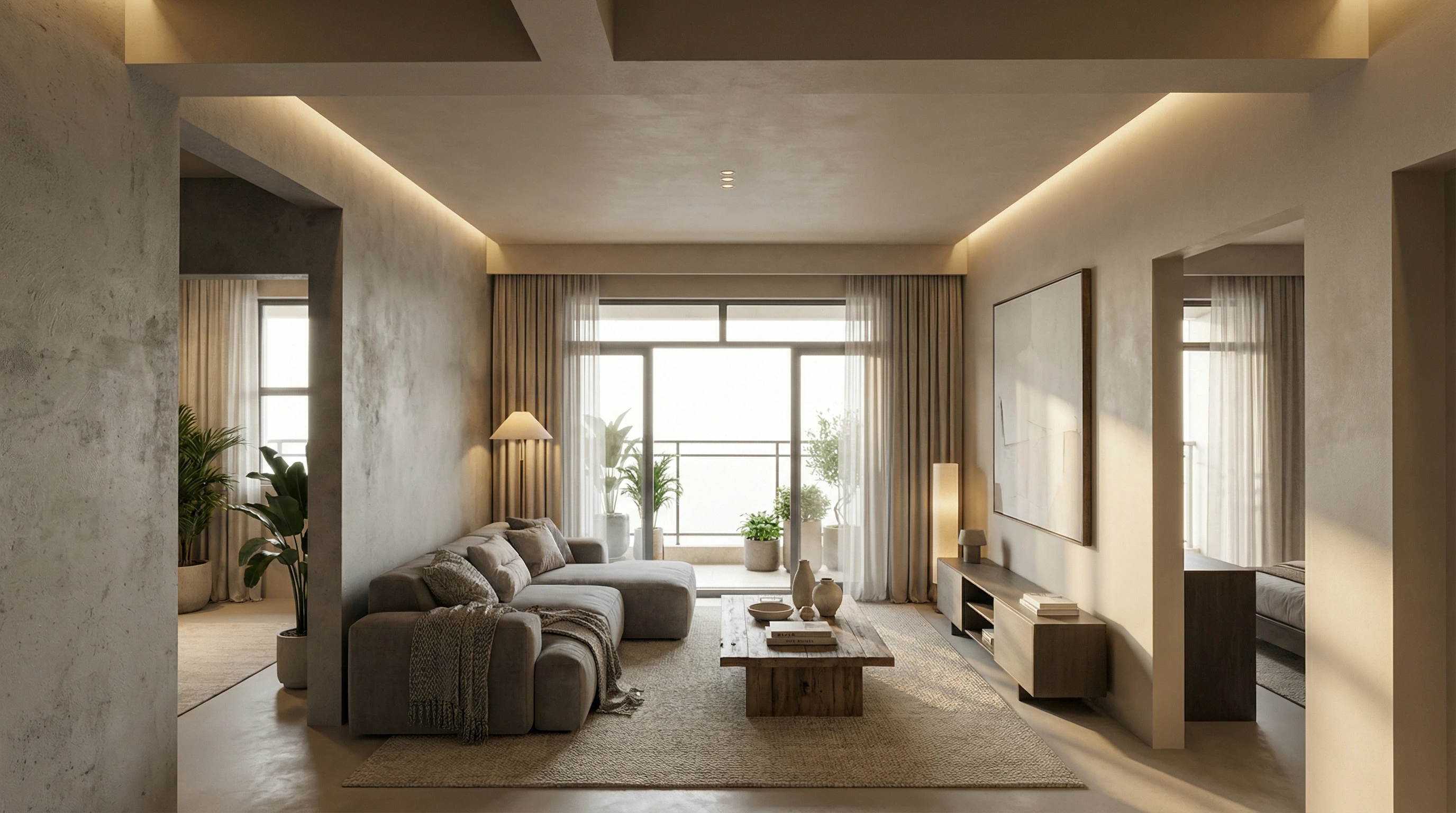
Match wall materials, textures, and finishes with your new flooring.
AI Interior Design
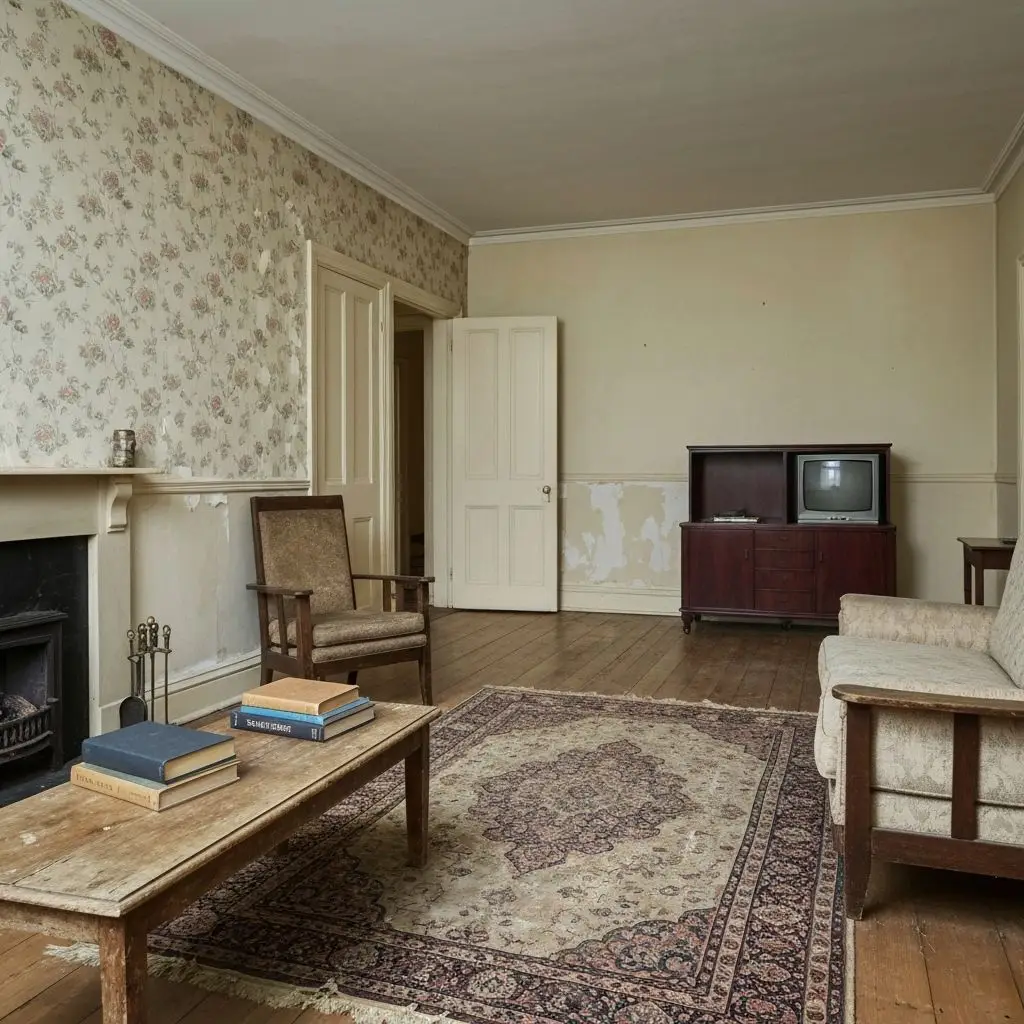
Continue from flooring replacement to a complete interior design.
AI Room Decorator
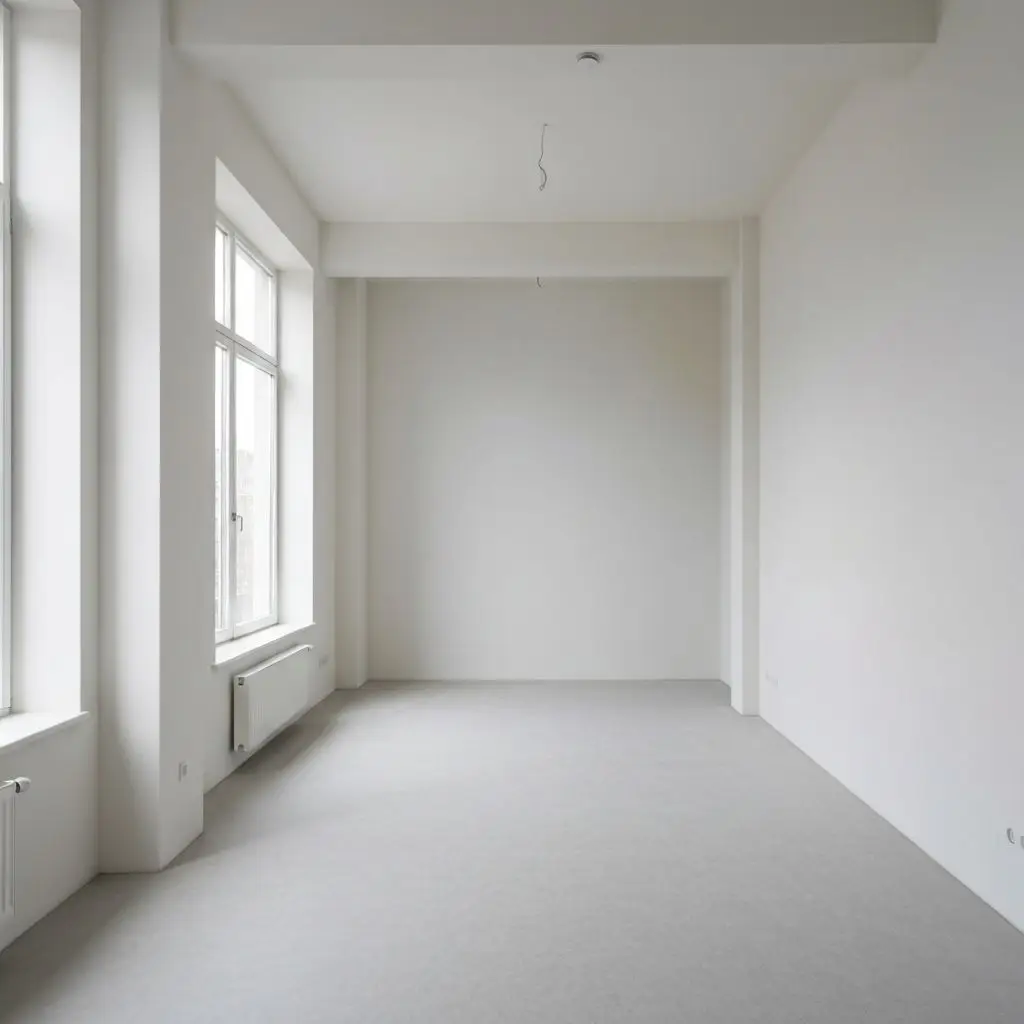
Redesign the furniture, colors, decor, and overall style of your room.
Frequently Asked Questions
Is this AI flooring design tool really free online?
Yes! You can use our floor color changer tool completely free online with 10 daily credits. Create professional flooring designs without any cost or software download required.
What flooring types can I visualize with this floor design tool?
Our AI flooring design offers 8 floor types (Hardwood, Oak, Walnut, Marble, Tile, Concrete, Laminate, Vinyl) plus 4 material finishes (Natural, Matte, High Gloss, Distressed). Mix and match for endless combinations.
Can the AI change floor color with furniture in the room?
Yes! Our AI floor replacement technology is trained to detect flooring even with furniture, rugs, and decor present. The floor color changer intelligently works around obstacles for seamless results.
Will the new flooring design look realistic?
Absolutely. Our AI applies realistic textures based on your chosen material finish - whether matte, glossy, or distressed - and adjusts lighting to match the room for natural-looking floor replacement results.
Can I use AI flooring design for real estate listings?
Yes! Many real estate agents and home stagers use our free floor design tool to virtually change flooring in property photos. All generated flooring images can be used for commercial marketing purposes.
What is the best photo for floor color changing?
For best AI flooring design results, upload photos with good lighting and clear floor visibility. Wide-angle room shots work best for floor replacement. The AI handles both empty rooms and furnished spaces effectively.