Upload a building photo or sketch and generate blueprint-style architectural drawings for clearer visualization.
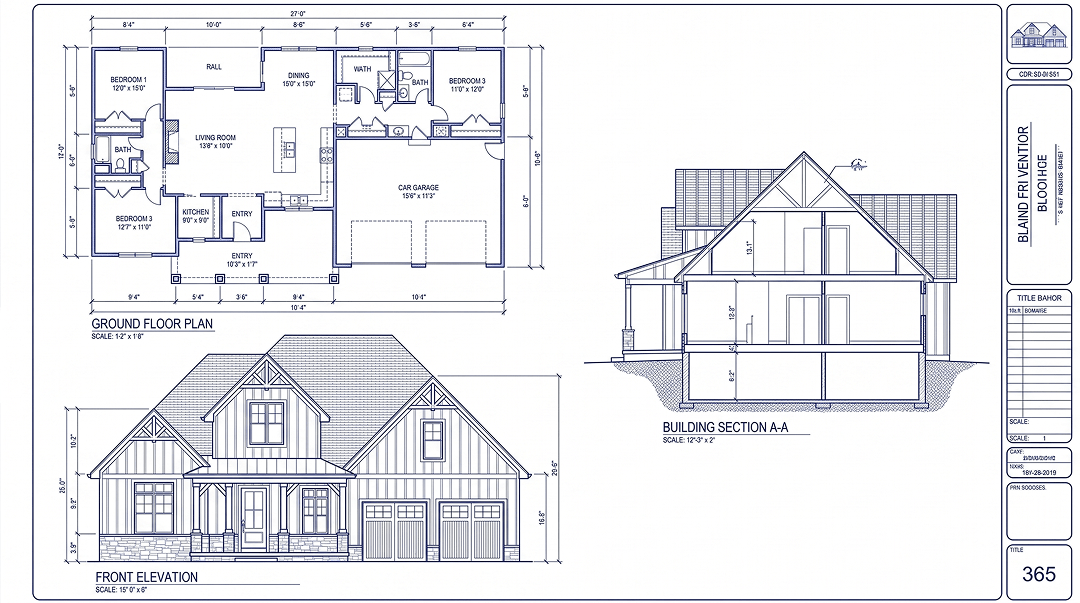
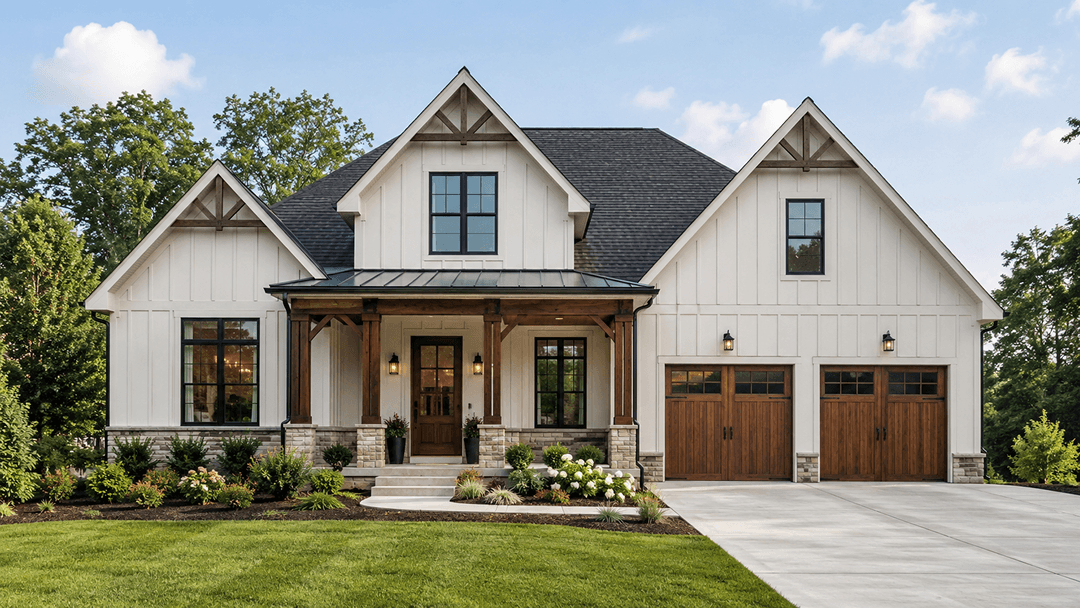 OriginalGenerated result
Create your first design
Upload a photo of your home to quickly generate your first AI renovation design.
Create your first design
Create a Blueprint from a Photo, Image, or Sketch with AI
Turn a building photo, image, or sketch into a blueprint-style architectural drawing online. Choose the building type, blueprint style, viewing angle, and structure preservation level before generating.
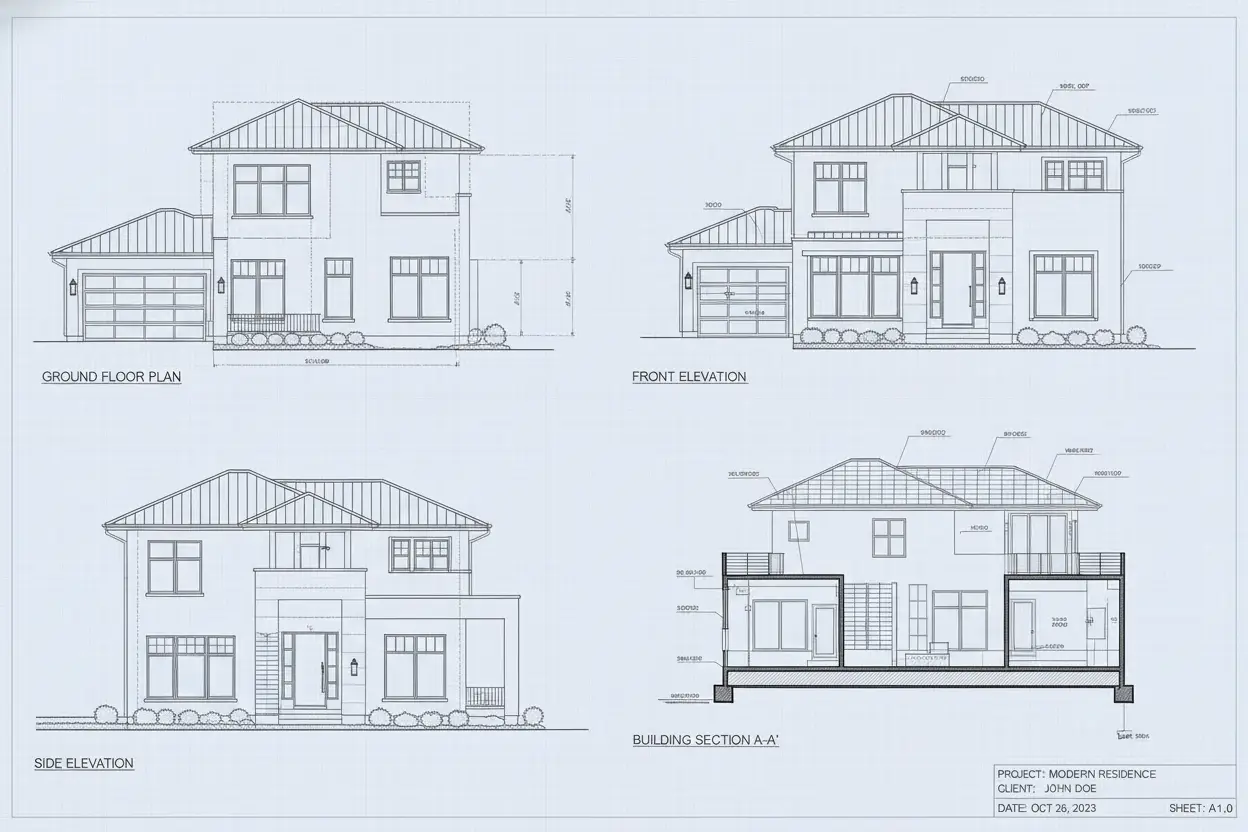
Image to Blueprint Examples
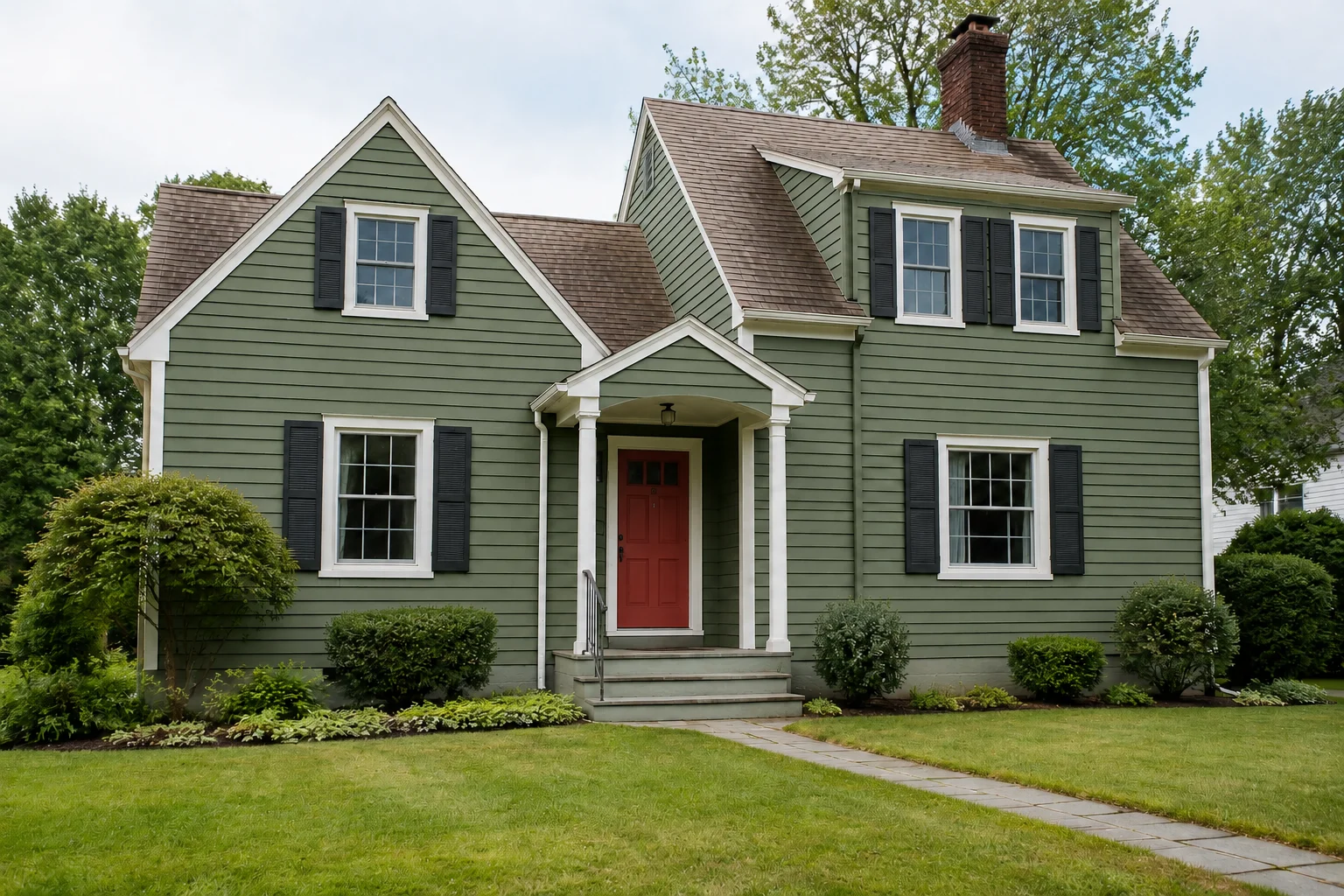
Explore photo-to-blueprint examples for homes, offices and other buildings. Compare each building photo with a blueprint-style architectural drawing that highlights rooflines, windows, balconies and facade details.
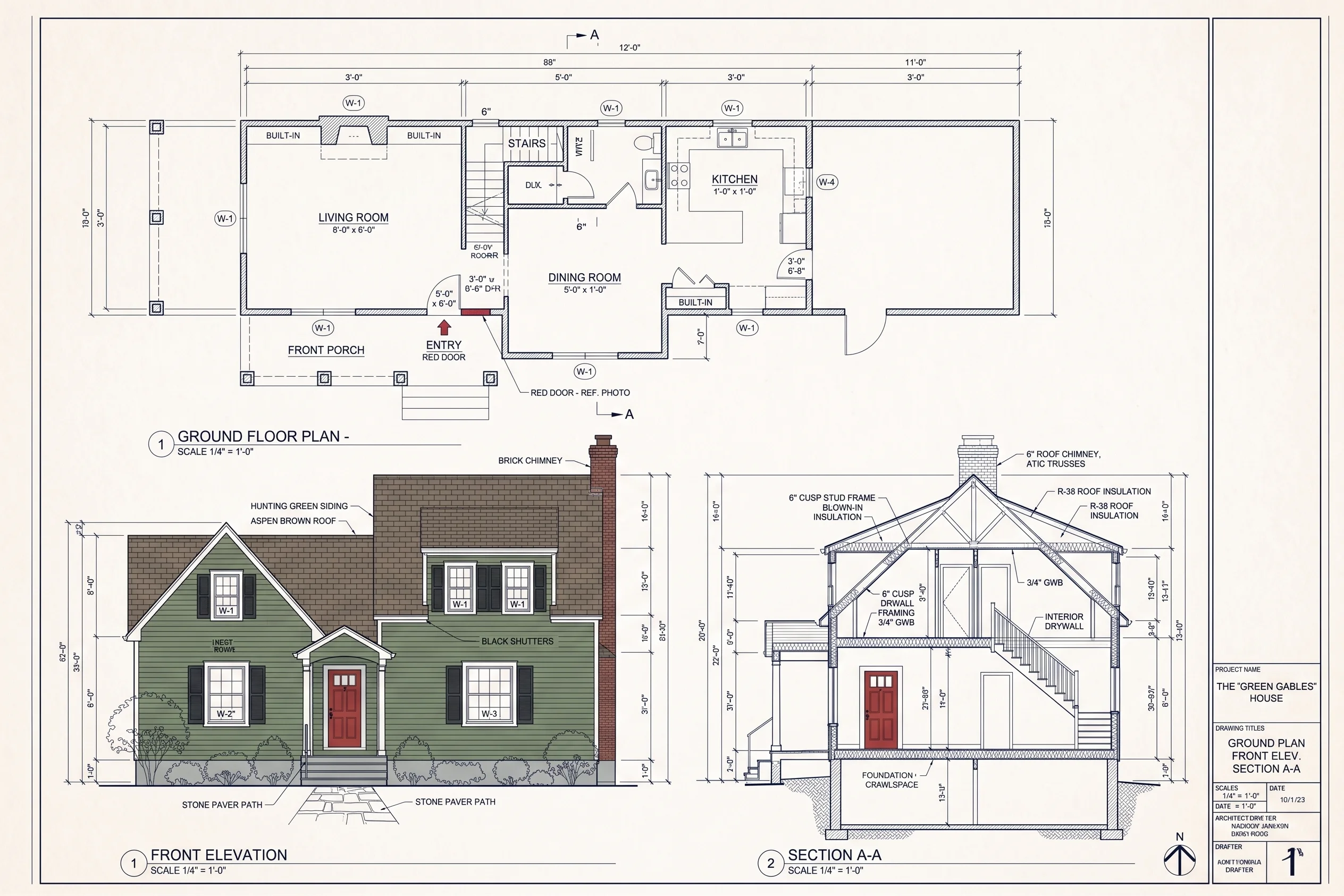
Residential House
See a house photo paired with a blueprint-style drawing of its pitched roof, balcony and entrance.
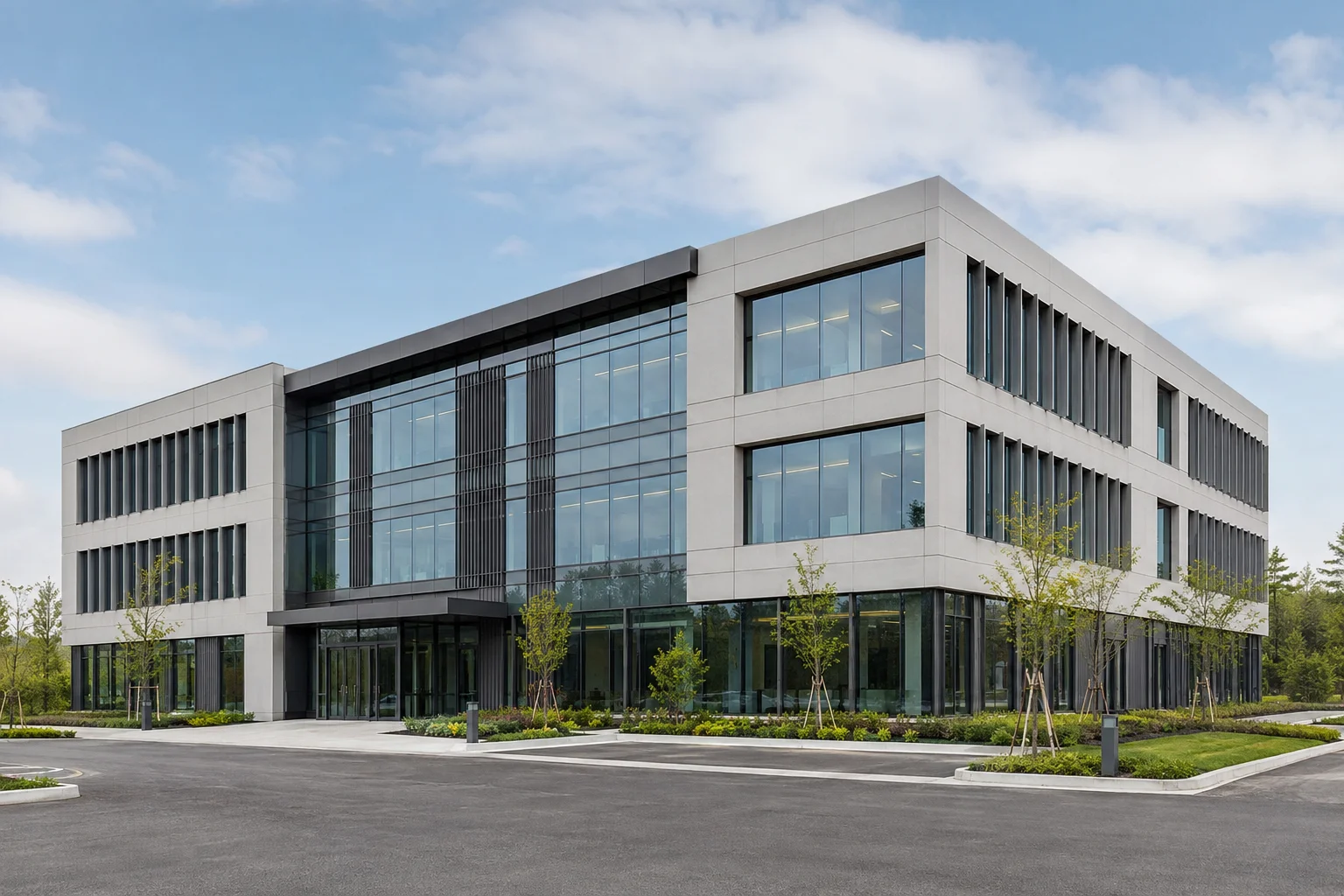
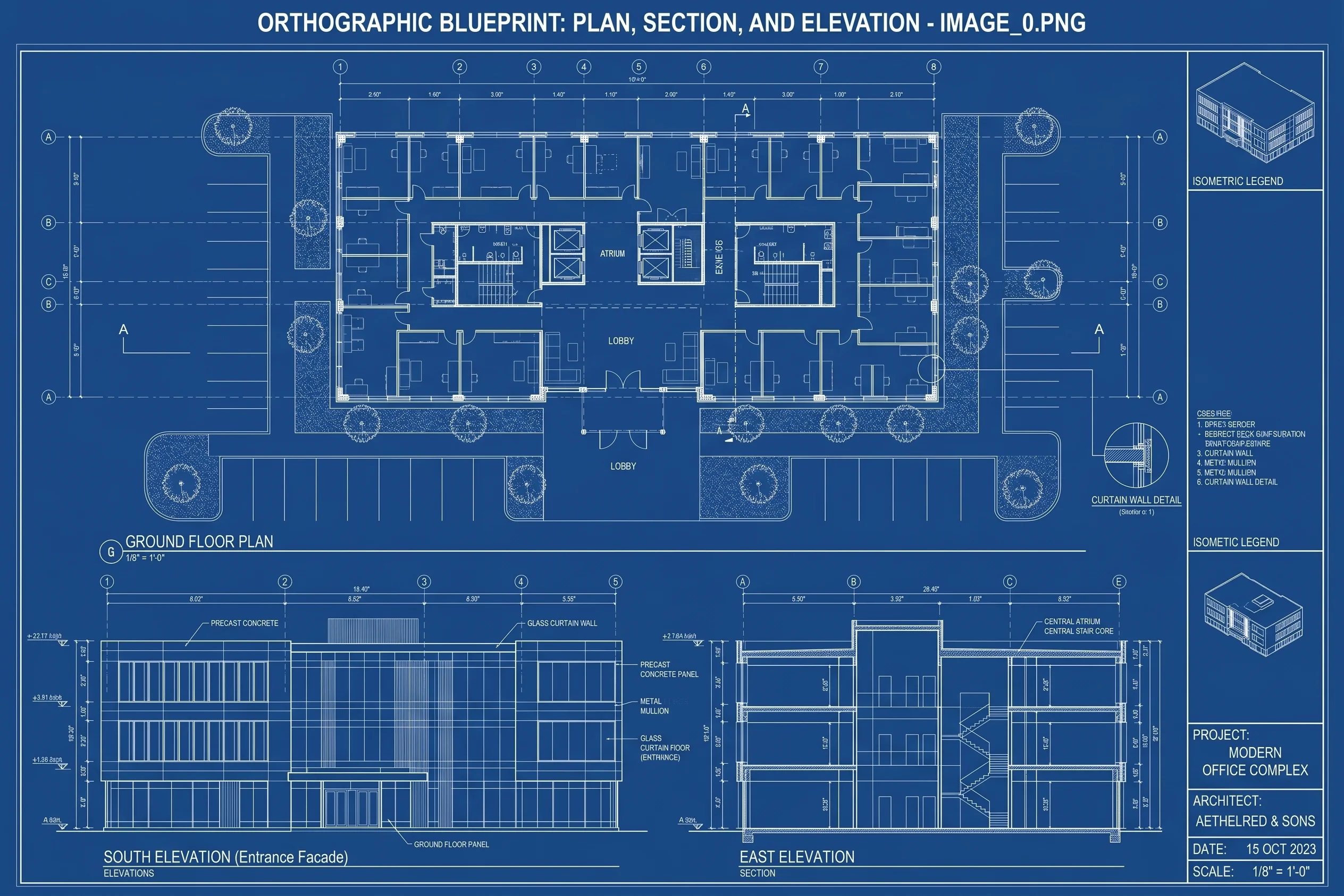
Modern Office
Explore a glass-fronted office building as architectural linework highlighting its facade grid and building form.
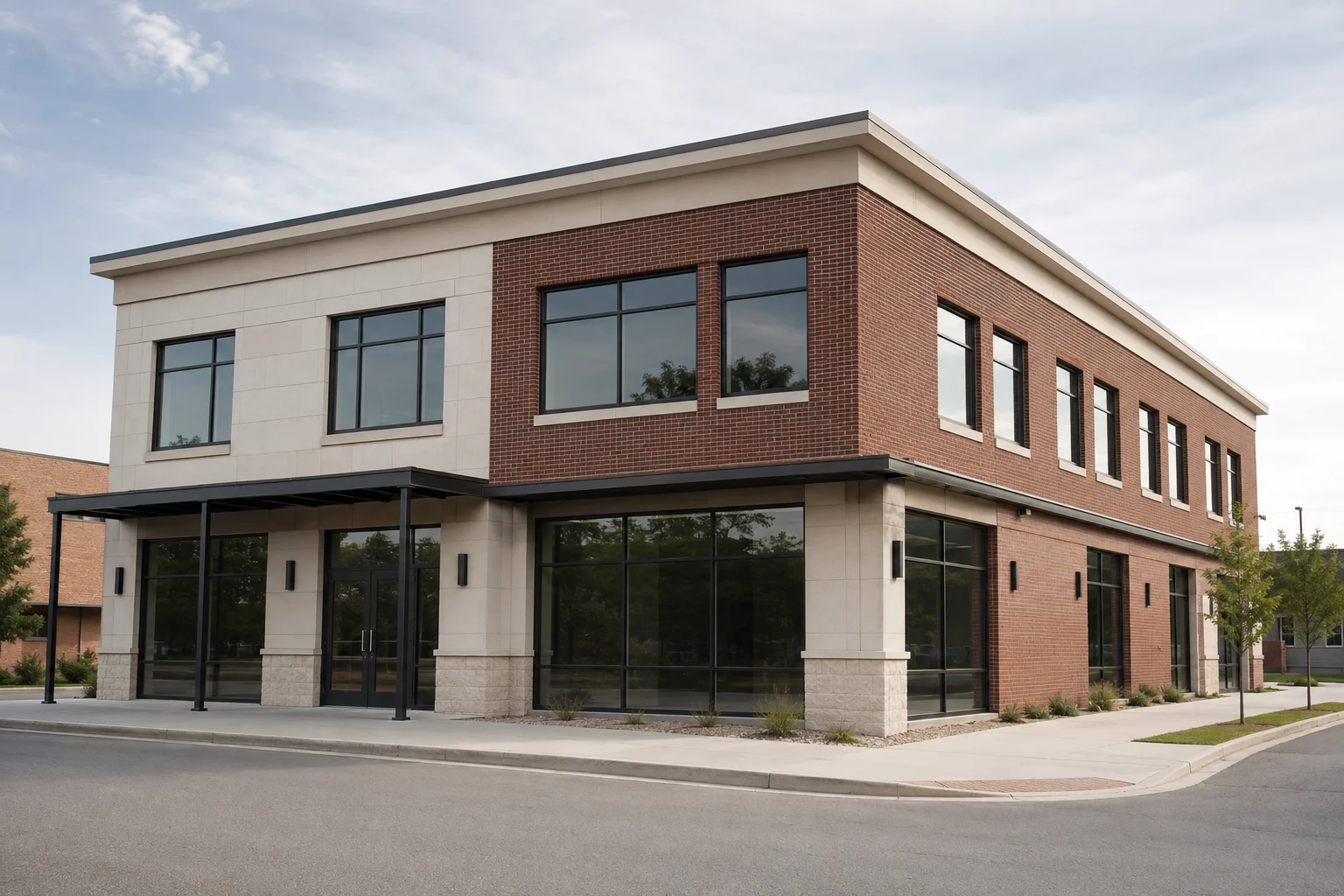
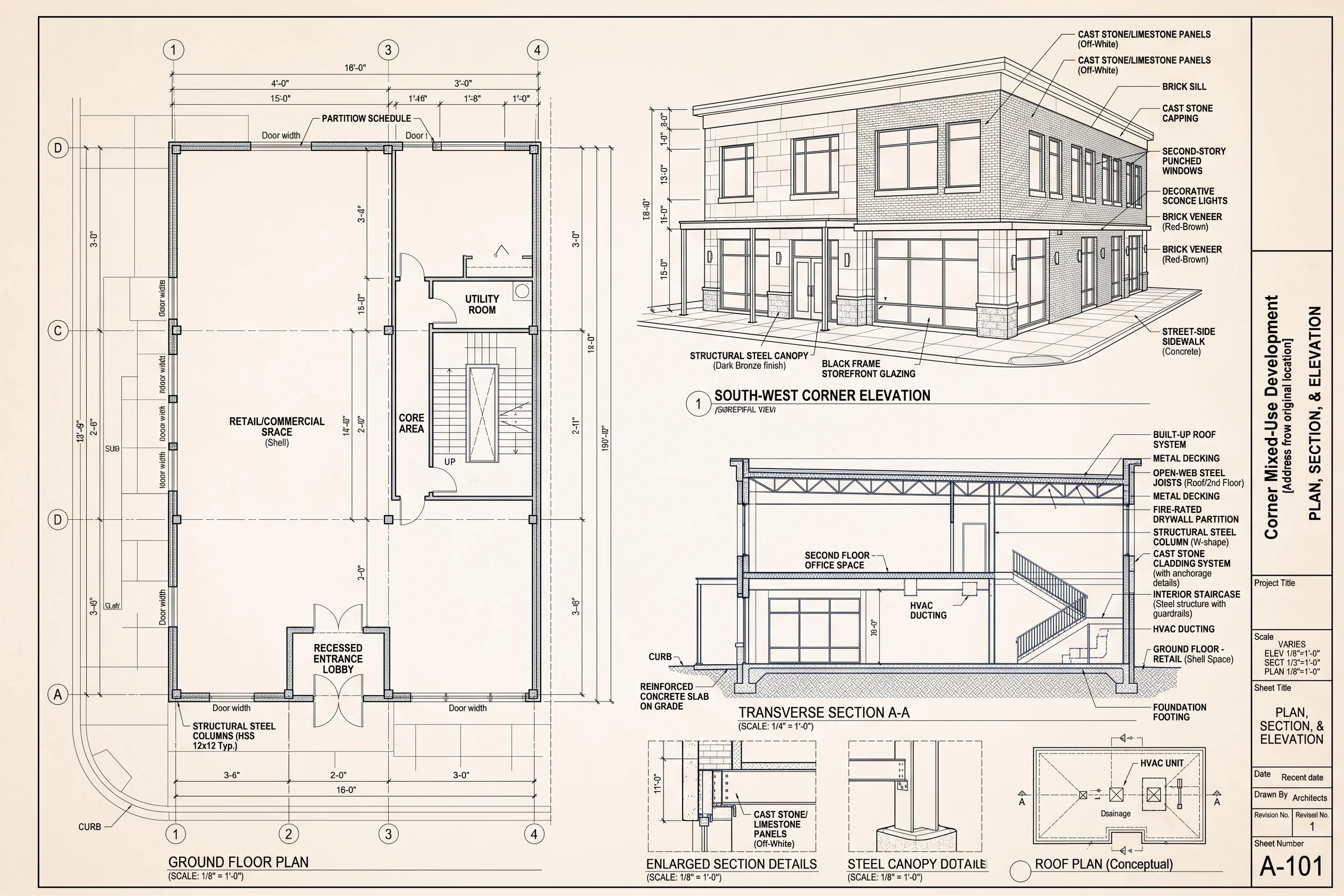
Commercial Building
Compare a commercial building photo with a blueprint-style view of its storefronts, windows and corner facade.
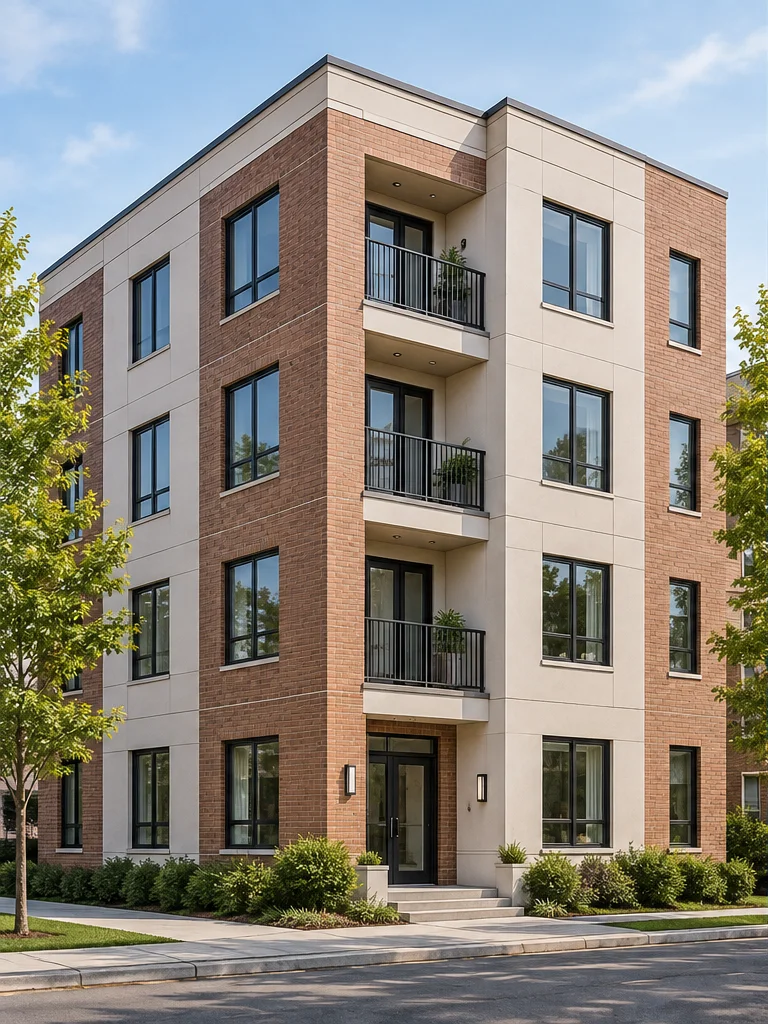
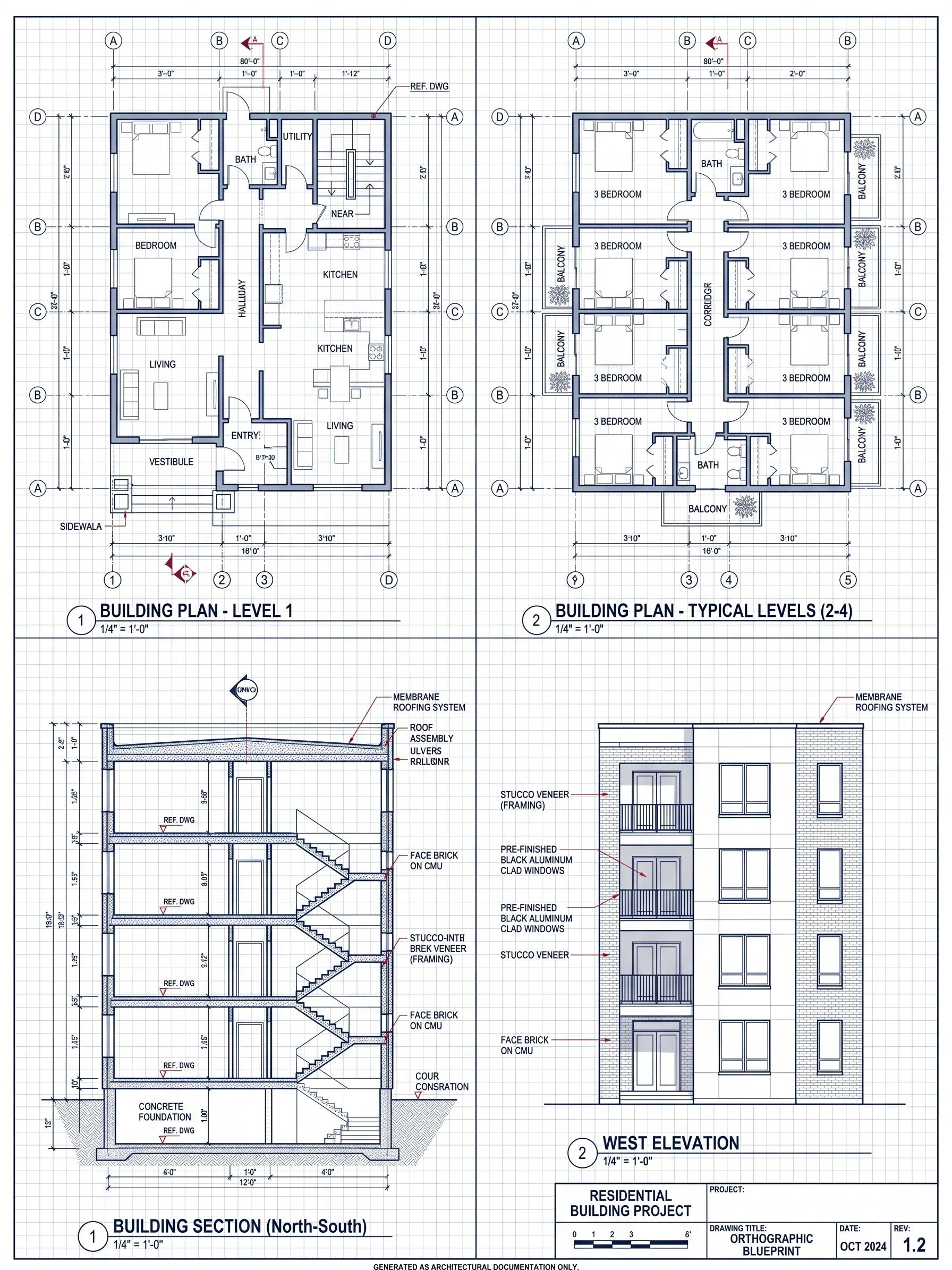
Apartment Building
See how an apartment building's repeated windows and balconies appear in a blueprint-style exterior drawing.
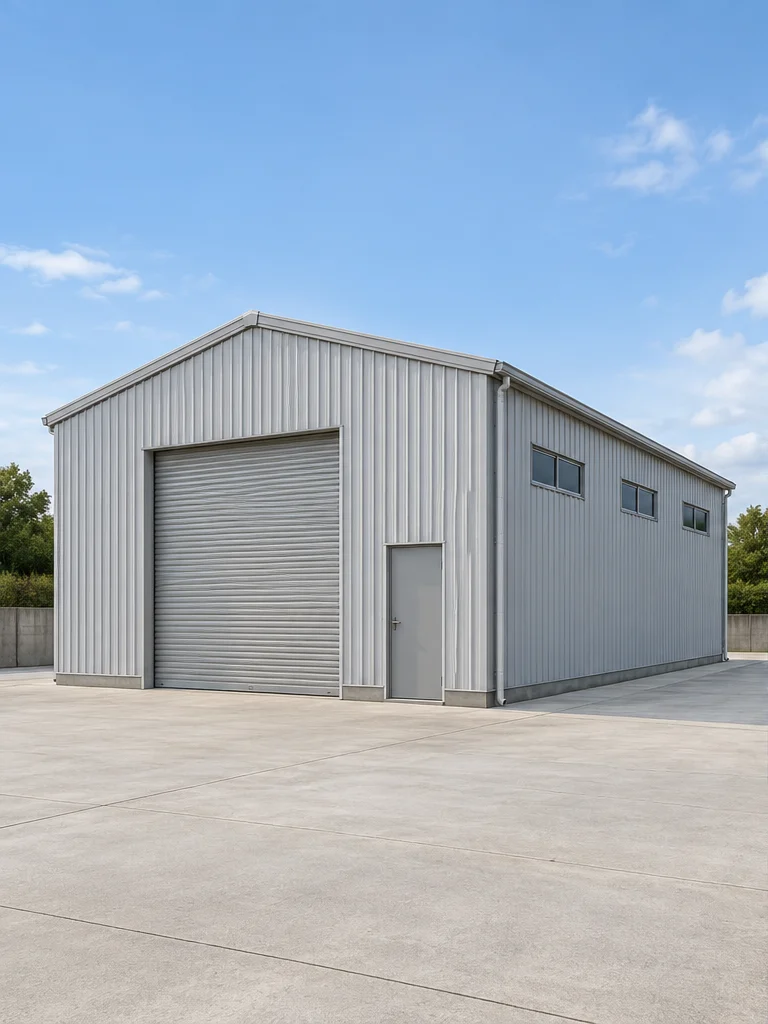
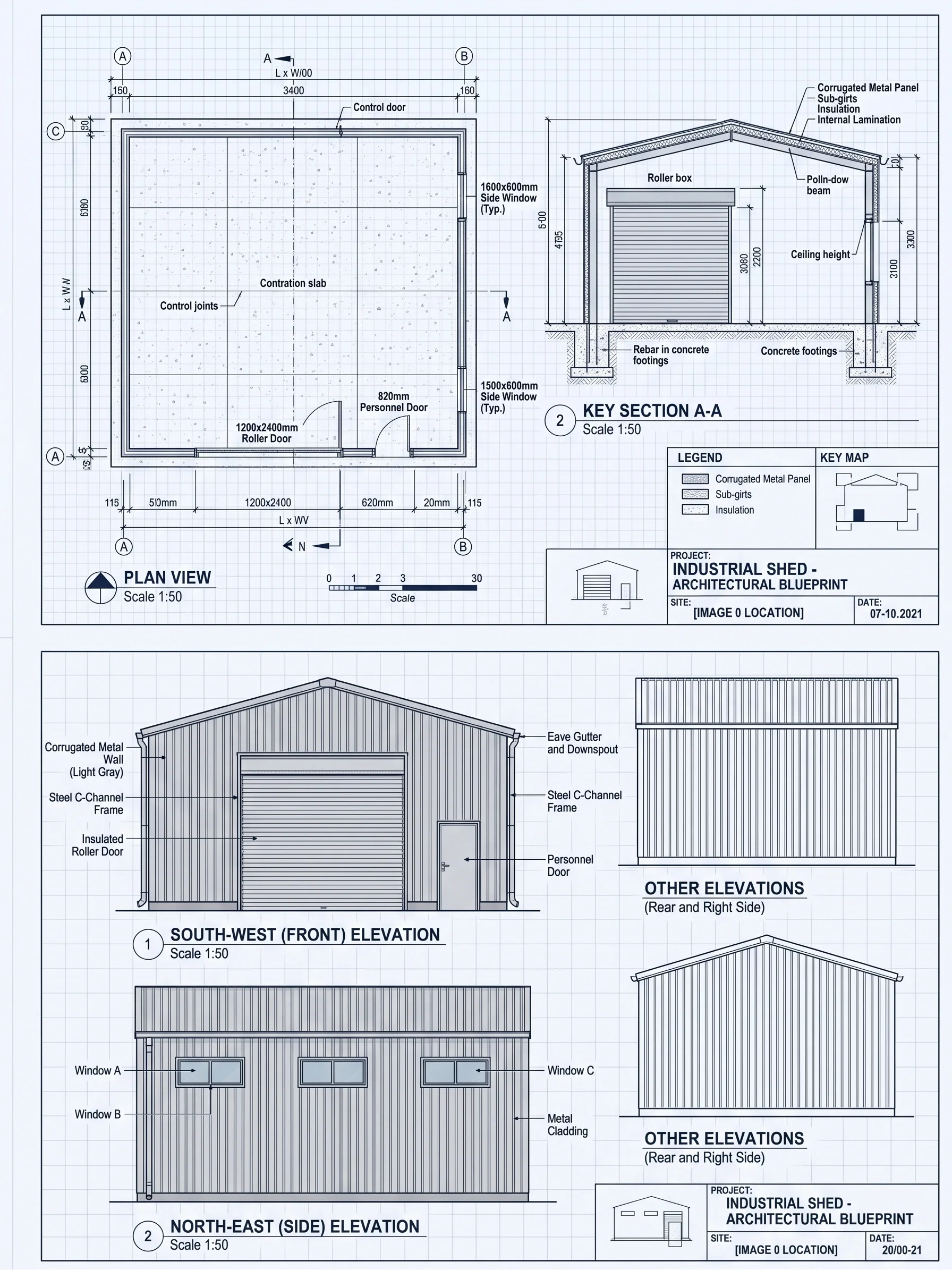
Industrial Warehouse
Explore an industrial building as clean linework showing its roof profile, large entrance and metal facade.
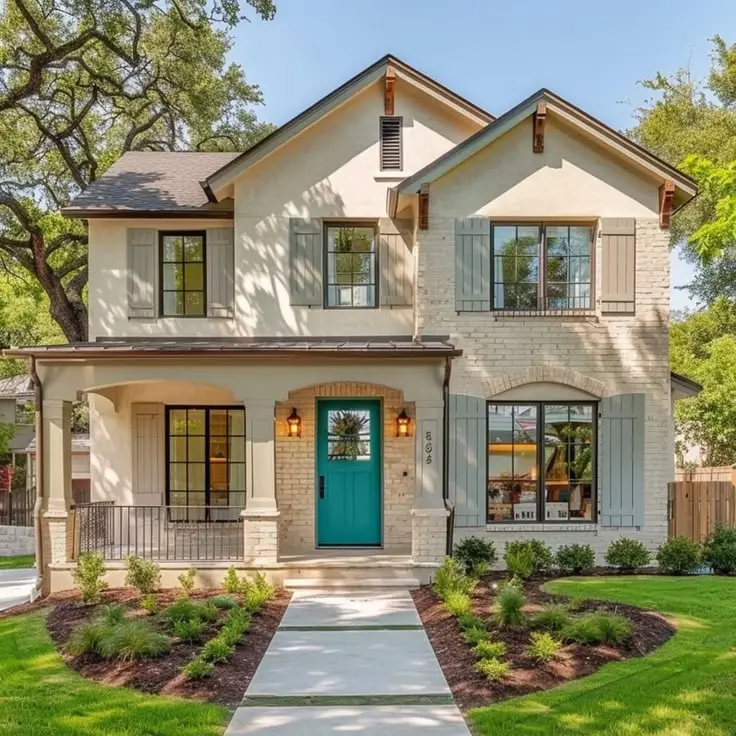
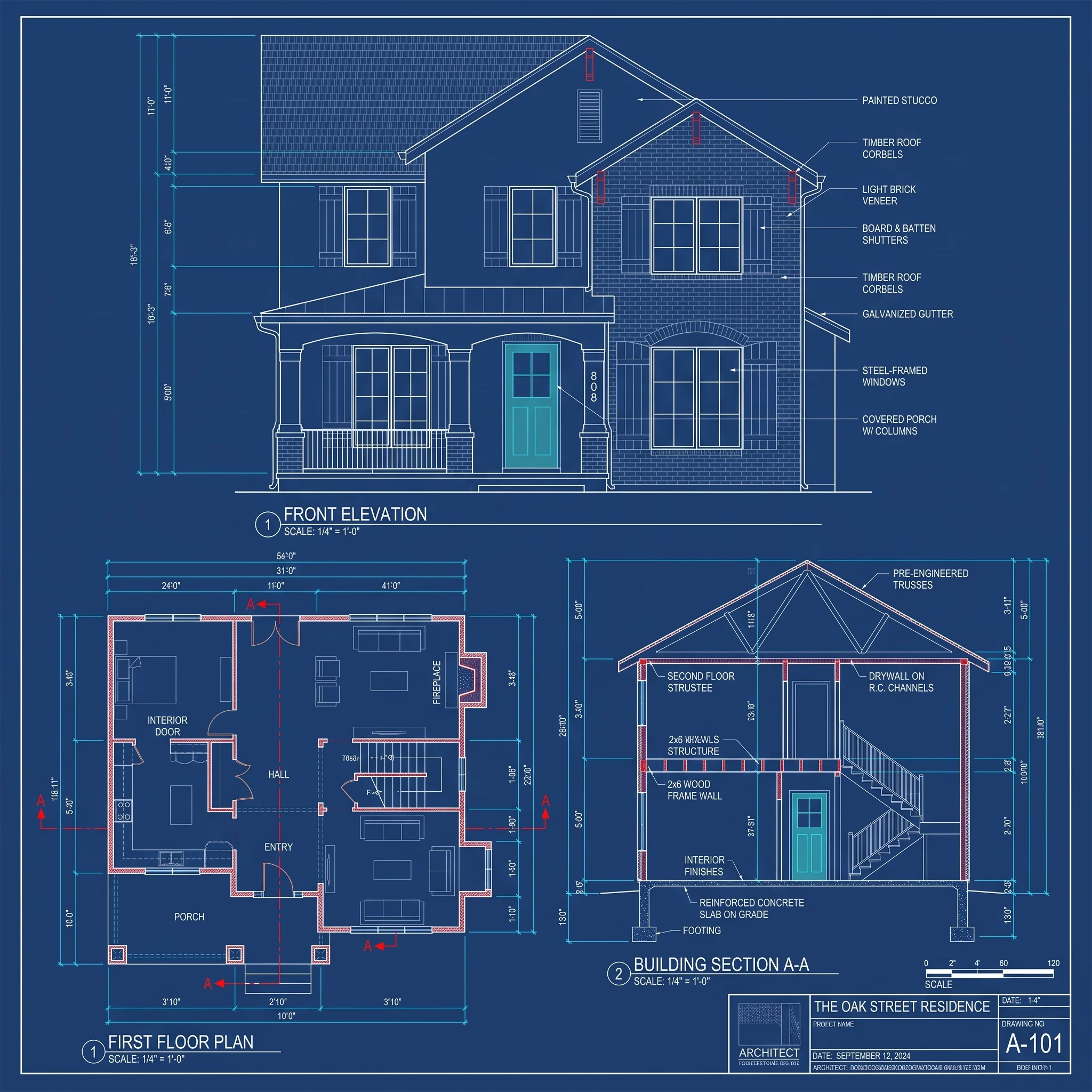
Modern Villa
Compare a modern villa photo with a blueprint-style illustration of its layered volumes, glazing and balcony.
What is AI Blueprint Generator?
Dehome's AI Blueprint Generator turns a building photo, image, or sketch into a blueprint-style architectural drawing for visual concepts and presentations. It interprets visible features such as rooflines, windows, openings, and facade form to create clean high-resolution linework.
The generated result is designed for architectural concepts, presentations, design reviews, and client communication. It is provided as a high-resolution image and does not contain verified measurements, editable vector geometry, hidden structural information, or construction documentation. If you need to draw or edit a layout manually first, use our floor plan maker .
Why Choose AI Blueprint Generator?
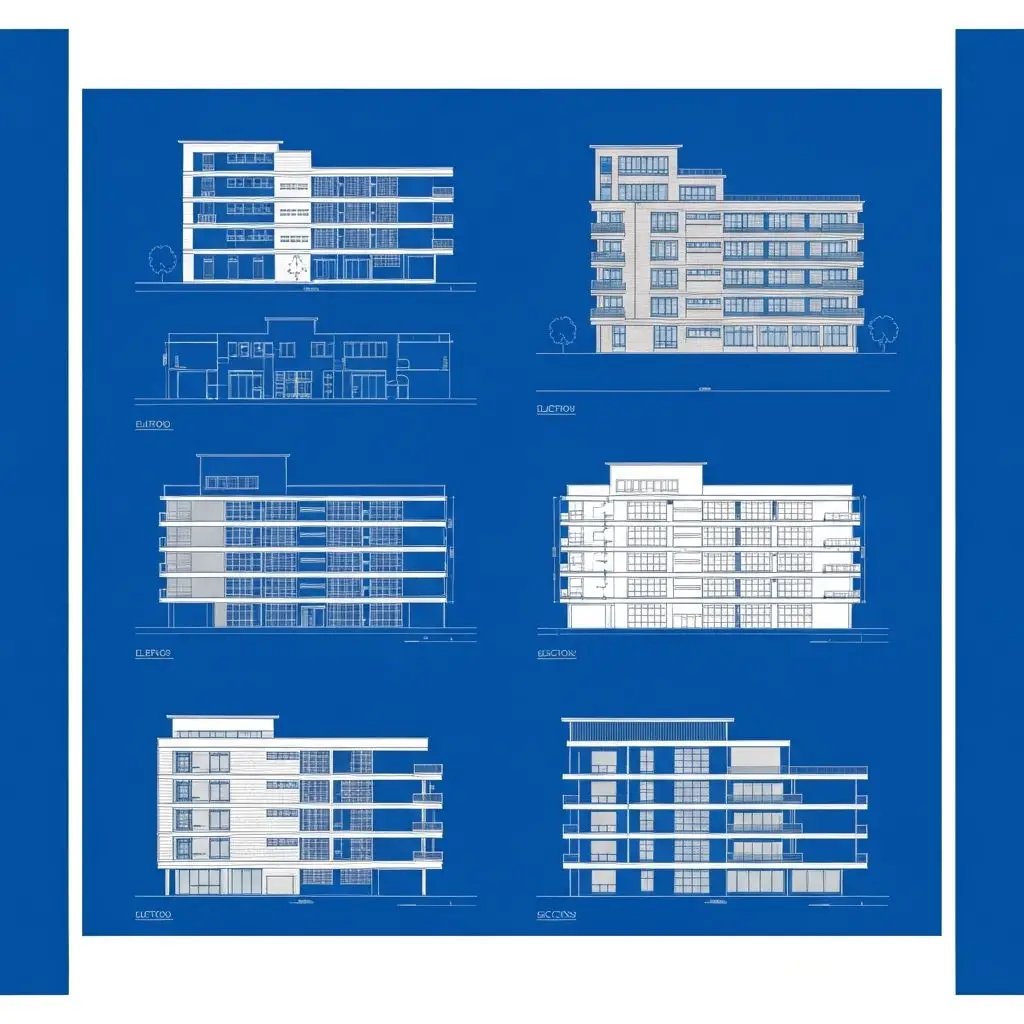
Professional Orthographic Views
Generate exploded blueprints showing plan, section, and elevation views with separated structural layers including grids, slabs, and facade systems. AI Blueprint Generator creates professional technical drawings instantly.
Instant AI Processing
Advanced AI analyzes building structure and composition to create detailed blueprint-style drawings in seconds - no manual drafting required. AI Blueprint Generator makes professional blueprints accessible to everyone.
Technical Excellence
Professional wireframe style with varying line weights, proper shadows, and vector-quality output suitable for architectural presentations. AI Blueprint Generator ensures every detail meets professional standards.
How to Create a Blueprint from a Photo with AI
Upload a Building Photo or Sketch
Upload a clear photograph of your building, house, or architectural structure to AI Blueprint Generator
Choose Settings & Generate
Select the building type, blueprint style, viewing angle, and structure preservation level, then generate your blueprint
Download & Use
Download a high-resolution image for design concepts, presentations, design reviews, or client communication
AI Blueprint Generator Features
Exploded Orthographic Views
Generates plan, section, and elevation views in an exploded diagram format that clearly shows how different building components relate to each other.
Layer Separation
When Exploded Orthographic is selected, the tool separates major building components such as the roof, floor slabs, walls, and facade elements into clear layered views.
Technical Wireframe Style
Professional black and white technical drawings with varying line weights to distinguish different structural elements and systems. AI Blueprint Generator uses professional wireframe styling.
Architectural Standards
Follows proper architectural drawing conventions including appropriate line weights, shadows, and vector-style rendering for professional output
AI-Powered Accuracy
Advanced computer vision AI analyzes building photographs to understand structure and automatically generate detailed blueprint-style drawings.
High-Quality Export
Download high-resolution images for presentations with crisp lines and professional presentation quality suitable for client meetings. AI Blueprint Generator delivers high-quality exports. To present room relationships in a more spatial format, create a 3D floor plan .
Related Blueprint and Floor Plan Tools
Explore more Dehome tools to design, plan, and present your architectural concepts.
Floor Plan Maker
Draw and edit a precise floor plan manually in your browser.
AI Floor Plan Generator
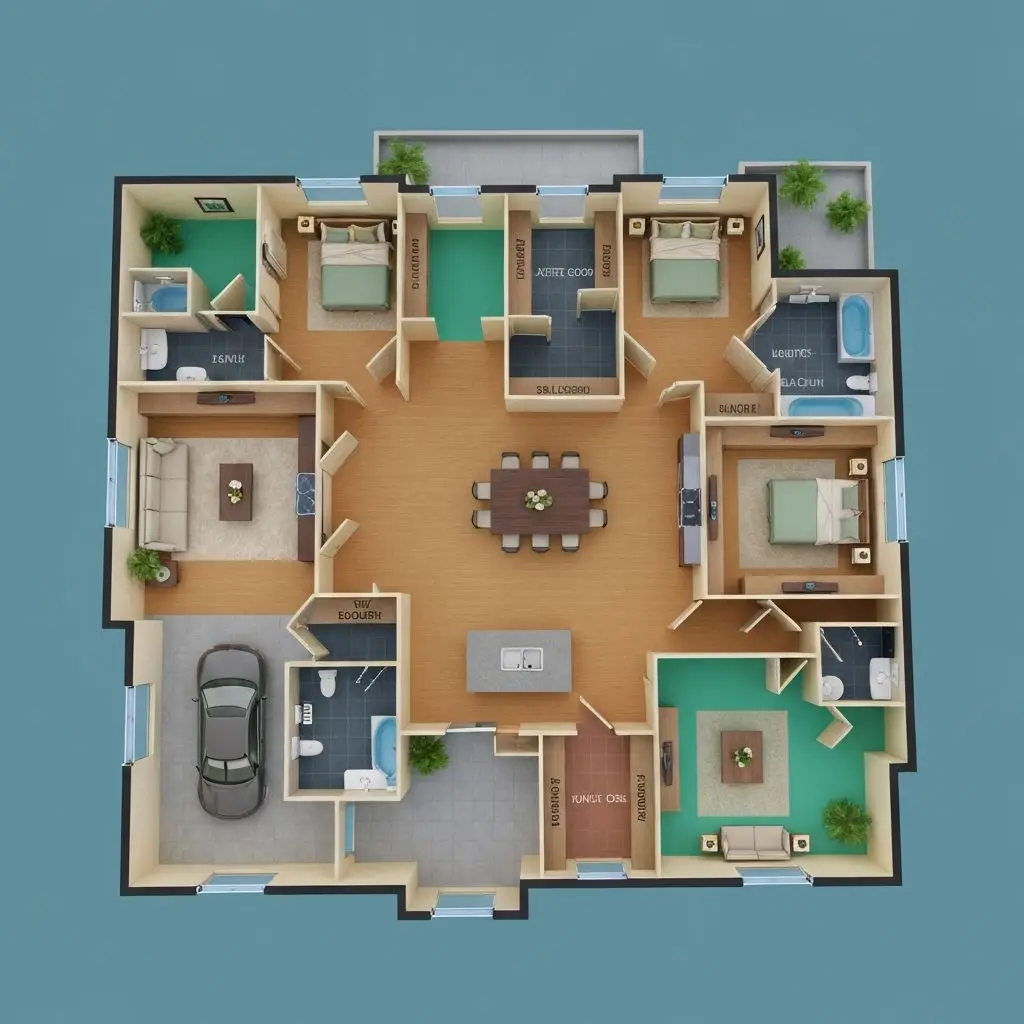
Generate floor plan ideas automatically from property size, rooms, and requirements.
3D Floor Plan
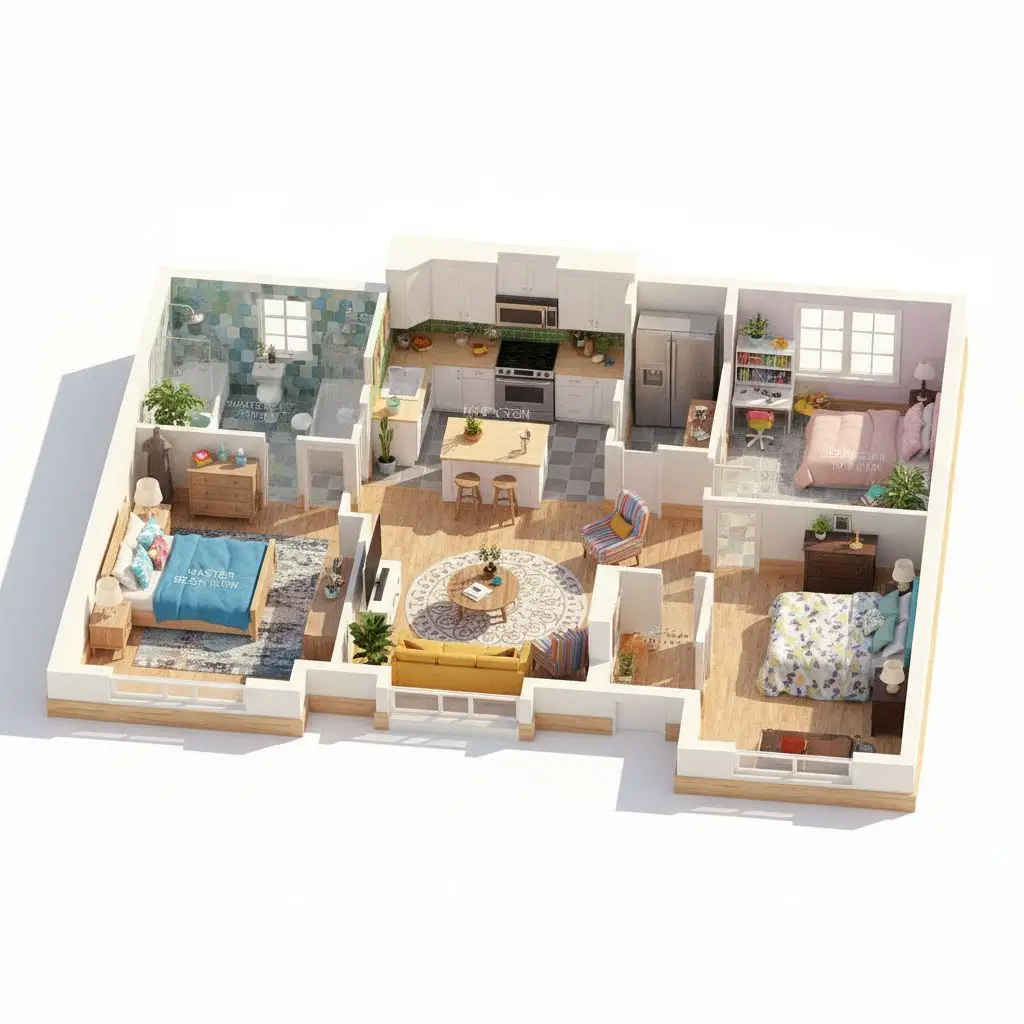
Turn a 2D layout into a more immersive 3D floor plan visualization.
AI Architecture Generator
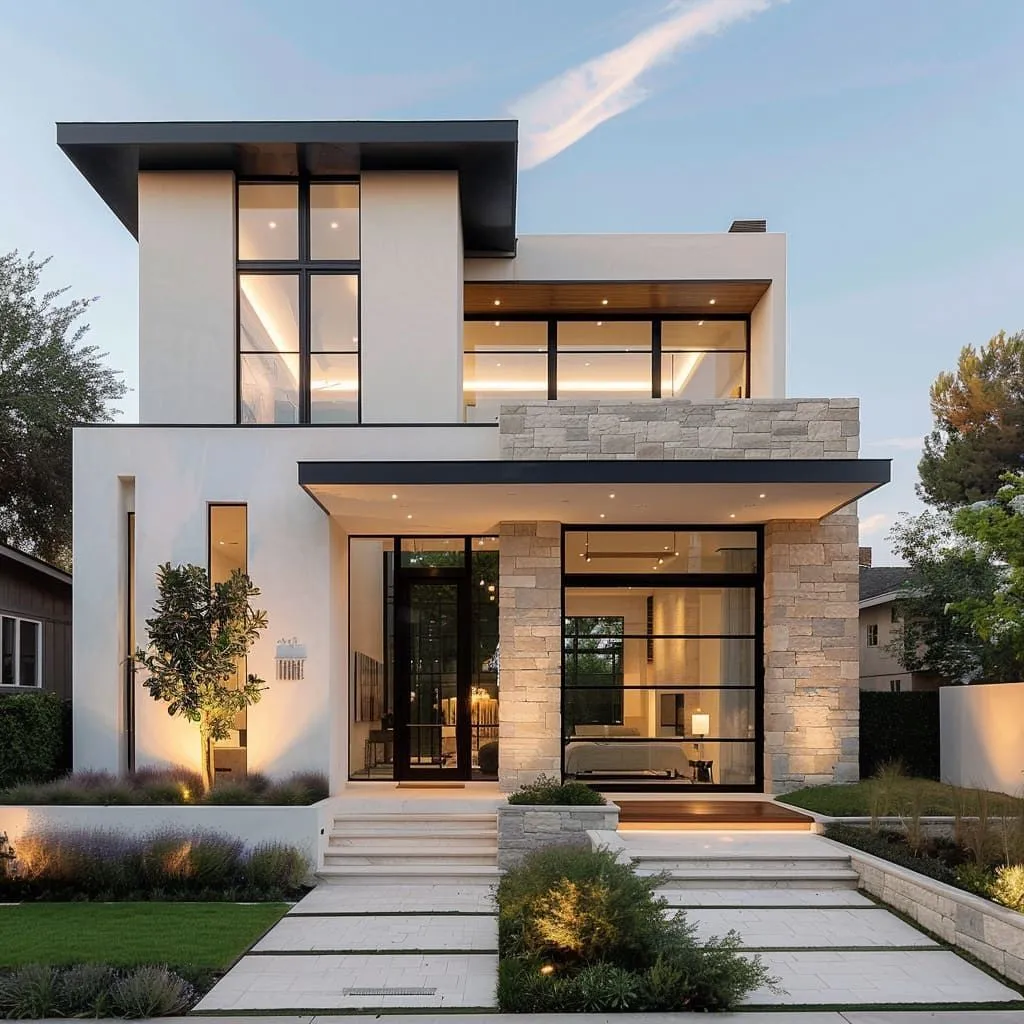
Generate architectural concepts and building design ideas with AI.
Frequently Asked Questions
What type of building images work best?
Clear, well-lit photographs of buildings taken from a straight-on angle work best. It can process residential homes, commercial buildings, offices, and any architectural structure with visible facades.
What output formats are supported?
Generated results are provided as high-resolution images with clean linework for presentations, design reviews, and client communication. They are not editable vector or CAD files.
Can I use these blueprints for construction?
These are visualization and presentation blueprints. For actual construction, you'll need detailed construction documents prepared by licensed architects and engineers.
How accurate are the generated blueprints?
The AI interprets visible building features in the reference image, such as the facade, roofline, openings, and major volumes. It cannot verify hidden structures, exact dimensions, or construction details.
Can I choose the blueprint style and viewing angle?
Yes. You can choose a blueprint style and viewing angle before generating, including front, side, back, or corner views when available.
How many credits does each generation cost?
Each generation costs 4 credits with the Basic model and 6 credits with the Pro model. The selected model and current credit cost are shown before you generate. New users receive 16 free credits to get started.
Is there a free AI blueprint generator?
Yes. New users can try Dehome’s AI Blueprint Generator with free credits. Additional generations use credits based on the selected Basic or Pro model.
Can I turn a photo, image, or sketch into a blueprint?
Yes. Dehome can turn a clear building photo, image, or sketch into a blueprint-style architectural drawing based on visible building details. The result is intended for design concepts and presentations, not verified construction documentation.
What is the difference between an AI blueprint generator and a floor plan maker?
An AI blueprint generator creates blueprint-style architectural drawings from an image, while a floor plan maker is designed for manually drawing or editing a floor plan. Dehome provides separate tools for these different workflows.
Can I preserve the original building structure?
Yes. Choose Keep Original to preserve the main building footprint, roofline, floor levels, openings, and visible proportions as closely as possible. The result is based on visible information in the reference image and may infer hidden details.