Turn interior, exterior, or renovation images into animated design videos for a more engaging visual preview.

Create your first design
Upload a photo of your home to quickly generate your first AI renovation design.
Create your first design
AI Home Design Video Generator
Create dynamic AI home design videos from interior and exterior photos. Use Dehome to animate home photos, generate room tour animations, create staging transformation videos, and turn static design visuals into professional home walkthroughs online.
What Is an AI Home Design Video?
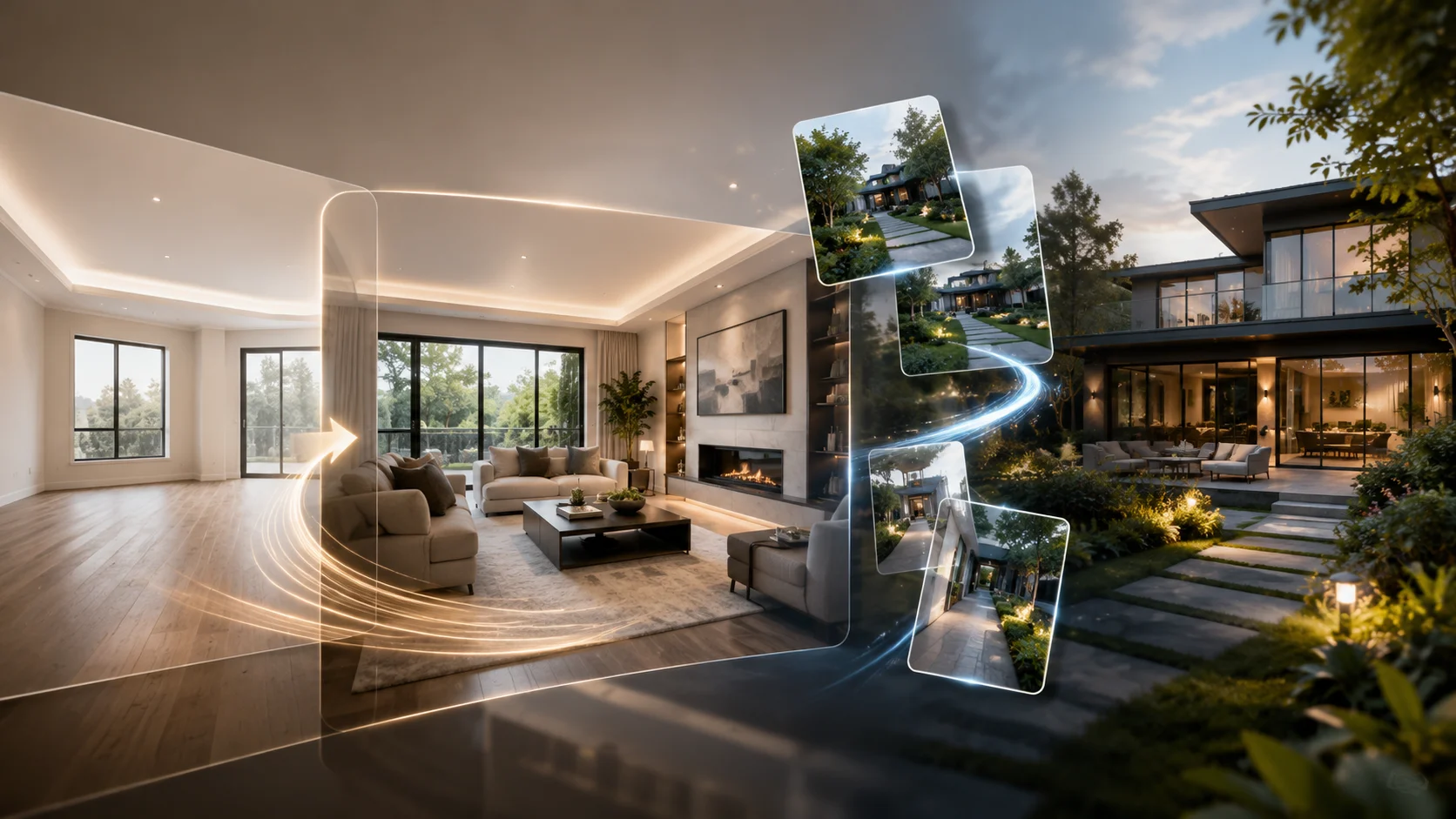
An AI home design video turns static home photos into short, polished videos using artificial intelligence. Instead of showing one still image, Dehome adds camera motion, staging transitions, and visual movement to help viewers experience a space more clearly.
With Dehome, you can upload a room photo, exterior image, garden view, or before-and-after design concept, then generate an AI home design video for presentations, social media, property listings, or design showcases. The tool supports interior photo to video, exterior photo to video, room animation AI, and AI house tour video use cases in one workflow.
AI Home Design Video Features
Room Tour Animation
Transform any static room photo into an immersive video. Dehome analyzes depth, perspective, and spatial relationships to generate smooth camera movement for a natural room tour animation.
Staging Transformation
Create before-and-after animations that show empty spaces turning into furnished interiors. Use bounce entrance, explosive reveal, light sweep, smooth morphing, or workers timelapse effects to present design potential.
Multi-Room Virtual Tours
Combine several room animations into one seamless home walkthrough. Arrange rooms in your preferred sequence, add room-to-room transitions, and create an AI home tour for an entire property.
Interior and Exterior Photo to Video
Turn both interior and exterior photos into AI home design videos. Animate rooms, facades, gardens, patios, outdoor spaces, and design visuals from a single image or a sequence of images.
Smart Camera Motion Effects
Choose zoom, pan, tilt, crab shot, or combined motion effects to highlight key furniture, architectural details, ceiling height, flooring, decor, facades, landscaping, and outdoor design elements.
Custom Prompt Control
Use prompts to define the animation style, transition rhythm, staging mood, or visual emphasis. This helps create a more personalized home design AI video for different design and marketing needs.
HD Video Export
Download your AI home design video in high-definition formats such as MP4, WebM, or GIF. Use the output for websites, social platforms, property marketing, client proposals, or design presentations.
How to Create an AI Home Design Video
Upload Your Images
Upload a single room photo for a room tour animation, an exterior photo for a facade or outdoor video, two images for before-and-after staging transformation, or multiple room photos for a full home walkthrough.
Choose Animation Style
Select a camera motion or transition effect. Dehome supports zoom in/out, pan left/right, vertical tilt, crab shot, combined motion effects, bounce furniture entrance, explosive reveal, light sweep, smooth morphing, workers timelapse simulation, and custom prompt control.
Customize Your Video
Add custom prompts to describe the motion, transition, mood, or staging effect you want. You can guide the AI to create a cinematic room animation AI result, a clean AI home tour, or a dramatic staging transformation.
Generate and Download
Generate your AI home design video and download the final result in HD quality. Export options include MP4, WebM, and GIF for social media, client presentations, property listings, and design portfolios.
Why Choose AI Home Design Video?
Professional Home Walkthroughs
Create an AI home tour or AI house tour video from one or more home photos. Use smooth camera movement to showcase bedrooms, living rooms, kitchens, bathrooms, offices, facades, gardens, patios, and outdoor spaces.
No Video Editing Skills Needed
Traditional video editing takes time, software, and production experience. Dehome helps you animate home photos, create staging reveals, and generate home design AI video content in seconds without professional editing skills.
Interior and Exterior Animation
Dehome is not limited to room animation. You can create AI home design videos from interior photos, exterior images, facade designs, garden views, patio concepts, and outdoor home visuals.
Flexible Animation Scenarios
Use the same AI home design video tool for room tour animation, before-and-after staging transformation, multi-room virtual tours, exterior showcases, interior design presentations, and social media content.
Related AI Home Design Tools
AI Home Design
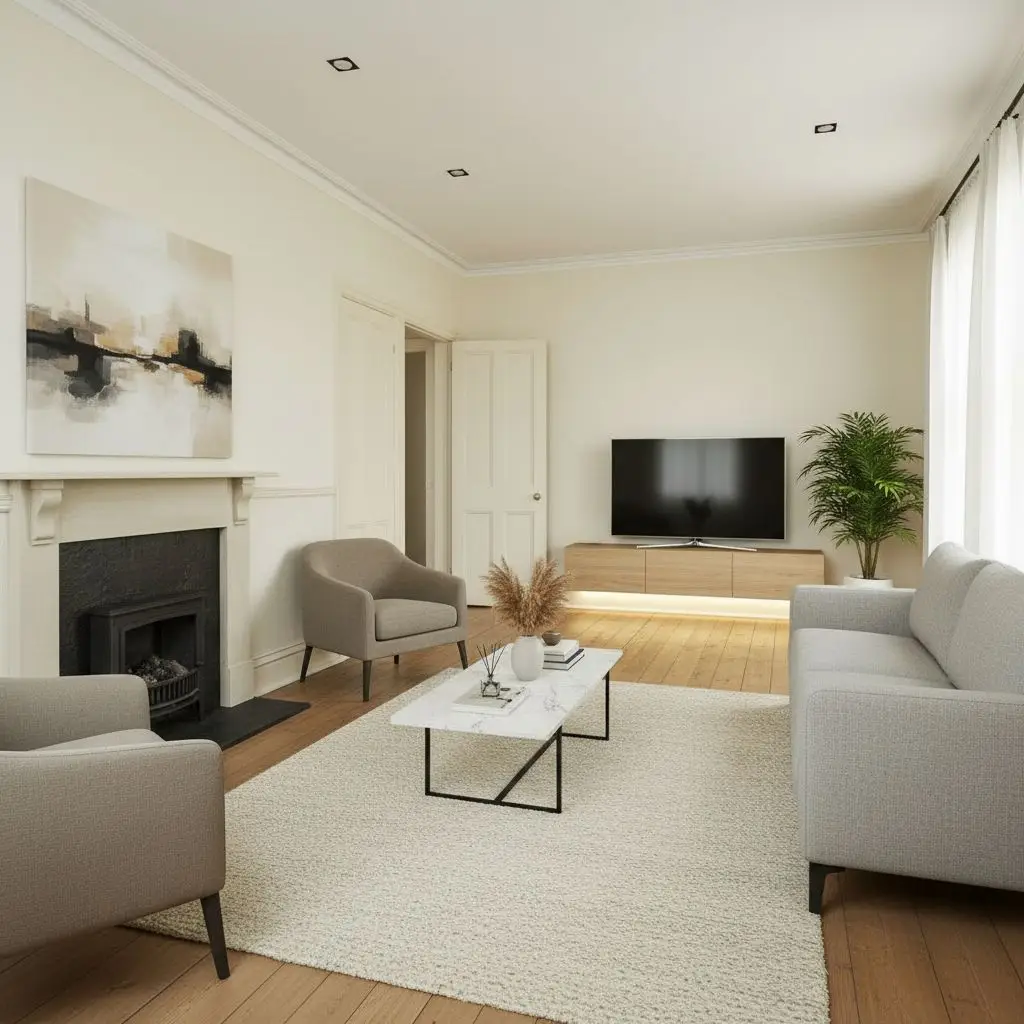
Generate interior, exterior, and garden design ideas from home photos before turning your favorite concepts into videos.
AI Room Design
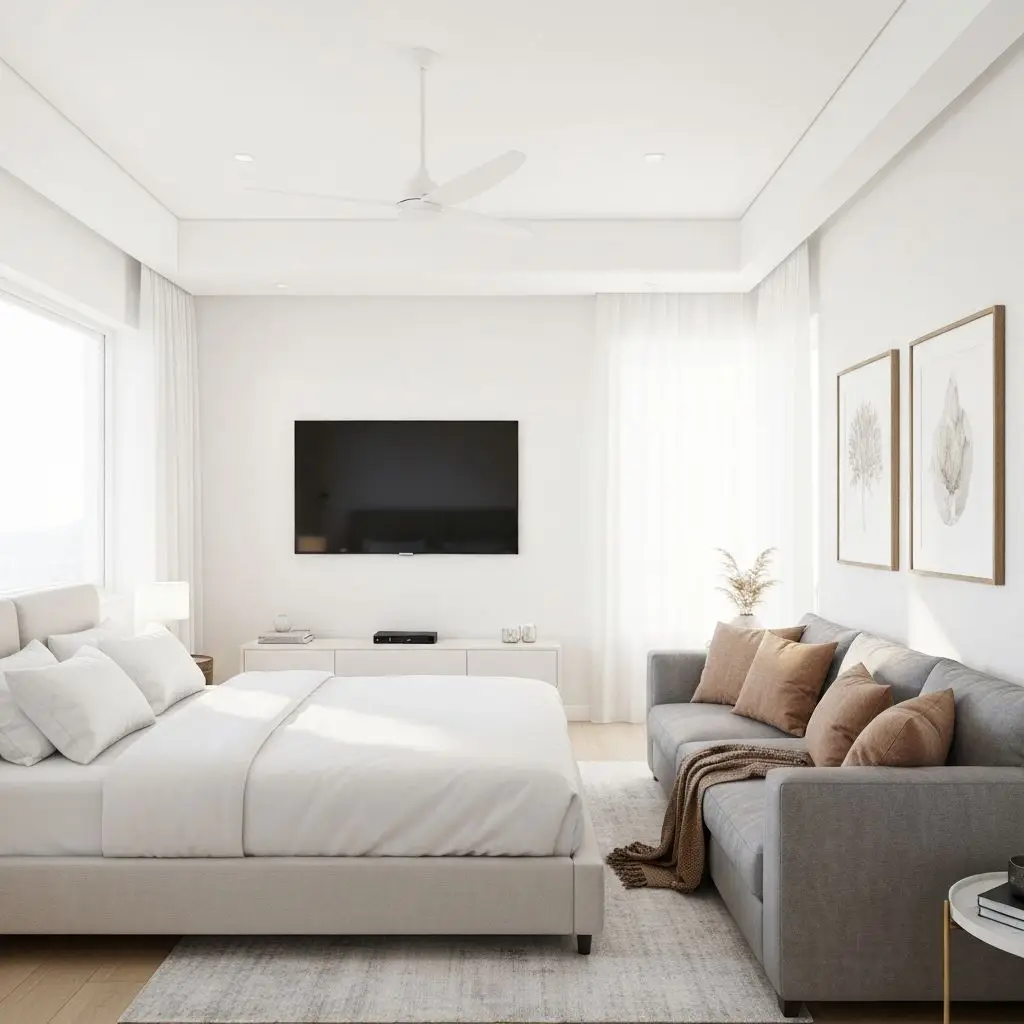
Redesign individual rooms with AI, then use the finished image to create a room animation or AI house tour video.
AI Exterior Design
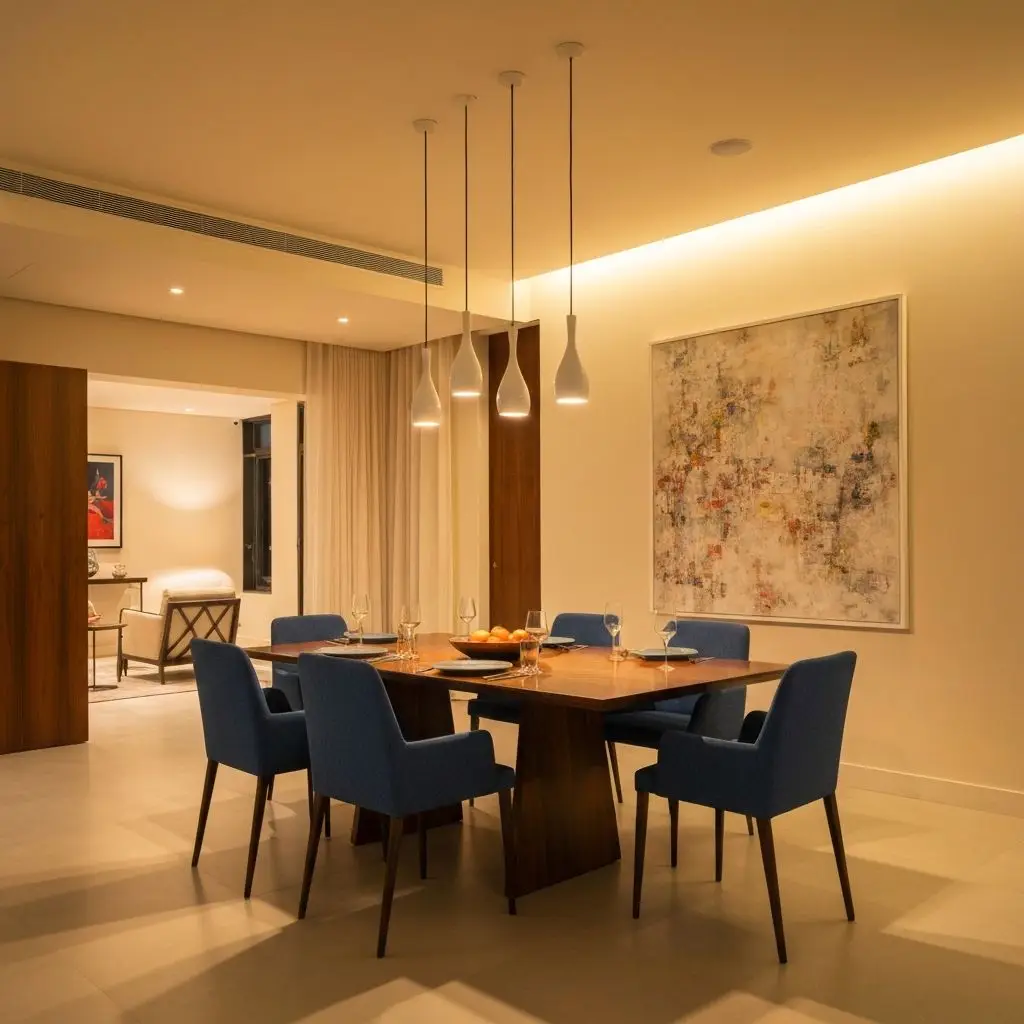
Create exterior design concepts for facades, gardens, patios, and outdoor spaces, then animate exterior photos for stronger visual storytelling.
3D Walkthrough
Use 3D Walkthrough when you need an interactive 3D walkthrough or immersive 360-style experience instead of a standard AI home design video.
Frequently Asked Questions
What is an AI home design video?
An AI home design video is a video generated from home, room, interior, or exterior photos. Dehome adds AI motion, camera movement, and transition effects to create home walkthroughs, room animations, staging videos, and AI house tour videos.
How does room tour animation work?
Room tour animation uses AI to analyze depth, perspective, and spatial relationships in a room photo. Then it applies motion effects such as zoom, pan, tilt, or crab shot to create a smooth video tour.
Can I create before-and-after staging videos?
Yes. Upload before-and-after images to create staging transformation videos. Dehome can animate furniture reveals, light sweeps, smooth morphing effects, and renovation-style timelapse transitions.
Can I animate exterior home photos?
Yes. Dehome supports both interior photo to video and exterior photo to video. You can animate facades, gardens, patios, outdoor spaces, and exterior design visuals.
Is this the same as an AI virtual tour generator?
Not exactly. Dehome can create virtual room tours from images, but it is focused on AI home design video output. A traditional AI virtual tour generator often creates 360° or interactive panorama tours. For interactive spatial viewing, use 3D Walkthrough (/3d-walkthrough).
What video formats can I download?
You can export AI home design videos in formats such as MP4, WebM, and GIF, depending on your selected output settings.
Who can use AI home design videos?
Homeowners, interior designers, real estate agents, property developers, architects, and content creators can use Dehome to animate home photos, present design ideas, and create visual stories from static images.