Turn your room or design image into an immersive walkthrough experience and explore the space from a new perspective.

Create your first design
Upload a photo of your home to quickly generate your first AI renovation design.
Create your first design
Walk Through Your Interior Designs in 3D with AI
Experience your interior designs as immersive spaces instead of static images. Turn an interior design image or text prompt into an interactive 3D environment, explore the space from different perspectives, and experience your design with a stronger sense of depth and spatial context.
What Is an AI 3D Walkthrough Generator?
An AI 3D walkthrough generator uses artificial intelligence to turn an interior design image or text description into an immersive 3D environment you can explore.Instead of viewing a design from one fixed camera angle, you can move through the space, look at the room from different perspectives, and experience the design with a stronger sense of depth, layout, and spatial relationships.
Dehome's 3D walkthrough AI is built for interior visualization, design exploration, and client presentations.Start from an existing render, room photo, AI - generated design, or text prompt and generate an interactive virtual walkthrough without manually building a complete 3D scene.
New users receive free credits at sign-up that can be applied toward AI 3D walkthrough generation. Additional credits are available when you need more generations. If you want to create or refine an interior concept first, use AI interior design .For layout-focused projects, explore the 3D Floor Plan Generator .
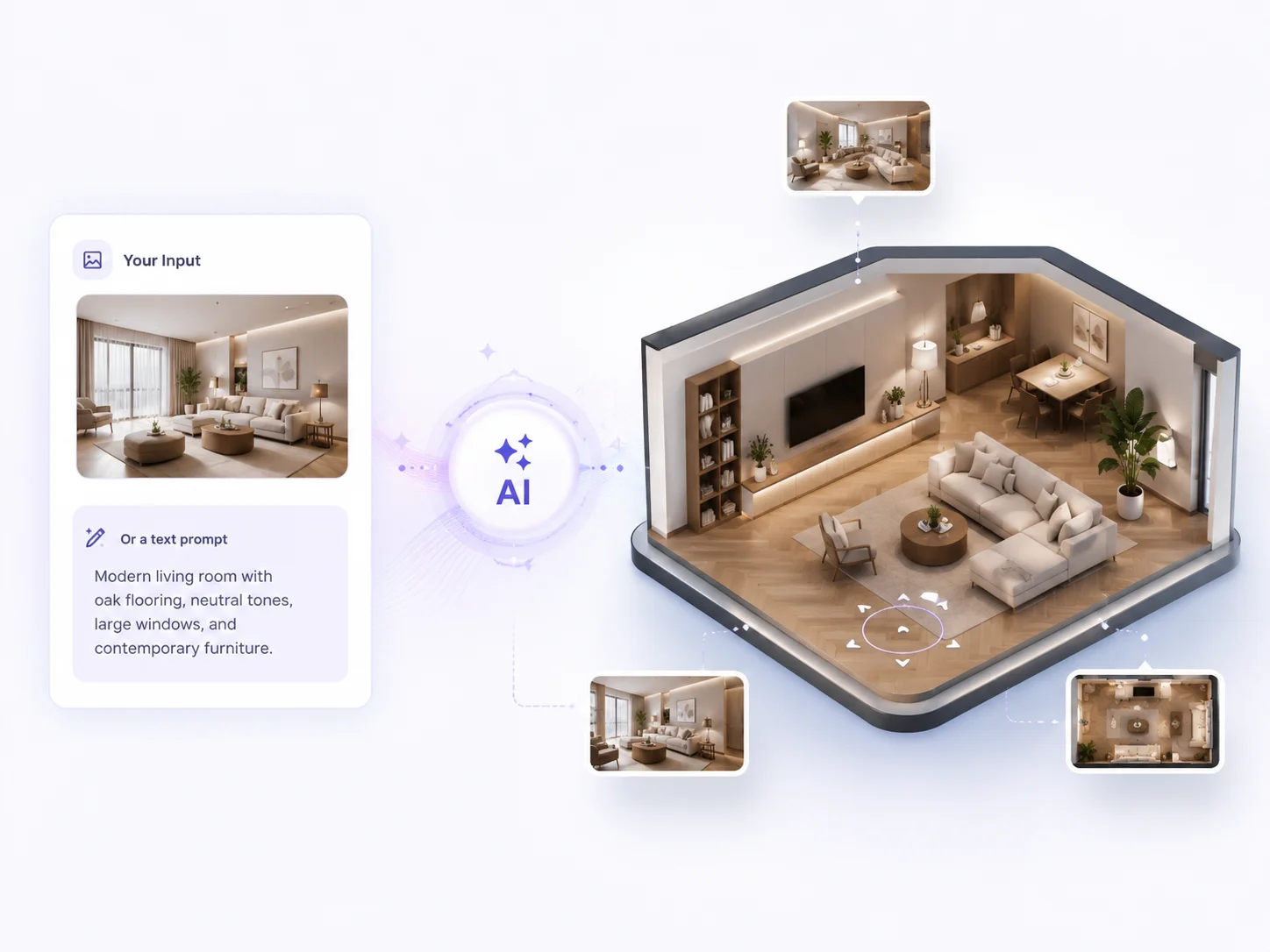
AI 3D Walkthrough Generator Features
Image to 3D Walkthrough
Turn an interior image or render into an immersive 3D environment. This image to 3D walkthrough workflow is ideal when you already have a design and want to explore it beyond a single fixed viewpoint.
Text to 3D Walkthrough
Describe an interior concept in text and let AI generate an immersive environment for exploration. It is useful for early-stage ideas when you do not yet have a finished design image.
Interactive Walkthrough
Explore a design through an interactive walkthrough instead of relying only on static renders. Move through the space and examine the interior from different perspectives.
Explore from Different Perspectives
Experience your design beyond a fixed camera view. Explore the generated space from different angles to better understand depth, proportions, layout, and relationships between elements.
AI 3D World Generation
For users looking for an AI 3D world generator or 3D environment generator, Dehome provides an interior-focused workflow for turning designs and prompts into explorable 3D spaces.
Interior Design Visualization
Use the tool for 3D walkthrough interior design projects across living rooms, bedrooms, kitchens, offices, and other interior spaces.
Client Presentations
Use a virtual walkthrough to help clients experience a design more clearly before it is built or renovated. Interactive exploration can make spatial ideas easier to communicate than static images alone.
Professional Visual Experience
Create immersive 3D experiences for design reviews, portfolios, presentations, and 3D showroom-style demonstrations with a more complete view of the interior space.
How to Create a 3D Walkthrough with AI
Upload or Describe
Upload an interior design image, render, room photo, or AI-generated design. You can also describe the interior you want to experience with a text prompt.
Select a Generation Model
Choose the available AI model that best fits your preferred balance of generation speed, quality, and detail.
Generate and Explore in 3D
Generate your walkthrough and explore the resulting 3D environment. Move through the space, look at the design from different perspectives, and experience its depth, layout, and spatial relationships.
Why Choose Dehome's AI 3D Walkthrough Generator?
Interactive 3D Exploration
Go beyond a single static render. Create an interactive walkthrough that lets you explore the room from different viewpoints and understand the design, layout, and spatial relationships more intuitively.
Image or Text Input
Create a 3D walkthrough from an interior design image, render, room photo, AI-generated design, or text description. This flexible workflow supports both existing designs and early-stage concepts.
Free Credits for New Users
New users receive free credits when they sign up for Dehome. These credits can be applied toward AI 3D walkthrough generation, with additional credits available for continued use.
Built for Interior Design
Use Dehome for 3D walkthrough interior design workflows, including concept exploration, design reviews, and client presentations. It helps communicate spatial ideas that can be difficult to understand from a flat image alone.
Fast AI Generation
Create an immersive walkthrough with AI instead of manually building a complete environment in traditional 3D walkthrough software. The AI simplifies the generation process, making 3D design exploration faster and more accessible.
AI Powered
Dehome's AI analyzes your input and generates an explorable 3D environment, so you can focus on the design instead of the technical setup.
Related AI Design Tools
AI Interior Design
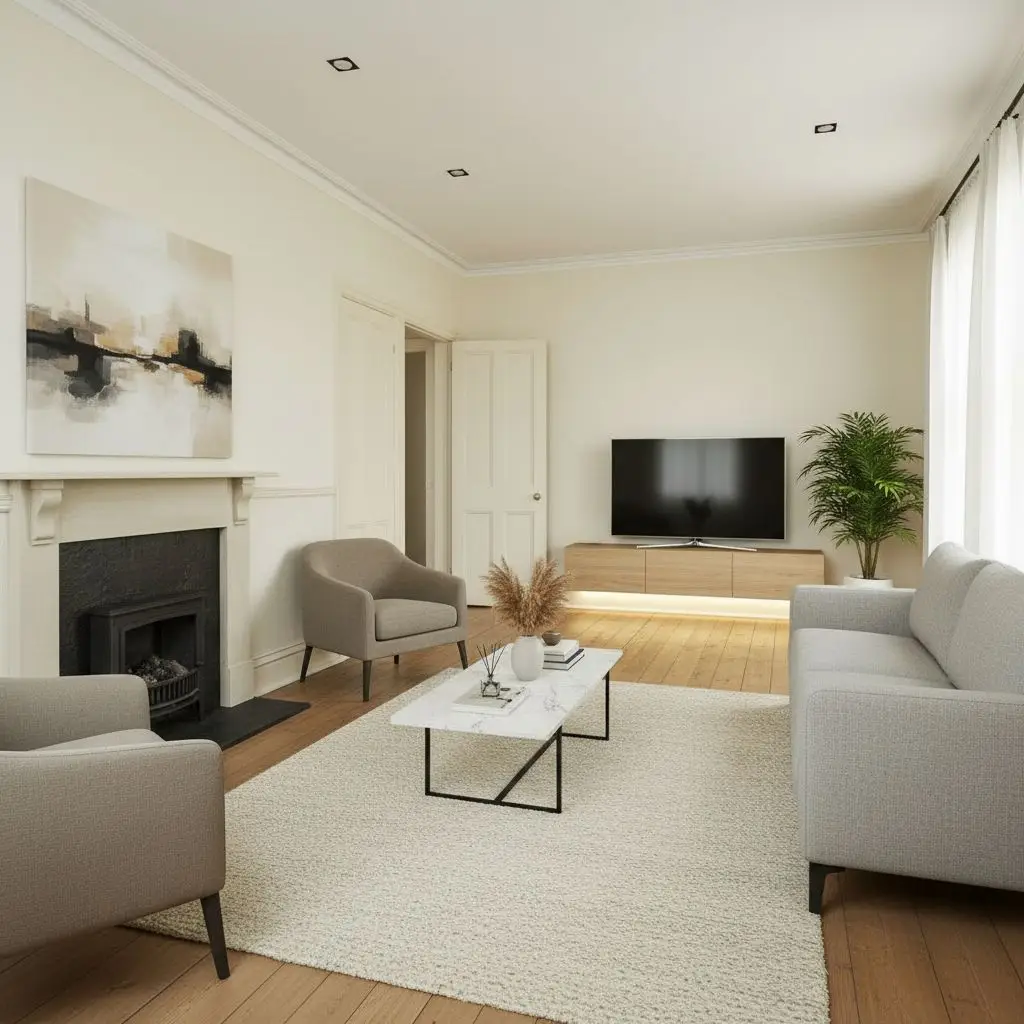
Create or refine a complete interior concept before turning it into an immersive 3D walkthrough.
3D Floor Plan Generator
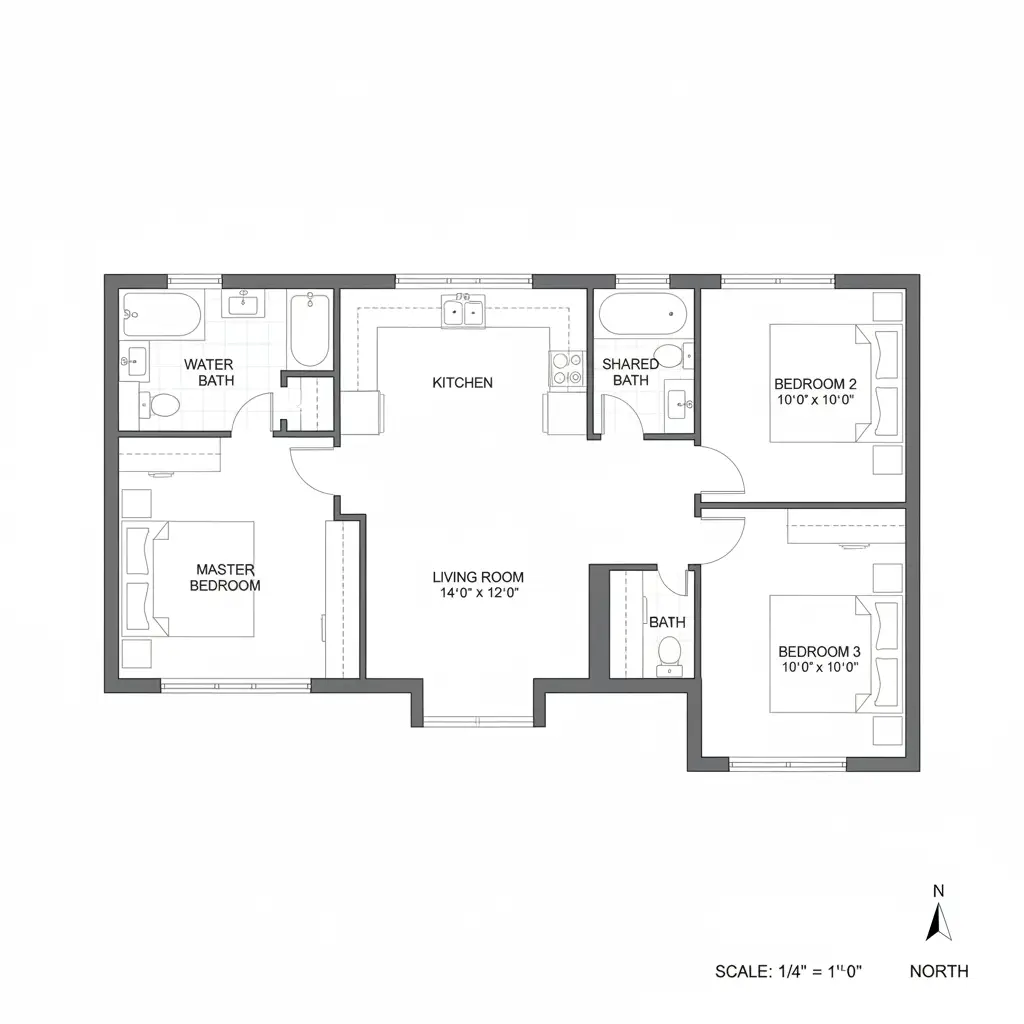
Create a 3D visualization of a floor plan when you need to communicate room layout and spatial relationships.
Sketch to Render
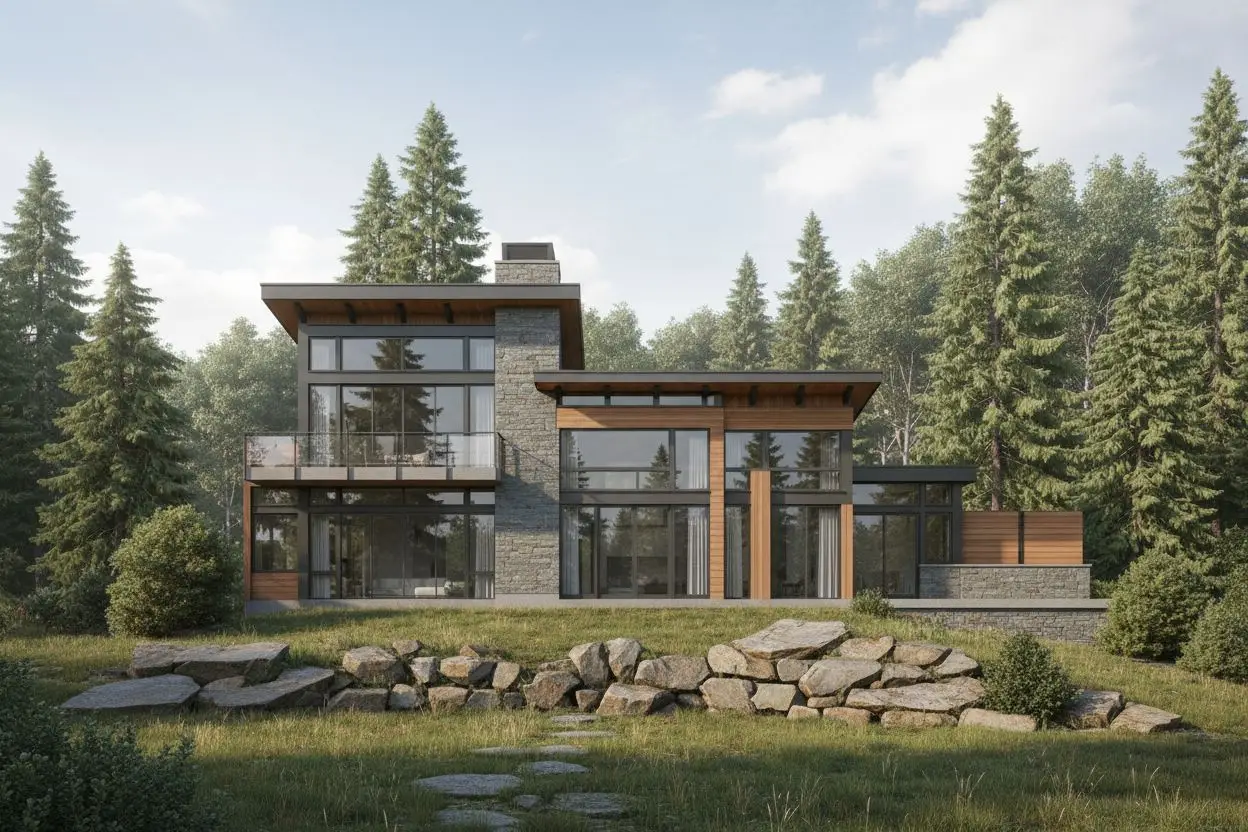
Turn an interior or architectural sketch into a photorealistic design image for your visualization workflow.
AI Home Design Video
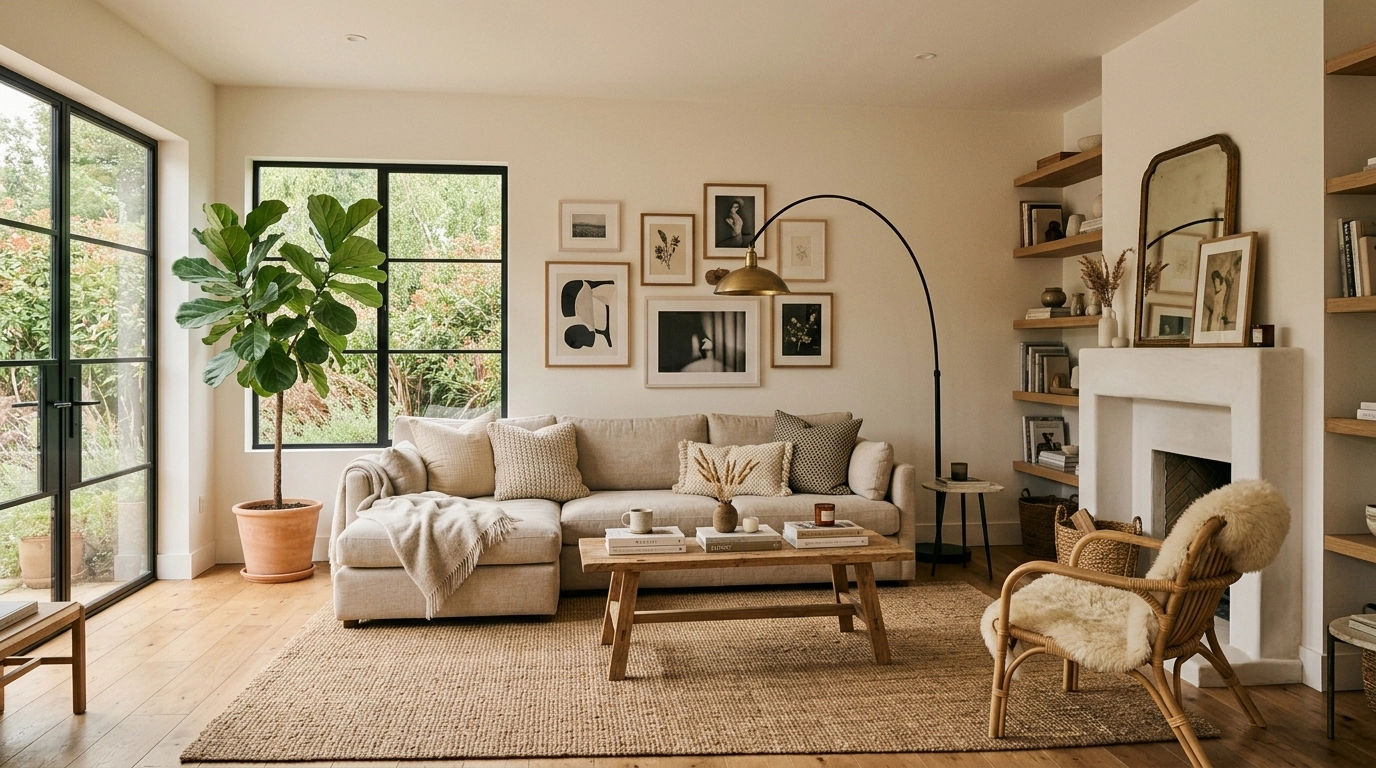
Turn interior design images into engaging videos for presentations, listings, and social media.
Frequently Asked Questions
Is the AI 3D Walkthrough Generator free?
Dehome gives new users free credits at sign-up. These credits can be applied toward AI 3D walkthrough generation, and additional credits are available when needed.
What can I use to create a 3D walkthrough?
You can start with an interior design image, room photo, render, AI-generated design, or text description. Dehome's AI walkthrough generator turns your input into an immersive 3D environment you can explore.
Can I turn an image into a 3D walkthrough?
Yes. Upload an interior design image or render and use the image to 3D walkthrough workflow to create an explorable result. This is useful when you want to experience a static design from different viewpoints.
Can I generate a 3D walkthrough from text?
Yes. Describe the interior space you want to explore with a text prompt and let AI generate an immersive 3D environment from your description.
What is the difference between a 3D walkthrough and a static interior design render?
A static interior design render shows the space from a fixed viewpoint, while a 3D walkthrough lets you explore the design from different perspectives. It provides a stronger sense of depth, layout, and spatial relationships, making it easier to understand and present an interior design.
Can I use 3D walkthroughs for interior design presentations?
Yes. 3D walkthrough interior design experiences are useful for design reviews, presentations, and client communication because they help viewers understand the space from multiple perspectives.
Do I need 3D modeling experience?
No. The AI 3D walkthrough generator is designed to reduce the manual work required by traditional 3D walkthrough software. You can start with an image or text prompt and let AI handle the generation process.
Is there a free AI walkthrough generator option?
Dehome offers free credits to new users when they sign up. These credits can be applied toward AI walkthrough generation, with additional credits available for continued use.